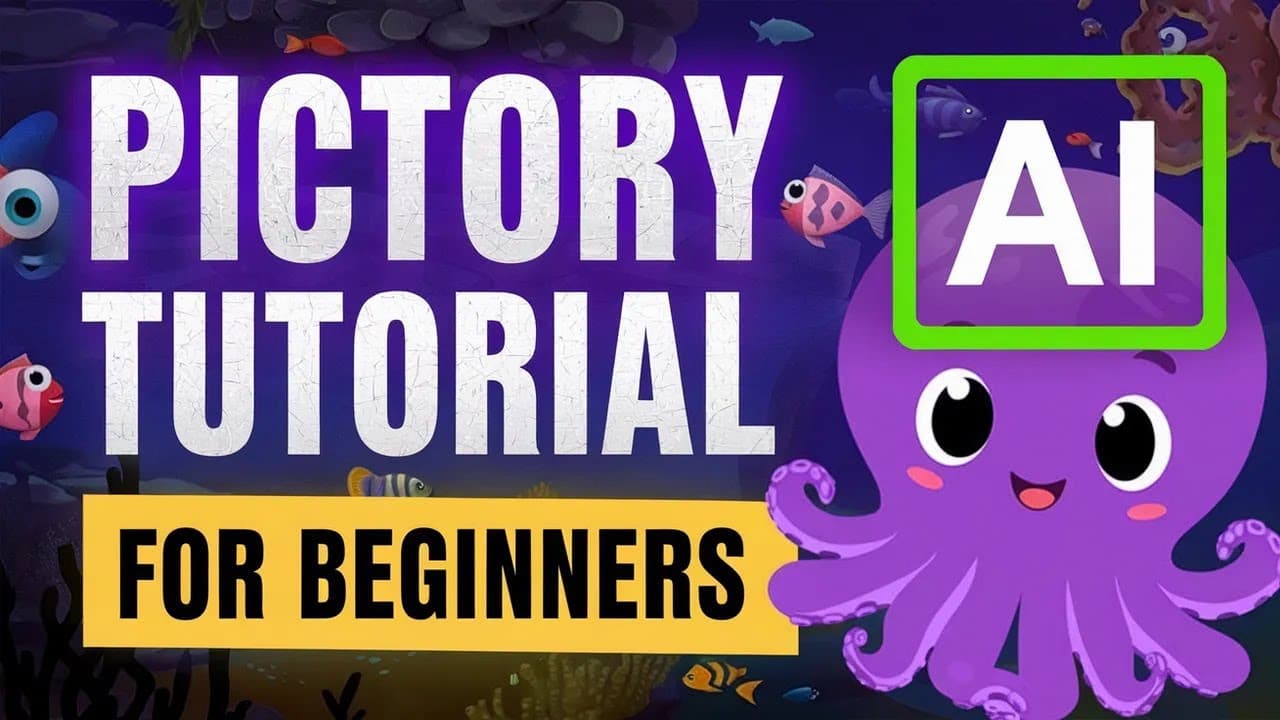
Full Pictory AI Tutorial for Beginners (Script to Video)
TL;DR
This tutorial video demonstrates how to use Pick 3 AI to create videos using AI-generated scripts and visuals, with options for customization, voiceovers, and background music.
Transcript
in this full Pick 3 AI tutorial video I'm gonna break down and streamline the process of creating videos generated by AI you can use these videos for YouTube as well as other social media platforms I'll show you how you can turn a script into a full video with only a few clicks including the following points you can see right here you can also find... Read More
Key Insights
- 📺 Pick 3 AI allows users to easily create AI-generated videos for platforms like YouTube and social media with just a few clicks.
- 📝 Users can input a script into the video editor, making sure to format it sentence by sentence for better video results.
- 🎥 Pick 3 AI automatically selects video clips based on the script's content, but users can also manually choose visuals from an integrated library or upload their own.
- 🔀 Splitting scenes and adjusting text size and placement can optimize the overall video experience.
- 🎙️ Users can generate voiceovers using AI-powered tools like Murph AI to enhance the video's audio quality and pronunciation.
- 💡 Being specific and detailed in the script request to AI models like Chat GPT generates better and more engaging scripts.
- 📊 Users can preview and adjust the auto-generated voiceover to ensure syncing and quality before finalizing the video.
- 💻 Pick 3 AI offers various formats, including 1080p for video quality, and users can customize videos further in the comprehensive video editor.
Install to Summarize YouTube Videos and Get Transcripts
Explore YouTube Video Summarizer or Get YouTube Transcript Extractor
Questions & Answers
Q: How can Pick 3 AI help streamline the process of creating AI-generated videos?
Pick 3 AI provides a user-friendly platform that enables users to easily generate videos by inputting scripts and selecting visuals, templates, and aspect ratios. It automates the process of video creation, making it quick and efficient.
Q: What role does script formatting play in generating high-quality videos?
Formatting the script into sentence-by-sentence sections improves the video generation process as it ensures better accuracy in the automatic captions and visual selection. It helps create a more cohesive and engaging video.
Q: Can users customize the visuals and clips in the AI-generated video?
Yes, Pick 3 AI allows users to select visuals and clips from its integrated library or upload their own. Users can choose scenes that match their script and make adjustments to the visual elements such as font, size, color, and placement.
Q: How can users add voiceovers and background music to their videos?
Pick 3 AI does not provide built-in voiceovers, but users can import voiceovers from external platforms like Murph AI. Users can also add background music from Pick 3 AI's library and adjust the audio settings to achieve the desired volume and balance with the voiceover.
Summary & Key Takeaways
-
The video tutorial explains how to use Pick 3 AI to create videos using AI-generated scripts and visuals.
-
It highlights the importance of formatting the script into sentence-by-sentence sections for better video generation.
-
The tutorial covers choosing templates, selecting aspect ratios, customizing captions, adding visuals and clips, and syncing voiceover with captions.
Read in Other Languages (beta)
Share This Summary 📚
Summarize YouTube Videos and Get Video Transcripts with 1-Click
Try YouTube Summary with ChatGPT & Claude or YouTube Transcript Generator
Explore More Summaries from Youri van Hofwegen 📚


Summarize YouTube Videos and Get Video Transcripts with 1-Click
Try YouTube Summary with ChatGPT & Claude or YouTube Transcript Generator