How to Make Faceless YouTube Videos on ChatGPT Store (Prompt to Video)
TL;DR
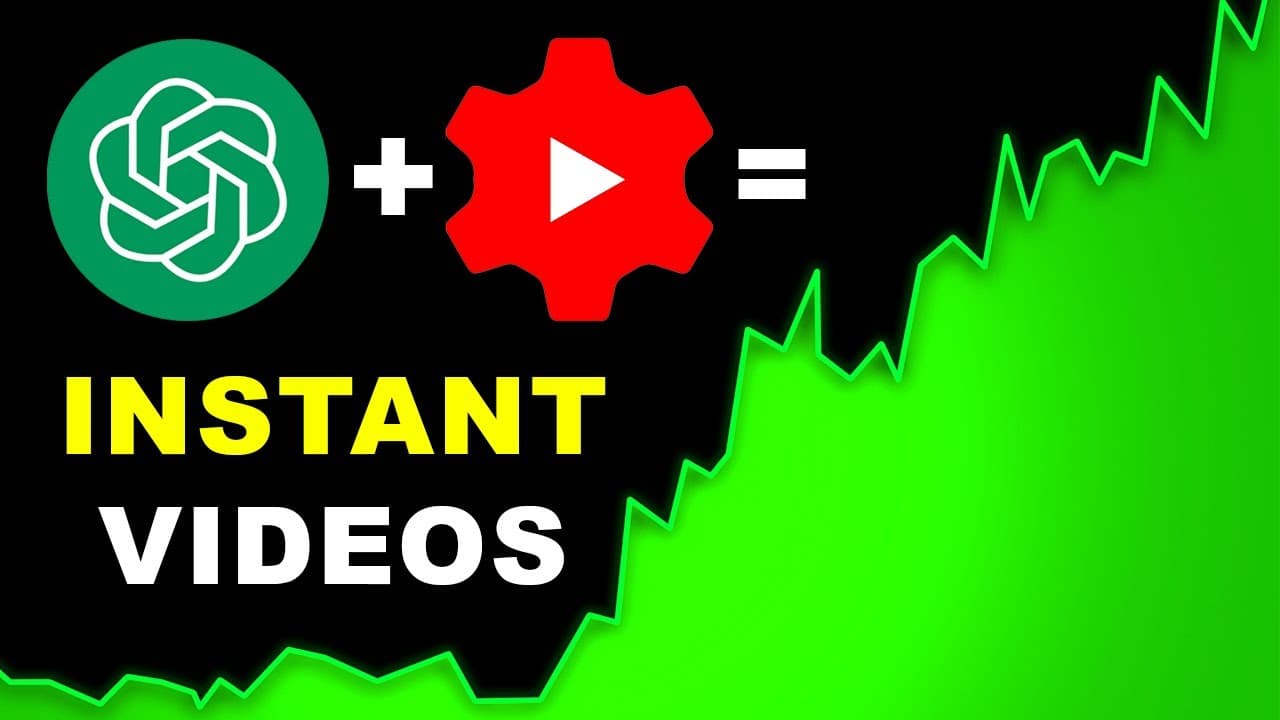
ChatGPT can create complete faceless YouTube videos effortlessly.
Transcript
imagine you can create a full faceless YouTube video without doing any of the work well you now can after Chad GPT launched its very own store all you need to do is tell it which video you want to create and it will do all the work for you I click on let's create a video Chad gbt will then ask me which video I want to create I tell it exact... Read More
Key Insights
- ChatGPT has launched a store that allows users to create faceless YouTube videos without any technical skills, handling script, voiceover, and video editing.
- The platform enables users to specify video details such as idea, length, style, and target audience, making it customizable to individual preferences.
- AI-generated videos might face challenges in viewer retention due to recognition of AI content, but initial results show promising engagement.
- The ChatGPT store offers various GPTs, including video AI by InVideo, capable of creating content for YouTube, TikTok, Instagram, and more.
- The best-performing videos are information-based, such as travel guides or historical content, where heavy editing is less crucial than storytelling.
- Users can change video elements like voiceover and clips easily through prompts, allowing for dynamic customization without technical expertise.
- AI tools can generate scripts and entire videos, but for higher quality, a paid plan is recommended, offering better export quality.
- Initial results from AI-generated videos show potential in YouTube search visibility, though further optimization is needed for improved viewer duration.
Install to Summarize YouTube Videos and Get Transcripts
Explore YouTube Video Summarizer or Get YouTube Transcript Extractor
Questions & Answers
Q: How does ChatGPT help in creating faceless YouTube videos?
ChatGPT facilitates the creation of faceless YouTube videos by handling the entire production process, including scriptwriting, voiceover, and video editing. Users simply provide details such as the video idea, length, and style, and ChatGPT generates the video content, making it accessible to those without technical skills.
Q: What types of videos perform best when created by AI?
Information-based videos, such as travel guides and historical content, perform best when created by AI. These videos rely more on storytelling and factual information rather than extensive editing, which AI tools can handle effectively, producing engaging content with relevant stock footage and voiceovers.
Q: Can users customize AI-generated videos?
Yes, users can customize AI-generated videos by using prompts to change elements such as voiceover and video clips. This allows for dynamic adjustments to suit specific preferences, ensuring that the final product aligns with the user's vision without requiring technical expertise.
Q: What are the initial results of AI-generated videos on YouTube?
Initial results of AI-generated videos on YouTube show promising engagement, with views and search visibility indicating potential success. However, viewer retention can be affected by AI recognition, and further optimization is needed to improve viewer duration and overall performance.
Q: Is there a cost associated with using ChatGPT's video creation tools?
ChatGPT's video creation tools are free to use, but a paid plan is recommended for those serious about video quality. The paid plan, available for around $20 a month, offers better export quality and additional features that enhance the overall production value of the videos.
Q: How does ChatGPT handle video customization?
ChatGPT handles video customization by allowing users to specify details like target audience, tone, style, and key points. Users can also make changes post-production by providing prompts to adjust elements such as voiceover and clips, ensuring the video meets their desired specifications.
Q: What challenges might AI-generated videos face on YouTube?
AI-generated videos might face challenges in viewer retention due to the potential recognition of AI content, leading to viewers clicking away. Additionally, while initial engagement is promising, optimizing content to increase viewer duration and compete with human-edited videos remains a challenge.
Q: What are the benefits of using AI for video creation?
The benefits of using AI for video creation include ease of use, time efficiency, and the ability to produce content without technical skills. AI handles scriptwriting, voiceover, and editing, allowing users to focus on creative direction. It also enables quick customization and adaptation to different content needs.
Summary & Key Takeaways
-
ChatGPT's new store allows users to create faceless YouTube videos effortlessly, handling everything from script to editing. It asks for video preferences and generates content accordingly, making it accessible for those without technical skills.
-
AI-generated videos can be customized easily, allowing changes in voiceover and clips through simple prompts. The platform is particularly effective for information-based content like travel guides and historical videos.
-
Initial results show promise in viewer engagement, although AI recognition might affect retention. A paid plan is suggested for better video quality, and further optimization can improve viewer duration and search visibility.
Read in Other Languages (beta)
Share This Summary 📚
Summarize YouTube Videos and Get Video Transcripts with 1-Click
Try YouTube Summary with ChatGPT & Claude or YouTube Transcript Generator
Explore More Summaries from Youri van Hofwegen 📚

Summarize YouTube Videos and Get Video Transcripts with 1-Click
Try YouTube Summary with ChatGPT & Claude or YouTube Transcript Generator