Photoshop CC How to Create Black and White Images | Photoshop Retouching Tutorial
TL;DR
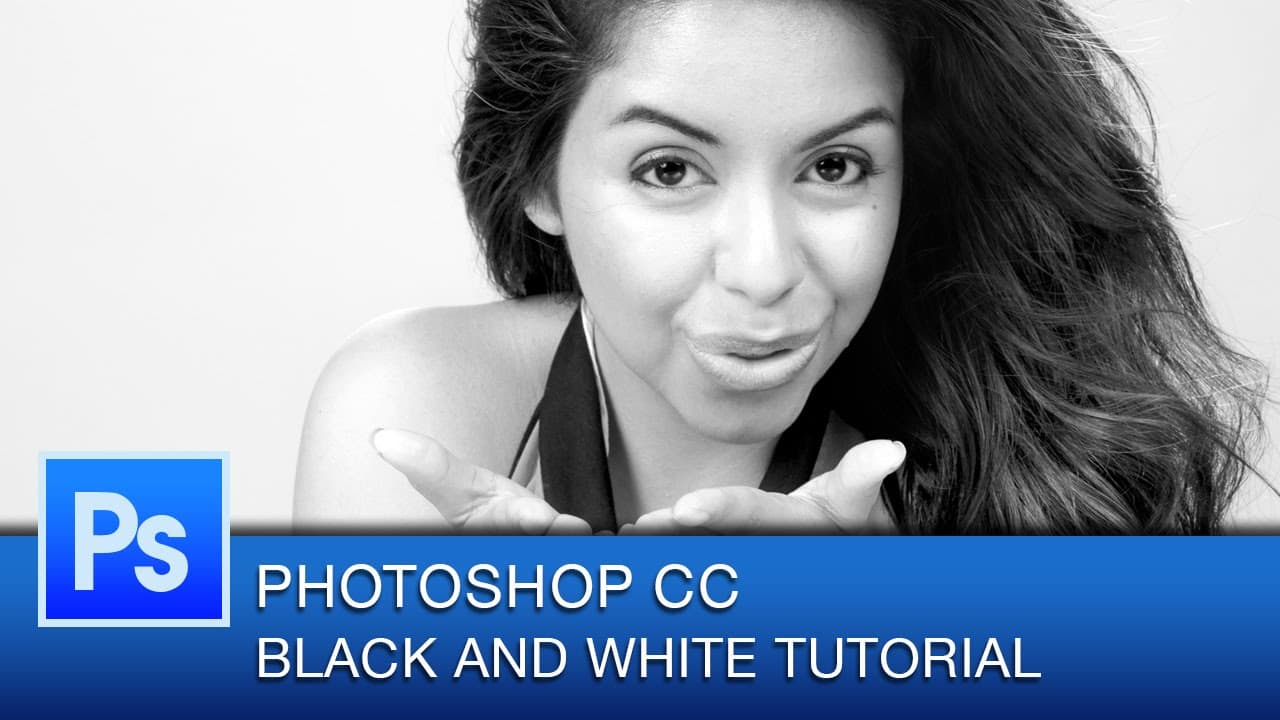
Learn how to transform color portraits into vibrant black and white portraits using adjustment layers and effects in Photoshop CC.
Transcript
hey everyone this is Roberto Blake and welcome to another Photoshop CC tutorial video in this tutorial we're going to learn how to make stunning black and white portraits from your original color portraits using some simple adjustment layers and effects in Photoshop CC you don't need Photoshop CC to follow along with this tutorial you can do this i... Read More
Key Insights
- 🖤 Incremental adjustments, such as overlay layers and tweaks to brightness and contrast, significantly enhance the black and white portrait.
- ✋ Custom adjustments based on desired outcomes, like natural tones with high contrast, can be made using the available sliders in Photoshop.
- 🖤 The tutorial emphasizes the importance of achieving depth and contrast while maintaining a natural look in black and white portraits.
- 👻 The usage of adjustment layers allows for non-destructive editing and experimentation with different settings.
- 🎨 Previous methods of simply desaturating images pale in comparison to the nuanced results achieved through the demonstrated techniques.
- 💡 The tutorial mentions the possibility of further improvements and encourages suggestions and ideas for future tutorials.
- 🫵 Viewers are invited to explore other Photoshop CC tutorials on the channel for additional knowledge and techniques.
Install to Summarize YouTube Videos and Get Transcripts
Explore YouTube Video Summarizer or Get YouTube Transcript Extractor
Questions & Answers
Q: What are the key adjustment layers used in this tutorial?
The tutorial employs levels adjustment layer, brightness and contrast layer, black and white adjustment layer, and an overlay layer to enhance the black and white portrait.
Q: Can the techniques shown in the tutorial be applied to older versions of Photoshop?
Yes, the techniques demonstrated in the tutorial can be used in any modern version of Photoshop.
Q: How can the contrast be selectively applied to specific areas of the portrait?
By using masking and a black brush, certain areas of the portrait can be painted back with the desired amount of contrast.
Q: Is it possible to undo or modify the changes made to the image?
Yes, all the adjustments made in the tutorial are non-destructive and can be easily undone, masked, or modified as needed.
Summary & Key Takeaways
-
The tutorial demonstrates how to use adjustment layers and effects in Photoshop CC to enhance black and white portraits.
-
By adding overlay layers, adjusting levels, and modifying brightness and contrast, the image gains more depth and contrast.
-
The tutorial emphasizes the importance of incremental changes and custom adjustments to achieve a natural yet high-contrast black and white portrait.
Read in Other Languages (beta)
Share This Summary 📚
Summarize YouTube Videos and Get Video Transcripts with 1-Click
Try YouTube Summary with ChatGPT & Claude or YouTube Transcript Generator
Explore More Summaries from Roberto Blake 📚






Summarize YouTube Videos and Get Video Transcripts with 1-Click
Try YouTube Summary with ChatGPT & Claude or YouTube Transcript Generator