How to Solve Common SEO Issues in Webmaster Tools
TL;DR
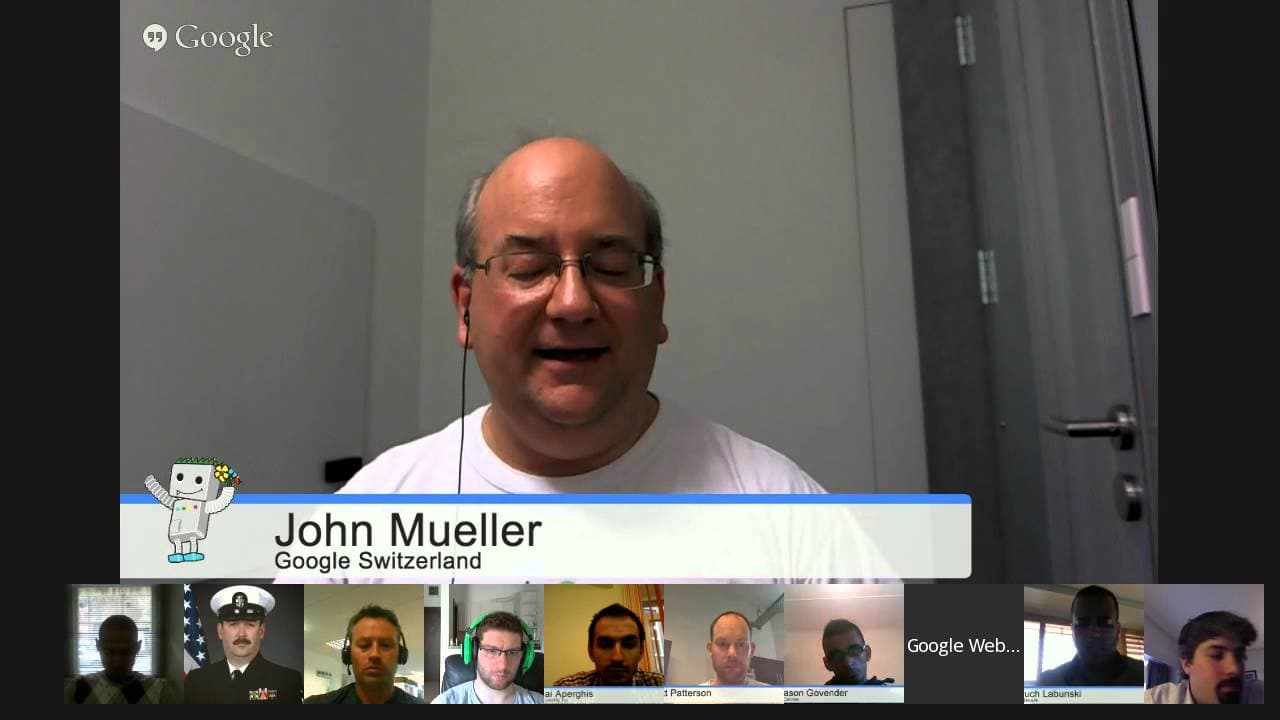
John Mueller from Google Switzerland discusses common SEO issues faced by webmasters, such as handling HTTPS migrations, dealing with backlinks, and optimizing for mobile. He provides insights into Google's algorithms and offers practical advice for improving site performance and visibility in search results.
Transcript
JOHN MUELLER: All right. Welcome everyone to today's-- oh, we have a bit of an echo-- to today's Google Webmaster Central Office Hours Hangouts. My name is John Mueller. I'm a webmaster trends analysts here at Google Switzerland. And a part of what I do is talk with webmasters and publishers, people who create great websites, and make sure that the... Read More
Key Insights
- HTTPS migrations can lead to temporary drops in traffic if not handled properly with correct redirects.
- Disavowing backlinks is important for cleaning up a site's backlink profile, but disavowed links may still appear in Webmaster Tools.
- Page rank is still used internally by Google, but toolbar page rank is no longer updated.
- Hreflang tags are crucial for targeting different language audiences, but they do not pass page rank.
- Canonical tags help consolidate signals for duplicate pages, but hreflang should be used for language-specific versions.
- Site speed, especially on mobile, is critical for user experience and can affect crawling and indexing.
- User-generated content can be valuable if it adds quality, but excessive or spammy comments can harm a site's reputation.
- URL removals in Webmaster Tools are temporary and may expire once Google recrawls and processes the pages.
Install to Summarize YouTube Videos and Get Transcripts
Explore YouTube Video Summarizer or Get YouTube Transcript Extractor
Questions & Answers
Q: How to handle HTTPS migrations without losing traffic?
To handle HTTPS migrations effectively, ensure that all redirects from HTTP to HTTPS are set up correctly. This includes updating all internal links and canonical tags to point to the HTTPS version. Monitor traffic closely after migration and use tools like Google Search Console to track indexing and crawling issues. Temporary traffic drops are common, but they should stabilize as Google processes the changes.
Q: What is the role of hreflang tags in SEO?
Hreflang tags are used to indicate language and regional targeting for web pages. They help Google understand which version of a page to show in search results based on the user's language and location. This is crucial for multilingual websites to ensure users see the most relevant version of a page. Hreflang tags do not pass page rank but help in swapping out pages in search results for the appropriate audience.
Q: Why are disavowed links still visible in Webmaster Tools?
Disavowed links remain visible in Google Webmaster Tools because the tool shows all links that Google has discovered pointing to a site, regardless of their disavowal status. The disavow file tells Google to ignore these links when evaluating your site, but it does not remove them from the link report. This allows webmasters to keep track of all links for monitoring purposes.
Q: Is page rank still important in Google's algorithm?
Yes, page rank is still used internally within Google's algorithms as a factor in determining the importance of web pages. However, the public toolbar page rank is no longer updated, and its visibility has been deprecated. Page rank is one of many signals Google uses to assess the relevance and authority of a page, but it is not the sole determinant of ranking.
Q: How does Google handle user-generated content?
Google evaluates user-generated content as part of the overall quality of a webpage. High-quality, relevant user contributions can enhance a page's value, while spammy or irrelevant comments can detract from it. Webmasters should moderate user content to maintain quality and relevance, ensuring it aligns with the site's purpose and provides value to visitors.
Q: What is the impact of site speed on SEO?
Site speed, particularly on mobile, is a crucial factor for user experience and can influence crawling and indexing. Faster sites provide a better user experience, which can lead to higher engagement and lower bounce rates. Google considers site speed as a ranking factor, especially for mobile searches, so optimizing page load times can positively impact search performance.
Q: How to use canonical tags effectively?
Canonical tags are used to consolidate signals for duplicate pages by indicating the preferred version of a page to Google. They help manage duplicate content by pointing search engines to the original source, ensuring that SEO efforts are concentrated on the canonical version. Use canonical tags on pages with similar content to avoid dilution of ranking signals and improve search visibility.
Q: What happens when a URL removal request expires?
URL removal requests in Google Search Console are temporary and typically expire after 90 days. If Google has recrawled and reprocessed the URL during this time, it may no longer appear in search results, making the removal request unnecessary. Expiration indicates that the request has been processed, and the URL has been handled by Google's indexing system, either by removal or by recognizing changes.
Summary & Key Takeaways
-
John Mueller addresses various SEO issues in this Google Webmaster Central hangout, focusing on the importance of handling HTTPS migrations correctly to avoid traffic drops. He emphasizes the need for proper use of hreflang and canonical tags to manage multilingual sites and duplicate content effectively.
-
The video also covers the significance of maintaining a clean backlink profile through disavowal and the continued relevance of page rank in Google's algorithms. Mueller advises on improving site speed, particularly for mobile users, to enhance user experience and search performance.
-
User-generated content is discussed as both an asset and a potential liability, depending on its quality. Mueller also explains the process of URL removal requests and the role of Google's algorithms in processing these changes over time.
Read in Other Languages (beta)
Share This Summary 📚
Summarize YouTube Videos and Get Video Transcripts with 1-Click
Try YouTube Summary with ChatGPT & Claude or YouTube Transcript Generator
Explore More Summaries from Google Search Central 📚






Summarize YouTube Videos and Get Video Transcripts with 1-Click
Try YouTube Summary with ChatGPT & Claude or YouTube Transcript Generator