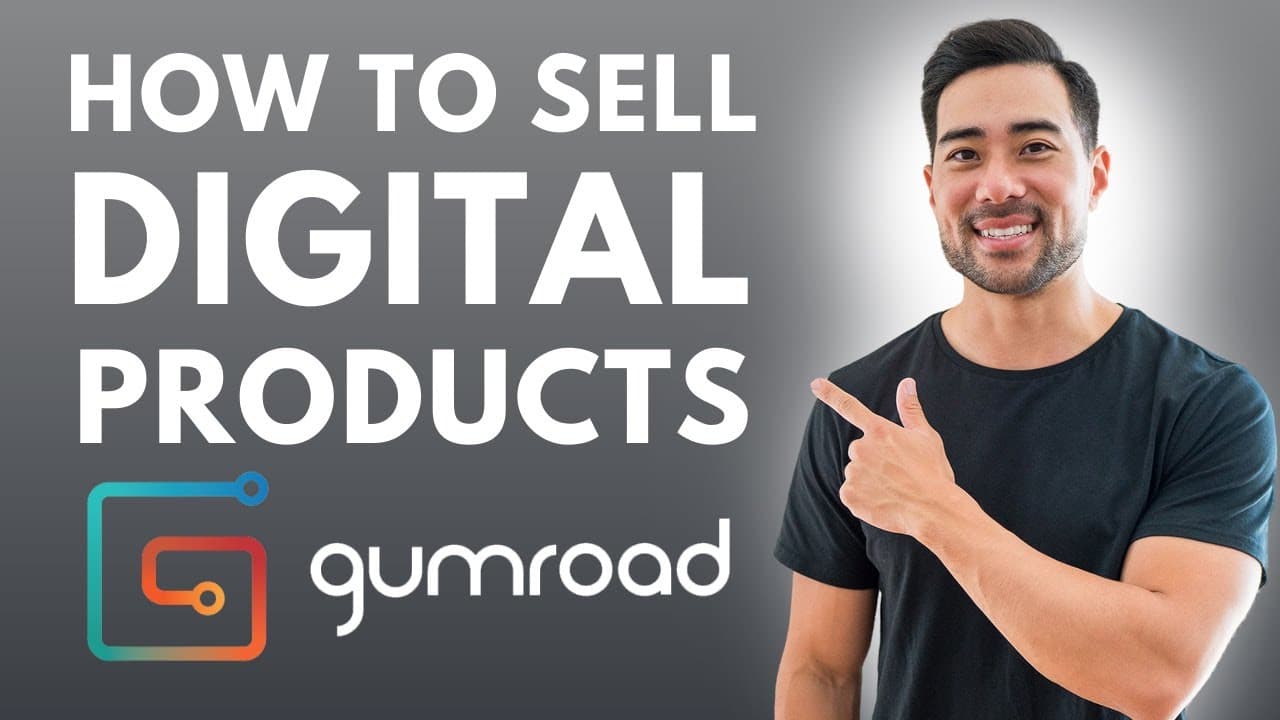
GUMROAD TUTORIAL - How To Sell Digital Products Online & Gumroad Review
TL;DR
Learn how to sell digital products using Gumroad step-by-step.
Transcript
Read and summarize the transcript of this video on Glasp Reader (beta).
Key Insights
- Gumroad is an easy-to-use platform for selling digital products without requiring a website or technical skills. It handles payments and product delivery, making it ideal for beginners.
- The platform is free to use but charges a 5% fee plus 3.5% + $0.30 per transaction. The Creator plan at $10/month reduces fees and offers additional customization options.
- Gumroad lacks advanced selling features like sales funnels, upsells, and cross-sells. For these capabilities, consider alternatives like ThriveCart or SamCart.
- Setting up a product on Gumroad involves creating a profile, customizing the sales page, uploading product files, and setting pricing and payment options.
- Gumroad's Discover feature promotes products within its marketplace, though it incurs an additional 10% fee. This can increase product visibility but requires meeting certain criteria.
- Users can customize their sales pages with images, videos, and descriptions. However, design capabilities are limited, and external tools like Canva are recommended for creating graphics.
- The platform supports various product types, including digital downloads, memberships, and pre-orders, allowing flexibility in how products are sold and delivered.
- Gumroad simplifies payment processing by managing transactions and transferring funds to the seller's bank account, eliminating the need for separate payment integrations.
Install to Summarize YouTube Videos and Get Transcripts
Explore YouTube Video Summarizer or Get YouTube Transcript Extractor
Questions & Answers
Q: What is Gumroad, and how does it work?
Gumroad is a platform that allows users to sell digital products online. It simplifies the process by handling payments and product delivery. Users can create a product, customize their sales page, and set pricing. Gumroad manages transactions, eliminating the need for separate payment integrations, making it ideal for beginners.
Q: What are the pricing and fees associated with Gumroad?
Gumroad is free to use but charges a 5% fee plus 3.5% + $0.30 per transaction. There is a Creator plan available for $10/month, which reduces fees and offers additional customization options like removing Gumroad branding and using a custom domain. The Discover feature incurs an extra 10% fee.
Q: What are the limitations of using Gumroad?
Gumroad lacks advanced selling features such as sales funnels, upsells, and cross-sells. It is designed for simplicity and ease of use, which may not suit users looking for more complex sales strategies. Alternatives like ThriveCart or SamCart are recommended for those needing advanced capabilities.
Q: How can I promote my products on Gumroad?
Gumroad's Discover feature allows products to be promoted within its marketplace, potentially increasing visibility. However, this feature incurs an additional 10% fee and requires meeting certain criteria. Users can also share their product pages via social media or embed them on their websites.
Q: What types of products can I sell on Gumroad?
Gumroad supports various product types, including digital downloads, memberships, and pre-orders. This flexibility allows users to sell different kinds of digital content, such as courses, ebooks, and software. Users can also offer versions or upsells by utilizing the platform's versioning feature.
Q: How do I customize my sales page on Gumroad?
Users can customize their sales pages by adding images, videos, and detailed descriptions. While Gumroad's design capabilities are limited, external tools like Canva can be used to create graphics and product covers. Users can also set pricing, add call-to-action buttons, and offer discounts.
Q: How does Gumroad handle payments?
Gumroad manages all payment processing on behalf of the seller. It collects payments via credit card or PayPal and transfers the funds to the seller's bank account. This eliminates the need for separate payment integrations, simplifying the process for users.
Q: What are the benefits of using Gumroad for selling digital products?
Gumroad offers a simple and intuitive platform for selling digital products, making it ideal for beginners. It handles payments and product delivery, requires no website or coding skills, and offers various customization options. Its Discover feature can also increase product visibility within its marketplace.
Summary & Key Takeaways
-
This video tutorial provides a comprehensive guide on using Gumroad to sell digital products. It covers setting up an account, creating a product, and customizing the sales page.
-
Gumroad offers a straightforward solution for beginners to sell digital products without needing a website or advanced technical knowledge. It handles payments and product delivery efficiently.
-
While Gumroad lacks advanced sales features, it excels in simplicity and ease of use, making it suitable for those starting with digital product sales. The video also touches on customization tips and pricing plans.
Read in Other Languages (beta)
Share This Summary 📚
Summarize YouTube Videos and Get Video Transcripts with 1-Click
Try YouTube Summary with ChatGPT & Claude or YouTube Transcript Generator
Explore More Summaries from Aurelius Tjin 📚





Summarize YouTube Videos and Get Video Transcripts with 1-Click
Try YouTube Summary with ChatGPT & Claude or YouTube Transcript Generator