How to Create a Starfield Simulation in 10 Minutes
TL;DR
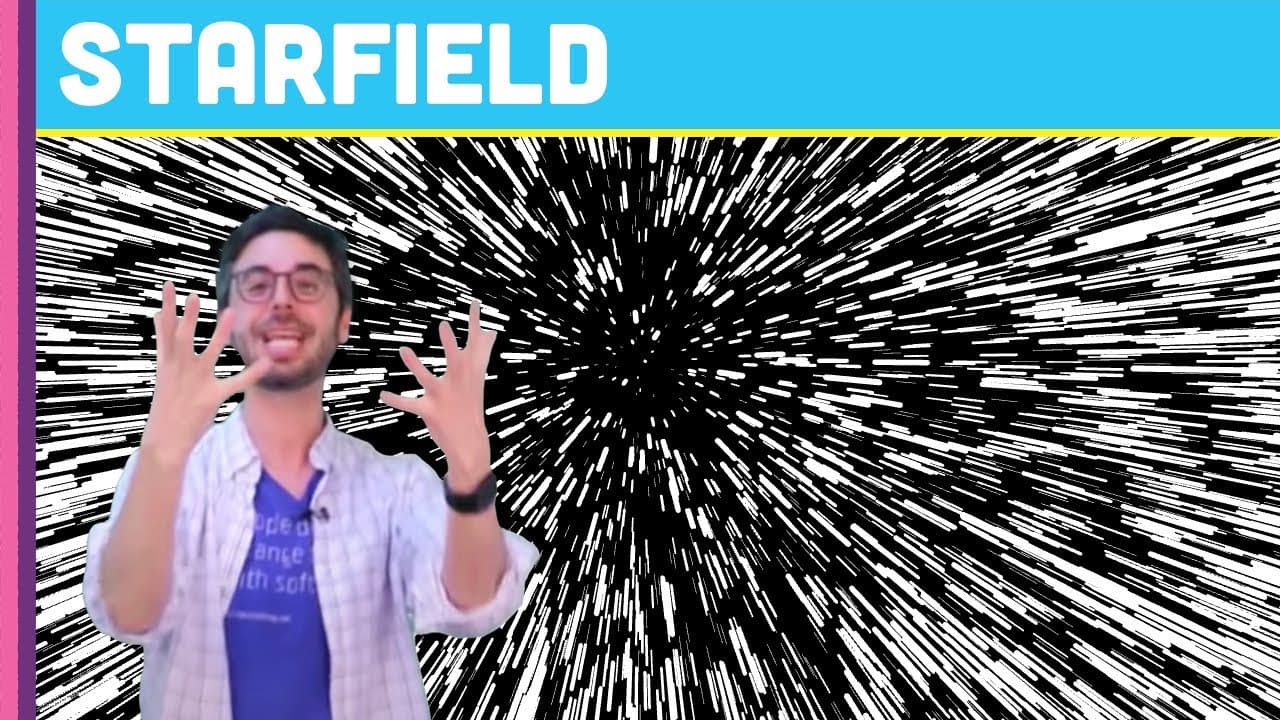
To create a starfield simulation in 10 minutes using Processing, define a Star class with random X, Y, and Z coordinates. The stars move outward, appearing faster as they near the viewer by using their Z-value to calculate position, and you can control the speed with mouse movement. The final effect creates a dynamic starfield visualization.
Transcript
Hello welcome to the ten minute coding challenge. This is a new segment that I am starting here on the "coding rainbow". Where I am given a programming problem and I am given 10 minutes to solve that problem and then the timer goes I've got to stop recording. So, uh, someone- uh, I'm not prepared for this but, normally I'd get a coding challenge fr... Read More
Key Insights
- 🤩 The star-field simulation is created in just 10 minutes using the Processing programming environment.
- 🤩 The simulation uses random X and Y positions for each star within the window's dimensions.
- 💫 The stars move quickly and fan out from the center by dividing their positions by their Z-value.
Install to Summarize YouTube Videos and Get Transcripts
Explore YouTube Video Summarizer or Get YouTube Transcript Extractor
Questions & Answers
Q: What programming environment is used for the star-field simulation?
The star-field simulation is created using the Processing programming environment.
Q: How does the instructor generate the positions of the stars?
The instructor generates random X and Y values for each star within the window's width and height using the star class.
Q: How does the simulation create the illusion of stars moving quickly?
The stars move quickly by dividing their X and Y positions by their Z-value, which increases as they move away from the center.
Q: How does the instructor control the speed of the star-field simulation?
The instructor uses the mouse position to control the speed of the simulation by mapping the mouse's X position to a value between 0 and 20.
Summary & Key Takeaways
-
The instructor is given the challenge of creating a star-field simulation in 10 minutes.
-
The simulation is created using the Processing programming environment.
-
The instructor explains the code step-by-step while trying to complete the challenge within the time limit.
Read in Other Languages (beta)
Share This Summary 📚
Summarize YouTube Videos and Get Video Transcripts with 1-Click
Try YouTube Summary with ChatGPT & Claude or YouTube Transcript Generator
Explore More Summaries from The Coding Train 📚
Summarize YouTube Videos and Get Video Transcripts with 1-Click
Try YouTube Summary with ChatGPT & Claude or YouTube Transcript Generator