How to Create a Bouncing DVD Logo in JavaScript
TL;DR
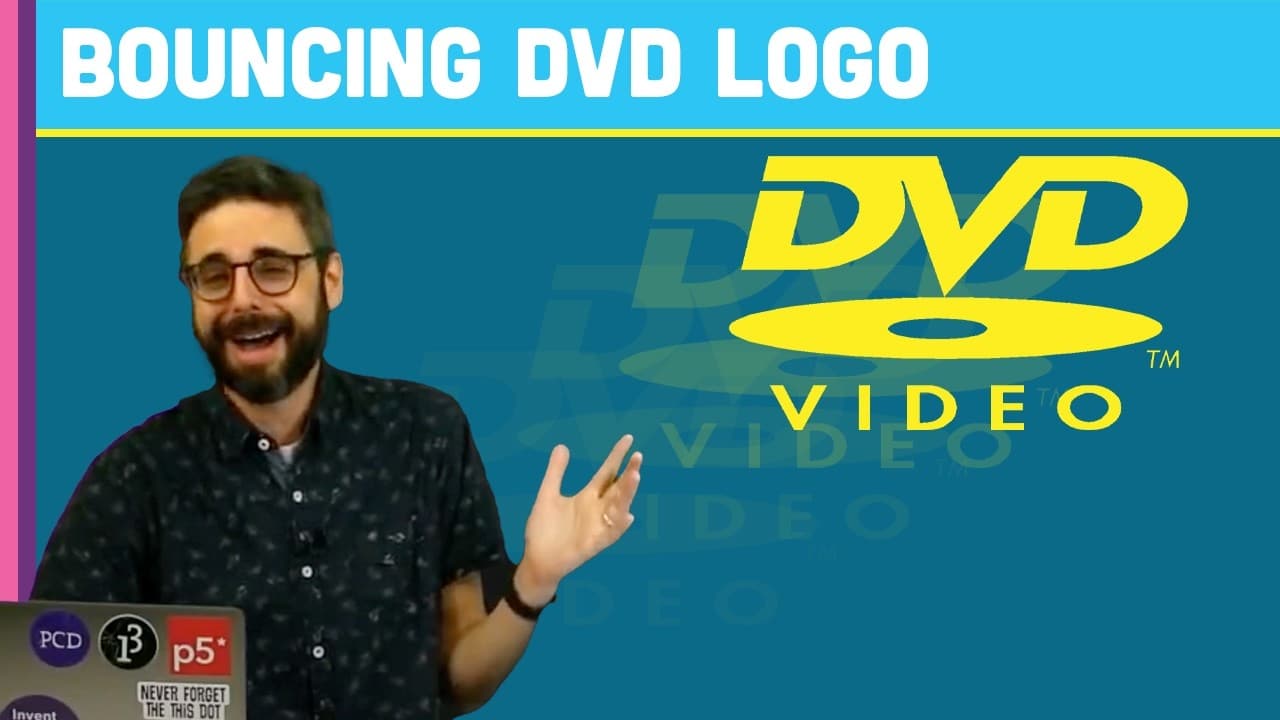
To create a bouncing DVD logo using JavaScript and the P5 library, start by setting up an 800x600 canvas and place the logo at a random position. Program the logo to move diagonally while bouncing off the canvas edges, and use functions to change its color upon collision. This project is beginner-friendly and introduces fundamental coding concepts.
Transcript
(bell dings) - Hello, it's (laughs) Throwback Wednesday. I don't know when you're watching this. It's probably not even Wednesday, but it is Wednesday right now. I am going to do an old-fashioned Coding Train-style Coding Challenge. (train whistle blows) I'm going to attempt to make the bouncing DVD video logo (DVD Screensaver), and I'm going to at... Read More
Key Insights
- 👨💻 The challenge provides an introduction to coding for beginners, using basic concepts of JavaScript and the P5 library.
- 🤩 Randomization and variables play a key role in creating a dynamic and interactive experience.
- 😒 The code demonstrates the use of conditionals, functions, and image manipulation to achieve the desired effect.
Install to Summarize YouTube Videos and Get Transcripts
Explore YouTube Video Summarizer or Get YouTube Transcript Extractor
Questions & Answers
Q: What is the purpose of this coding challenge?
The purpose of this challenge is to create a bouncing DVD logo using basic programming concepts in JavaScript, making it accessible for beginners.
Q: How does the logo bounce off the edges?
The logo's speed is defined by two variables, xspeed and yspeed. When the logo reaches the edge of the canvas, these variables are reversed, causing the logo to bounce off.
Q: How is the logo's position randomized?
The logo's initial position is set using the random function in JavaScript, which generates random values for the x and y coordinates within the canvas.
Q: Can the logo's color be changed?
Yes, the code includes a function called pickColor, which assigns random values for red, green, and blue components to create a different color for the logo each time it hits the edge.
Summary & Key Takeaways
-
The video shows the process of creating a bouncing DVD logo using JavaScript and the P5 library.
-
The logo is randomly placed on a canvas and moves at a 45 degree angle, bouncing off the edges.
-
The code includes functions to change the logo color and reset its position when it hits the edges.
Read in Other Languages (beta)
Share This Summary 📚
Summarize YouTube Videos and Get Video Transcripts with 1-Click
Try YouTube Summary with ChatGPT & Claude or YouTube Transcript Generator
Explore More Summaries from The Coding Train 📚






Summarize YouTube Videos and Get Video Transcripts with 1-Click
Try YouTube Summary with ChatGPT & Claude or YouTube Transcript Generator