Q&A #3: How to contribute to p5.js
TL;DR
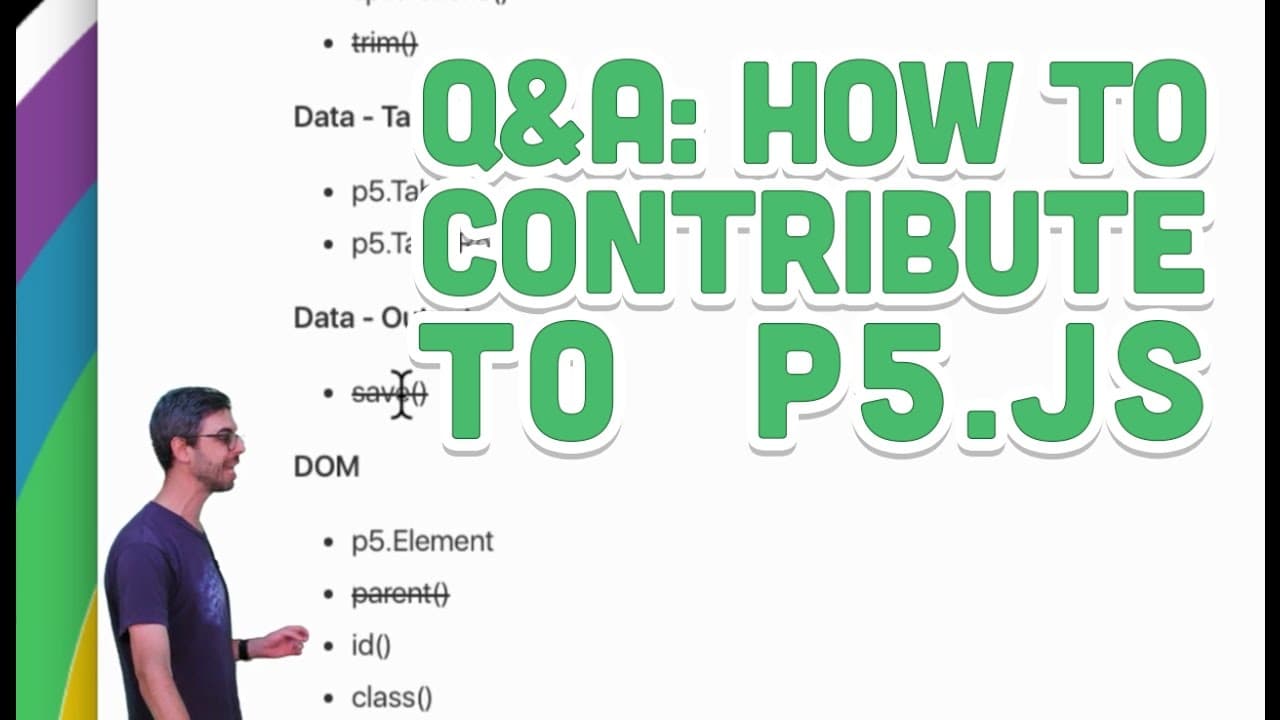
Learn how to contribute to P5JS by checking out video tutorials, exploring the development wiki, and submitting pull requests on GitHub.
Transcript
hello and welcome to another Q&A uh creative coding video in this video I'm going to answer a question from Michelle Michelle writes on helping with P5 development I'm still Beery but is there a way I can contribute to it I was thinking about contributing to the inline examples might be a way VIA this page and there's a link to a particular page th... Read More
Key Insights
- 🤙 Louisa Pereira has created helpful video tutorials called "Looking Inside P5" that explain the organization of P5JS and provide insights into how to contribute. These tutorials are available in both English and Spanish.
- 👶 The development Wiki on the P5JS GitHub repository offers a variety of ideas and instructions on how to get started with contributing. It includes links to GitHub issues and guidelines for implementing new features.
- 🤗 P5JS provides a friendly and open environment for contributors, regardless of their skill level. They encourage individuals to seek help from the P5JS community through platforms like Twitter, the processing forum, or by reaching out to the video creator.
- 👀 Contributing to P5JS involves exploring the GitHub repository, looking for issues or features that need attention, and submitting pull requests with changes or additions to the code or documentation.
- 💄 The P5JS community values and appreciates contributions, and filing an issue or making a pull request is considered a valuable contribution, regardless of whether it is done perfectly or not.
- 👀 The video highlights the significance of actively looking for ways to contribute to P5JS, such as watching video tutorials, exploring GitHub issues, and actively participating in the open-source community.
Install to Summarize YouTube Videos and Get Transcripts
Explore YouTube Video Summarizer or Get YouTube Transcript Extractor
Questions & Answers
Q: How can I contribute to P5JS development?
You can contribute by watching video tutorials that explain P5JS's organization and repository. You can also explore the development Wiki for ideas and instructions on how to start contributing. Additionally, you can post on the processing forum or send a tweet to P5JS for help and guidance.
Q: Are there any specific examples I can work on as a reference?
Yes, the video mentions the inline examples in the reference sketches of P5JS. You can find sketches that haven't been implemented yet and contribute by creating them. The video shows how to navigate the source code to locate the specific function and add an example to demonstrate its usage.
Q: Is contributing to P5JS open to people with different skill levels?
Absolutely! The video emphasizes that P5JS welcomes contributions from individuals of all skill levels. They encourage everyone to give it a try and seek help from various platforms such as the processing forum or by sending a tweet to P5JS.
Q: How do I create a pull request to contribute to P5JS?
To create a pull request, you need to fork the P5JS repository on GitHub, make changes to the code or examples, and then submit a pull request with a detailed description of your changes. The video demonstrates this process and encourages viewers to tune in to a coding rainbow session for updates on whether their pull request gets merged.
Summary & Key Takeaways
-
The content discusses how to contribute to P5JS, starting with video tutorials created by Louisa Pereira that explain the organization of P5JS and its GitHub repository.
-
It suggests exploring the development Wiki on GitHub to find ideas for contributions and instructions on setting up and downloading P5JS.
-
The video also mentions the availability of video tutorials about GitHub and emphasizes the openness and friendliness of the P5JS community in welcoming contributions.
Read in Other Languages (beta)
Share This Summary 📚
Summarize YouTube Videos and Get Video Transcripts with 1-Click
Try YouTube Summary with ChatGPT & Claude or YouTube Transcript Generator
Explore More Summaries from The Coding Train 📚






Summarize YouTube Videos and Get Video Transcripts with 1-Click
Try YouTube Summary with ChatGPT & Claude or YouTube Transcript Generator