Learn Real English: How to pay with DEBIT and CREDIT CARDS
TL;DR
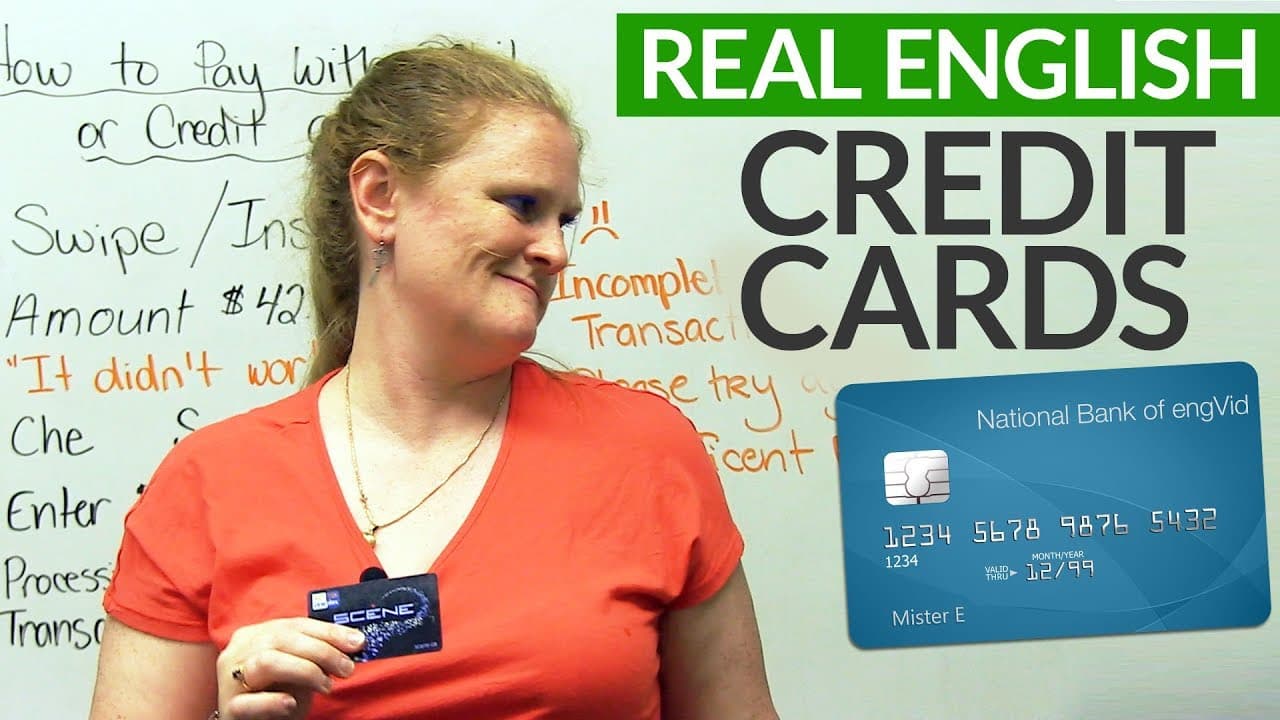
Learn how to use a debit or credit card for payment, including swiping, inserting, entering a PIN, and understanding common messages and options.
Transcript
Hi, there. My name is Ronnie. Welcome to the lesson on how to pay with a debit or credit card. One thing that might be a little bit difficult when you're shopping is understanding what the machine says when you want to pay with a bank card, a debit card, or a credit card. So as an example, this is a credit card. It's not, but it'll suffice. It'll d... Read More
Key Insights
- 💳 Paying with a debit or credit card involves either swiping or inserting the card into the card machine.
- 👍 It is important to verify the amount displayed on the machine before approving the payment.
- 🆘 Understanding the difference between chequing and savings accounts helps in selecting the account for payment.
- 🔒 A PIN number is required for security purposes and should be entered correctly.
- 🫠 Issues like card reading errors and incomplete or declined transactions can occur during the payment process.
- 💵 "Insufficient funds" indicates a lack of money in the bank account to cover the payment.
- 🎴 Different types of cards, such as points cards and chip cards, have varying payment methods.
Install to Summarize YouTube Videos and Get Transcripts
Explore YouTube Video Summarizer or Get YouTube Transcript Extractor
Questions & Answers
Q: What does "swipe" mean when paying with a card?
"Swipe" means to quickly push the card's black strip through the machine. It is a common method of card payment.
Q: What is the difference between "swipe" and "insert"?
"Swipe" involves sliding the card through the machine, while "insert" means putting the card with a chip into the machine.
Q: How do you verify the amount before making the payment?
The machine will display the amount, and you can press either "ok" or "cancel". "Ok" confirms the amount, while "cancel" allows you to reject it.
Q: What is a PIN, and why is it important?
A PIN (Personal Identification Number) is a numeric code used for security. It is essential to enter the correct PIN for the transaction to proceed.
Q: What should be done in case of a card reading error?
If the card is not being read, it is recommended to try again or use alternative methods like cleaning the card or inserting it instead of swiping. Inform the cashier if the issue persists.
Q: What does "insufficient funds" mean during a transaction?
"Insufficient funds" indicates that there is not enough money in the bank account linked to the card to complete the payment. It is necessary to have adequate funds to successfully process the transaction.
Summary & Key Takeaways
-
This lesson teaches the process of paying with a debit or credit card, including the steps of swiping or inserting the card, verifying the amount, choosing the account, entering a PIN, and completing the transaction.
-
The lesson also covers common issues such as card not being read, wrong PIN, incomplete transactions, and insufficient funds.
-
Different types of cards, such as points cards and chip cards, are also explained.
Read in Other Languages (beta)
Share This Summary 📚
Summarize YouTube Videos and Get Video Transcripts with 1-Click
Try YouTube Summary with ChatGPT & Claude or YouTube Transcript Generator
Explore More Summaries from English with Ronnie · EnglishLessons4U with engVid 📚






Summarize YouTube Videos and Get Video Transcripts with 1-Click
Try YouTube Summary with ChatGPT & Claude or YouTube Transcript Generator