PDF Workflow - Computerphile
TL;DR
PDF's journey from compression technologies to becoming a de facto standard for exact representation and high-quality typography.
Transcript
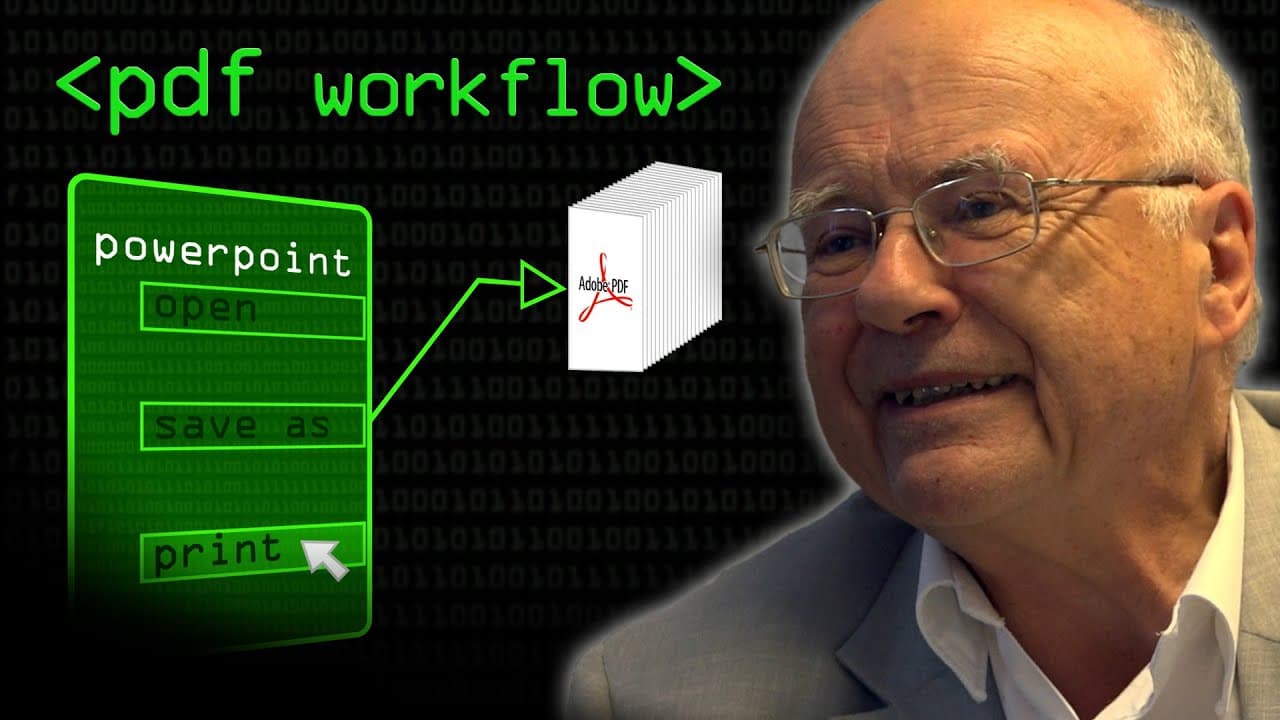
I have to say depressingly and right let me say this right here and now I do not own Adobe shares I'm not a marketing executive for Adobe but the other day I did actually save a PowerPoint presentation it was something like 370 megabytes in total I'd use the save as PDF available as standard in PowerPoint and it reduced it from 370 to all of 210 me... Read More
Key Insights
- 📁 Compression technologies played a significant role in reducing file sizes, leading to the widespread use of PDF as a file format.
- 💻 PDF's journey from postscript to a standalone format involved waiting for technology to catch up, as desktop workstations needed to handle the demands of rendering postscript on screens.
- ❓ Fonts posed challenges in PDF development, and their accurate representation remains crucial for maintaining typographic excellence.
- 👻 PDF's exact representation allows for precise measurements regardless of the display resolution, which is not possible with HTML.
Install to Summarize YouTube Videos and Get Transcripts
Explore YouTube Video Summarizer or Get YouTube Transcript Extractor
Questions & Answers
Q: How did the speaker reduce the PowerPoint presentation file size using Adobe PDF and PDF writer?
The speaker compressed the PowerPoint presentation file size by converting it to a PDF using the built-in save as PDF option in PowerPoint, then further reduced it using PDF writer, a paid option that optimizes file size through compression technologies.
Q: Why did it take several years for PDF to become a de facto standard?
It took several years for PDF to become a standard because desktop workstations needed to become powerful enough to handle the processing demands of postscript and PDF rendering. This required advancements in technology and increased affordability of powerful workstations.
Q: What were the challenges faced in developing PDF?
Fonts were one of the main challenges in developing PDF. Ensuring compatibility and accuracy with different fonts was crucial. Developing a reliable distiller substitute that could handle diverse postscript inputs without crashing was also a challenge for third-party developers.
Q: What was the significance of PDF writer in the evolution of PDF?
PDF writer allowed users to bypass the need for postscript and directly convert documents from applications like Microsoft Word into PDF format. This eliminated the cost and reliance on Adobe Distiller. Third-party options provided alternatives, with varying levels of effectiveness.
Summary & Key Takeaways
-
The speaker shares his experience of compressing a PowerPoint presentation using Adobe PDF and PDF writer, resulting in significantly reduced file sizes.
-
The video discusses the origins of PDF and its association with postscript, highlighting how postscript had to evolve over the years to become renderable on screens and handle larger file sizes.
-
The transition from using Adobe Distiller to convert postscript to PDF to using PDF writer as a standalone option is explored.
Read in Other Languages (beta)
Share This Summary 📚
Summarize YouTube Videos and Get Video Transcripts with 1-Click
Try YouTube Summary with ChatGPT & Claude or YouTube Transcript Generator
Explore More Summaries from Computerphile 📚






Summarize YouTube Videos and Get Video Transcripts with 1-Click
Try YouTube Summary with ChatGPT & Claude or YouTube Transcript Generator