How to Use Instagram Reels: Detailed Walkthrough
TL;DR
Learn to create and optimize Instagram Reels for marketing.
Transcript
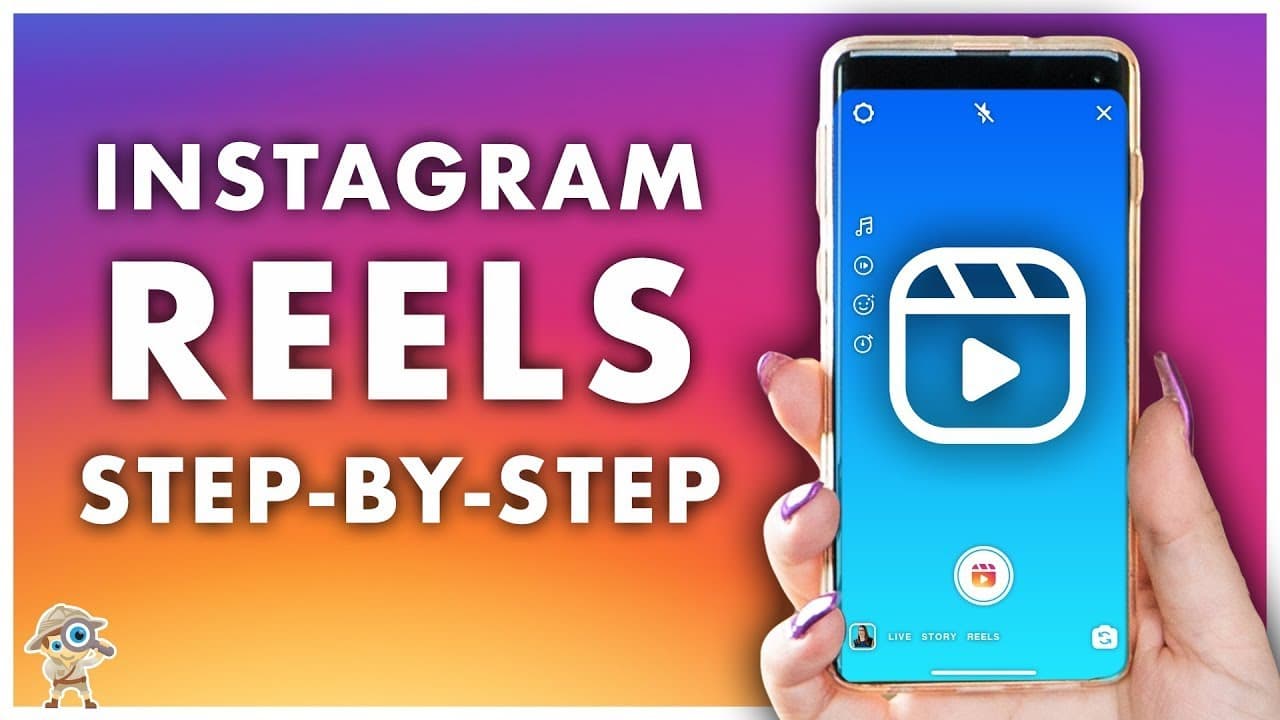
- In this video we will show you everything you need to know about Instagram's version of Tik Tok known as Reels. (upbeat music) Before we go over how to create a Reel and some business opportunities for you, let's first discover what Reels are and where you can find them. They are short form video content in vertical mode. So the full 9:16 portrai... Read More
Key Insights
- Instagram Reels are short-form vertical videos ranging from 3 to 15 seconds, designed to compete with TikTok.
- Reels can be accessed and created via the Instagram app, appearing in various sections like Explore and Homefeed.
- Businesses can leverage Reels for tutorials, behind-the-scenes content, and showcasing products creatively.
- Reels offer editing tools such as speed adjustments, effects, and timers, but music options are limited for business profiles.
- Videos can be recorded directly or uploaded from the camera roll, but only video content is supported, not photos.
- The Align feature helps maintain continuity between clips, ensuring seamless transitions in multi-clip videos.
- Reels have limitations like a 15-second cap, no duet feature, and limited insights compared to other Instagram content.
- Captions can include up to 2200 characters and 30 hashtags, but exceeding these limits prevents posting without warning.
Install to Summarize YouTube Videos and Get Transcripts
Explore YouTube Video Summarizer or Get YouTube Transcript Extractor
Questions & Answers
Q: What are Instagram Reels?
Instagram Reels are short-form vertical videos ranging from 3 to 15 seconds, designed to compete with TikTok. They can be filmed directly within the app or uploaded from a camera roll and appear across various Instagram sections like Explore and Homefeed.
Q: How can businesses use Instagram Reels?
Businesses can use Instagram Reels for tutorials, behind-the-scenes content, and creative product showcases. Reels provide an opportunity to engage audiences with quick, entertaining videos that highlight products or services in a fun and informative way.
Q: What editing tools are available for Reels?
Reels offer several editing tools, including speed adjustments, effects, and timers. These tools allow users to enhance their videos creatively. However, business profiles cannot access music options due to copyright restrictions, unlike creator or personal profiles.
Q: What are the limitations of Instagram Reels?
Reels have a 15-second video limit, no duet feature, and lack detailed insights like retention or follower growth. Additionally, there is no progress bar during playback, making it difficult to navigate within a video or replay specific parts.
Q: How can users ensure seamless transitions between clips in Reels?
The Align feature in Instagram Reels helps maintain continuity between clips by providing a translucent overlay of the last frame from the previous clip. This allows users to align their shots and ensure smooth transitions between different video segments.
Q: What are the caption and hashtag guidelines for Reels?
Reels captions can include up to 2200 characters and 30 hashtags. It is crucial not to exceed these limits, as doing so will prevent the caption from posting, and no error message will be provided. Calls to action should be included in the video itself.
Q: What is the process for sharing Reels on Instagram?
To share Reels, users can choose to post them to their Reels feed or stories. It's important to share to stories first, as once a Reel is posted to the feed, it cannot be edited or shared to stories. Users can also save drafts for later editing.
Q: What are some strategies for finding inspiration for Reels?
To find inspiration for Reels, users should explore content from other accounts, brands, and the Explore section on Instagram. Observing what works and what resonates with audiences can help users create more engaging and creative Reels content.
Summary & Key Takeaways
-
Instagram Reels are a powerful tool for marketers, offering a TikTok-like experience with short, engaging videos. Reels can be found across Instagram, including Explore and Homefeed, allowing users to discover new content easily.
-
Creating Reels involves using various tools for editing and enhancing videos, such as speed, effects, and timers. However, business profiles face restrictions regarding music due to copyright issues.
-
Businesses can use Reels creatively for tutorials, product showcases, and more. Despite some limitations, including a 15-second video cap and limited insights, Reels offer a unique way to engage audiences.
Read in Other Languages (beta)
Share This Summary 📚
Summarize YouTube Videos and Get Video Transcripts with 1-Click
Try YouTube Summary with ChatGPT & Claude or YouTube Transcript Generator
Explore More Summaries from Social Media Examiner 📚



Summarize YouTube Videos and Get Video Transcripts with 1-Click
Try YouTube Summary with ChatGPT & Claude or YouTube Transcript Generator