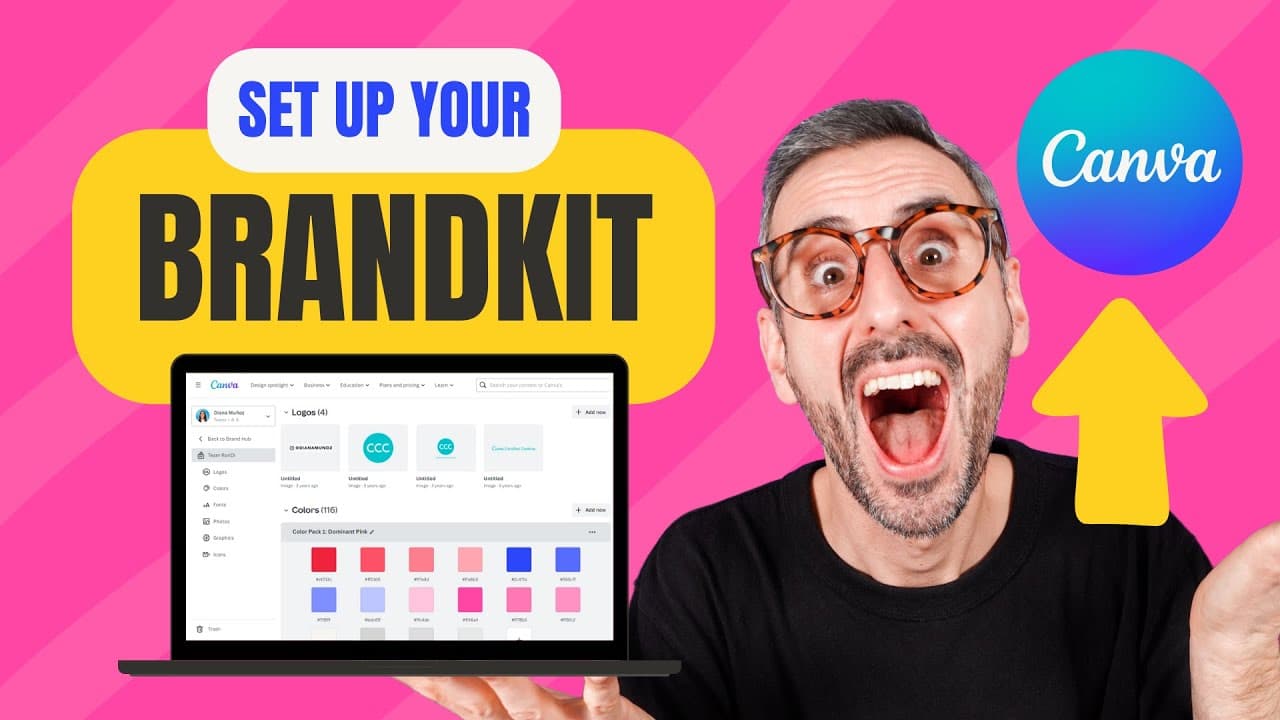
How to Set Up your BRAND KIT in Canva - and why you might consider upgrading to Canva Pro
TL;DR
Canva Pro's Brand Kit enhances design workflow with color palettes, fonts, and logos for brand consistency.
Transcript
still wondering if canva pro is for you well today we are going to deep dive into one of its core features the canva brand kit let's go what is up everybody my name is ronnie welcome to our channel the best place to learn how to use and to master canva if this is your first time here by all means subscribe to the channel because we have new videos ... Read More
Key Insights
- 🔨 Canva Pro's Brand Kit provides essential tools for creating and maintaining a consistent visual identity.
- 🎨 Enhancing design workflows, the Brand Kit offers quick access to color palettes, fonts, and logos within designs.
- 👻 Upgrading to Canva Pro unlocks the full potential of the Brand Kit, allowing for increased customization and efficiency.
- 🎨 Brand Kits are crucial for developing and reinforcing brand identity through consistent design elements.
- 🛃 The ability to upload custom fonts in Canva Pro's Brand Kit is a valuable feature for maintaining branding integrity.
- ⌛ Brand Kit usage in Canva Pro saves time by streamlining the design process and offering easy access to brand assets.
- 👤 Experimenting with color palettes and typography in the Brand Kit helps users define their visual brand identity effectively.
Install to Summarize YouTube Videos and Get Transcripts
Explore YouTube Video Summarizer or Get YouTube Transcript Extractor
Questions & Answers
Q: What are the core elements of Canva Pro's Brand Kit?
Canva Pro's Brand Kit includes color palettes, typography settings, and logo uploads to maintain brand consistency in designs.
Q: How does setting up the Brand Kit benefit users?
Setting up the Brand Kit allows users to create a visual identity with predefined color palettes, fonts, and logos for efficient design workflows.
Q: What is the difference between the free and pro versions of the Brand Kit?
The free version limits users to one color palette with three colors, while the pro version offers unlimited palettes and colors for enhanced design flexibility.
Q: Why would users consider upgrading to Canva Pro for the Brand Kit?
Upgrading to Canva Pro for the Brand Kit enables users to save time, maintain visual consistency, and upload custom fonts, essential for efficient and branded design projects.
Summary & Key Takeaways
-
Canva Pro's Brand Kit offers color palettes, typography, and logo uploads for consistent branding within designs.
-
Setting up Brand Kit involves creating color palettes, uploading logos, and defining text hierarchy.
-
Using Brand Kit saves time in the editor by providing quick access to brand assets for on-brand designs.
Read in Other Languages (beta)
Share This Summary 📚
Summarize YouTube Videos and Get Video Transcripts with 1-Click
Try YouTube Summary with ChatGPT & Claude or YouTube Transcript Generator
Explore More Summaries from Design with Canva 📚





Summarize YouTube Videos and Get Video Transcripts with 1-Click
Try YouTube Summary with ChatGPT & Claude or YouTube Transcript Generator