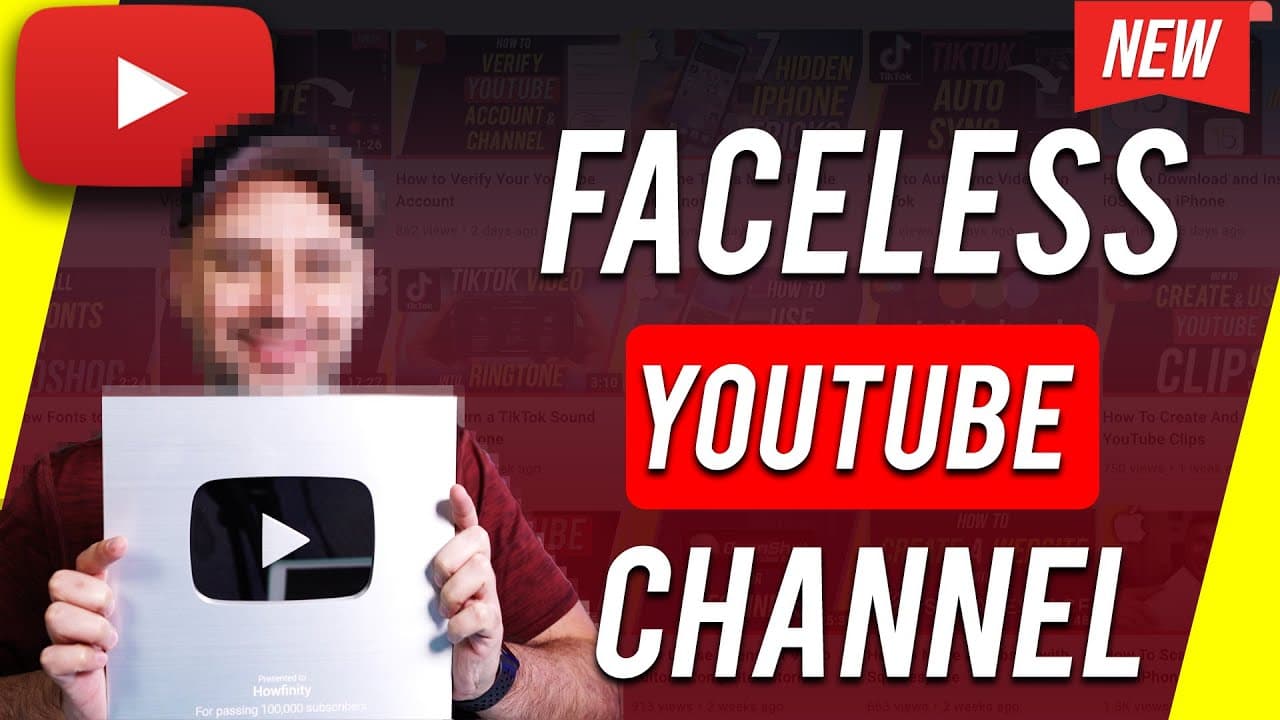
How to Make YouTube Videos without Showing Your Face
TL;DR
Learn how to make engaging YouTube videos without showing your face, using voiceovers and stock visuals.
Transcript
i've made hundreds of youtube videos without ever showing my face and in fact on this channel my first 300 or so videos were completely faceless so i wanted to make this video to show you my entire workflow of making faceless youtube videos and the resources i used to make it easy for me and having taught youtube for a few years i know a lot of the... Read More
Key Insights
- 🎮 Voiceovers and screen captures are essential tools for creating faceless YouTube videos.
- 🧡 Stock video and photo libraries like Envato Elements provide creators with a wide range of visuals to enhance their content.
- 💐 Using scripting and outlines helps maintain a structured flow in faceless YouTube videos.
- 🖐️ Editing software plays a crucial role in combining voiceover narration with visual elements seamlessly.
- 🎥 Faceless YouTube videos offer a great starting point for creators uncomfortable with appearing on camera.
- ⚖️ Creating faceless content requires a balance between informative narration and engaging visuals.
- 🎮 Consistent adherence to a workflow ensures efficiency and quality in producing faceless YouTube videos.
Install to Summarize YouTube Videos and Get Transcripts
Explore YouTube Video Summarizer or Get YouTube Transcript Extractor
Questions & Answers
Q: How can you make YouTube videos without showing your face?
You can create faceless YouTube videos by using voiceovers, screen captures, stock visuals, and scripting your content. This allows you to deliver engaging content without revealing your face.
Q: What tools are recommended for creating faceless YouTube videos?
Tools such as a USB microphone for voiceovers, OBS software for capturing screen displays, and Envato Elements for stock visuals are highly recommended for creating faceless YouTube videos efficiently.
Q: Why are faceless YouTube videos a popular choice for content creators?
Faceless YouTube videos offer an alternative for creators who are uncomfortable showing their face on camera. It allows them to focus on delivering valuable content without the need for a visible presence.
Q: How can editing software enhance the quality of faceless YouTube videos?
Editing software enables creators to overlay stock visuals onto voiceover content, creating a visually engaging video that complements the informative narration.
Summary & Key Takeaways
-
Demonstrates the workflow of making faceless YouTube videos without showing the creator's face.
-
Utilizes voiceovers, screen captures, stock videos, and photos to replace the need for a visible face in the video.
-
Explains the step-by-step process from idea creation to editing for creating engaging faceless YouTube content.
Read in Other Languages (beta)
Share This Summary 📚
Summarize YouTube Videos and Get Video Transcripts with 1-Click
Try YouTube Summary with ChatGPT & Claude or YouTube Transcript Generator
Explore More Summaries from Howfinity 📚






Summarize YouTube Videos and Get Video Transcripts with 1-Click
Try YouTube Summary with ChatGPT & Claude or YouTube Transcript Generator