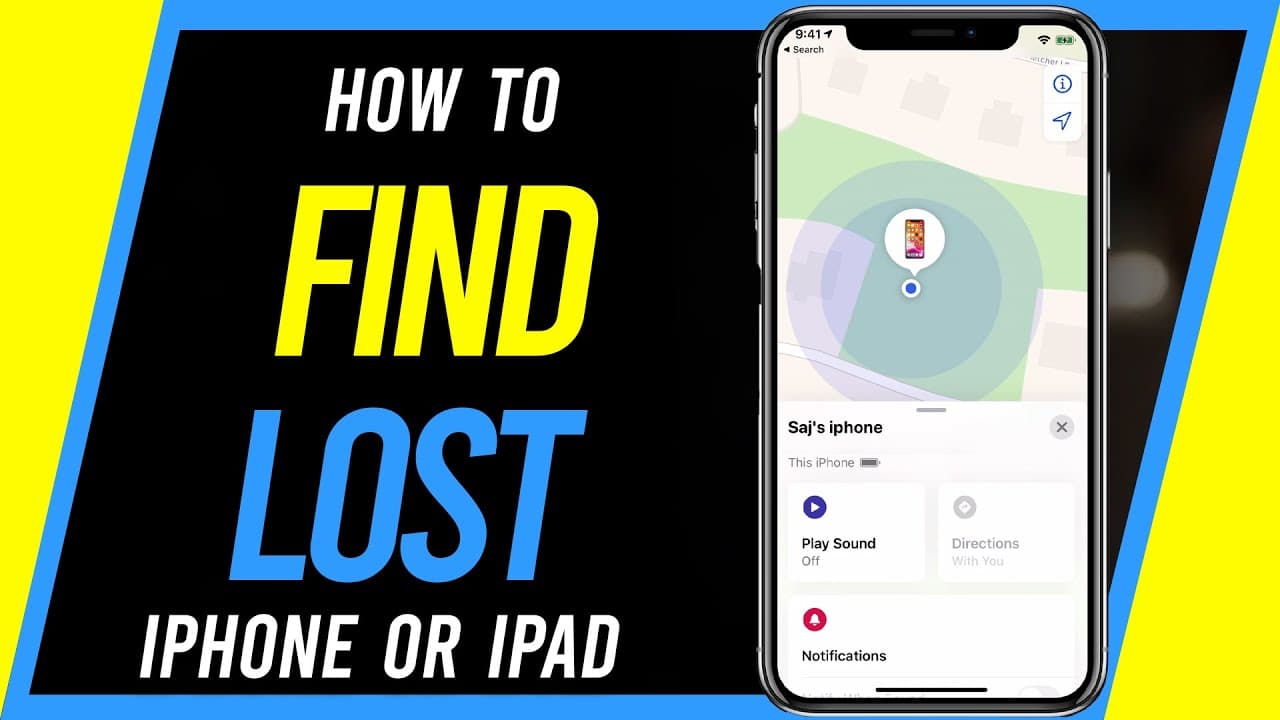
How to Find Lost iPhone or iPad - Find My App
TL;DR
Use iCloud's Find My app to locate and secure a lost iPhone or iPad easily.
Transcript
if you've misplaced or lost your iPhone or iPad inside of every iPhone and iPad there is an app that helps you locate it hopefully you have a couple of settings set on on your lost device so you could actually find it so let me show you those settings first obviously if you don't have your device you'll have to use another device to locate that dev... Read More
Key Insights
- 😚 Enable Find My iPhone, Offline Finding, and Send My Last Location to locate a lost device effectively.
- 👏 Use the Find My app to play a sound, activate Lost Mode, or remotely erase a lost iPhone or iPad.
- 😀 Access Find My features through the app on another iOS device or via iCloud website.
- 💦 Ensure devices are signed in to iCloud for Find My features to work efficiently.
- 😀 Utilize the Find My app's features like playing a sound or erasing the device to secure data.
- 🔐 In case of lost device, activate Lost Mode to lock the device and set a message for the finder.
- 😒 If necessary, use the erase device option to wipe the device's memory remotely.
Install to Summarize YouTube Videos and Get Transcripts
Explore YouTube Video Summarizer or Get YouTube Transcript Extractor
Questions & Answers
Q: How can you enable the necessary settings to locate a lost iPhone or iPad?
To enable location tracking, ensure Find My iPhone, Offline Finding, and Send My Last Location are turned on in the device settings.
Q: What options are available in the Find My app to assist in finding lost devices?
The Find My app allows you to play a sound, activate Lost Mode to lock the device, or erase the device remotely to secure your data.
Q: Is it possible to access Find My features without another iOS device?
Yes, you can use the iCloud website to access Find My features by signing in to iCloud and selecting the desired action for the lost device.
Q: How can Find My app help in locating a lost iPhone or iPad efficiently?
By using features like playing a sound, activating Lost Mode, or erasing the device remotely, Find My app assists in quickly locating and securing lost devices.
Summary & Key Takeaways
-
Enable Find My iPhone, Offline Finding, and Send My Last Location in device settings.
-
Use the Find My app to locate lost devices, play a sound, activate Lost Mode, or erase the device remotely.
-
Access Find My features via the Find My app on another iOS device or through iCloud website.
Read in Other Languages (beta)
Share This Summary 📚
Summarize YouTube Videos and Get Video Transcripts with 1-Click
Try YouTube Summary with ChatGPT & Claude or YouTube Transcript Generator
Explore More Summaries from Howfinity 📚






Summarize YouTube Videos and Get Video Transcripts with 1-Click
Try YouTube Summary with ChatGPT & Claude or YouTube Transcript Generator