iOS 14.8 On iPhone 7 Plus! (Review)
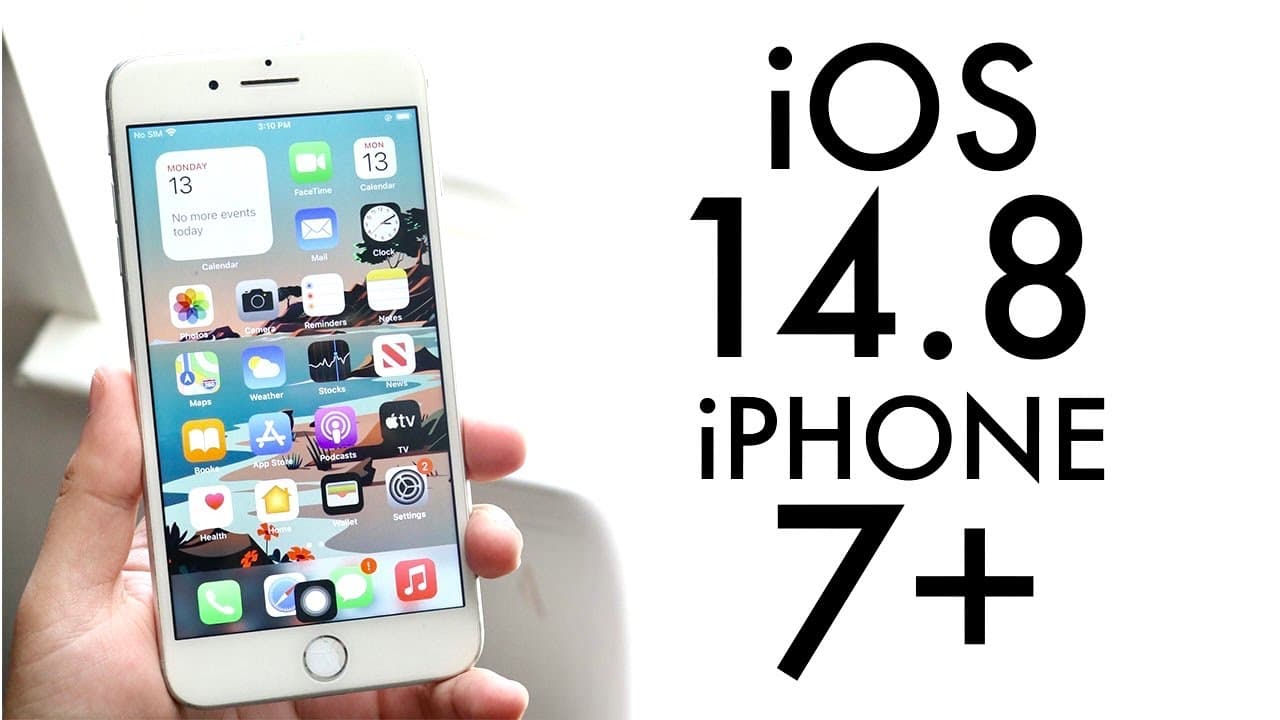
TL;DR
iOS 14.8 is a crucial security update for iPhone users.
Transcript
welcome back everyone ios 14.8 just officially came out so let's take a look at it on the iphone 7 plus now this update actually was a interesting one because apple is having the event in like tomorrow so not too sure why they pushed this update today but i'm glad they did it now you can see this update came out to 327 megabytes on this specific de... Read More
Key Insights
- 🏋️ iOS 14.8 weighs 327 megabytes, indicating that larger updates may arise from significantly outdated software versions.
- 😚 Users should look for visual cues, like the number icon replacing the settings icon, to identify their OS version easily.
- 😄 The ability to run both iOS 14 and 15 simultaneously might be a strategy to ease future updates for users.
- 👤 The update is mostly a security enhancement with no major user interface changes currently noticeable.
- 🇰🇼 While iOS 14.8 is recommended for installation, waiting for iOS 15 to become stable is prudent.
- ❓ The upcoming Apple event is a logical reason for the timing of the iOS 14.8 release, enhancing anticipation around future features.
- 👤 User feedback and further updates may reveal additional enhancements or fixes not immediately apparent with iOS 14.8.
Install to Summarize YouTube Videos and Get Transcripts
Explore YouTube Video Summarizer or Get YouTube Transcript Extractor
Questions & Answers
Q: What is the primary purpose of the iOS 14.8 update?
The main purpose of the iOS 14.8 update is to provide crucial security fixes. These updates are essential for protecting user data and enhancing the overall security framework of the device, ensuring it is better equipped against potential vulnerabilities and threats.
Q: What change was made to the settings icon in iOS 14.8?
In iOS 14.8, Apple changed the settings icon to a number icon, which was a deliberate move to differentiate the newer iOS versions from the older ones. This visual change helps users identify their device's operating system more easily and reflects the transition between iOS versions 14 and 15.
Q: Should users upgrade to iOS 15 immediately upon release?
The speaker advises against upgrading to iOS 15 immediately. Many users may encounter bugs and other issues during the initial rollout, and it may be wiser to wait for subsequent updates that iron out the problems before making the switch from iOS 14.8.
Q: What additional change was noted regarding PDF files in the update?
One of the changes mentioned concerning PDF files allows users to avoid potential vulnerabilities where malicious code could be embedded within PDFs. Apple addressed this concern as part of the security improvements in iOS 14.8, highlighting their commitment to user safety.
Summary & Key Takeaways
-
iOS 14.8 was released just before Apple's upcoming event, weighing in at 327 megabytes for the iPhone 7 Plus. The update primarily serves as a security fix.
-
A notable change in this update is the shift from the settings icon to a number icon, helping to visually differentiate between iOS versions.
-
The speaker recommends installing iOS 14.8 for security reasons while advising caution regarding the upcoming iOS 15, suggesting users wait before updating to avoid potential issues.
Read in Other Languages (beta)
Share This Summary 📚
Summarize YouTube Videos and Get Video Transcripts with 1-Click
Try YouTube Summary with ChatGPT & Claude or YouTube Transcript Generator
Explore More Summaries from Simple Alpaca 📚






Summarize YouTube Videos and Get Video Transcripts with 1-Click
Try YouTube Summary with ChatGPT & Claude or YouTube Transcript Generator