iPhone SE (2022): BEST Tricks & Tips!
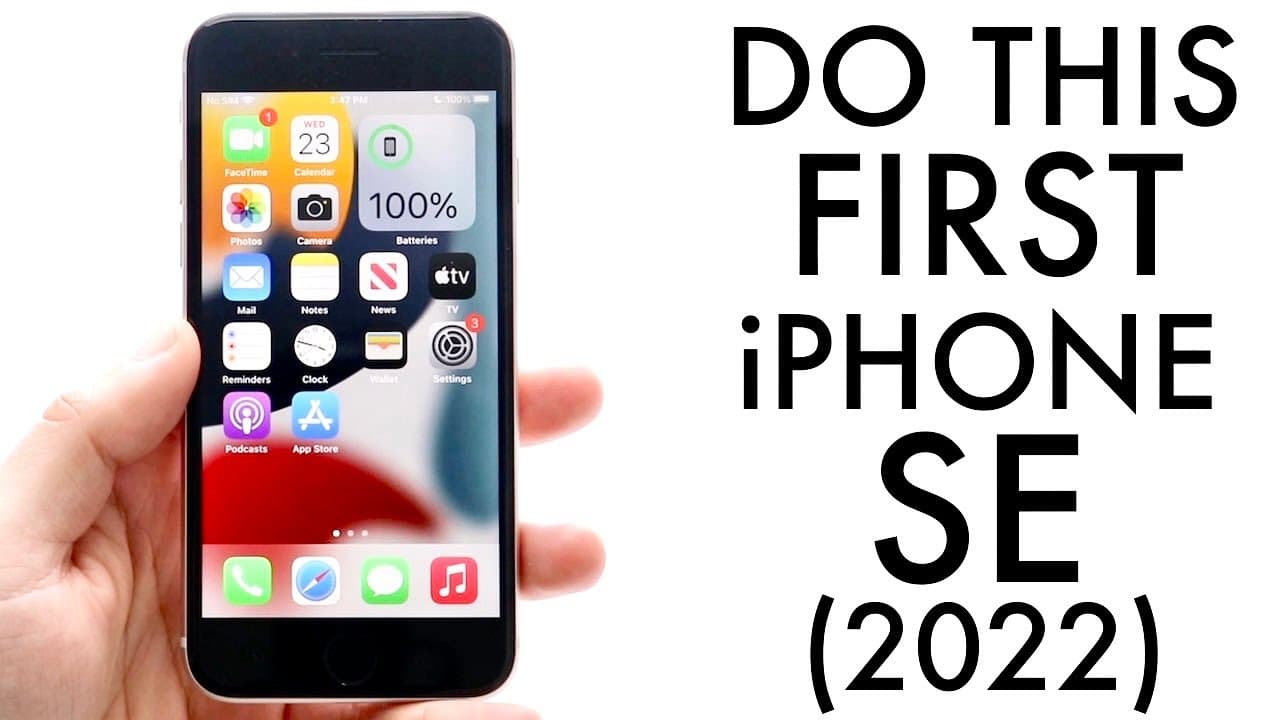
TL;DR
Discover top tips and settings to optimize your iPhone SE 3 experience.
Transcript
welcome back everyone you may have just picked up your iphone se third generation and you may be wanting to find some of the first things you should do with it or some tricks or tips so let me go ahead and break down some of my favorite things to do on my iphone se or any iphone that i own the very first thing i would recommend doing though wheneve... Read More
Key Insights
- 💝 Updating your iPhone SE 3 after purchase is crucial for accessing the latest features and security improvements.
- 💨 The Smart Select feature offers a practical way to copy text from images, enhancing utility in everyday tasks.
- 💦 With drag-and-drop functionality, users can improve their multitasking efficiency across various applications within iOS.
- 👂 Background sounds can be beneficial for enhancing focus in distracting environments, a valuable tool for productivity.
- ♿ Customizing the back tap feature can significantly streamline quick access to frequently used actions on the iPhone.
- 🎥 Optimal camera settings can make a substantial difference in the quality of photos and videos, personalized to user preferences.
- 👤 Accessibility options on the iPhone enhance user experience by providing tailored solutions for various needs and preferences.
Install to Summarize YouTube Videos and Get Transcripts
Explore YouTube Video Summarizer or Get YouTube Transcript Extractor
Questions & Answers
Q: What is the first thing I should do when I get my iPhone SE 3?
The first thing you should do after acquiring your iPhone SE 3 is to perform a software update. This can be done through the Settings app by navigating to General and then Software Update. Even if the phone is new, there may be updates available that can enhance performance and security features.
Q: How does the Smart Select feature work on the iPhone SE 3?
The Smart Select feature allows users to select and copy text from photos or screenshots. To use it, you tap and hold on the text within an image and can then copy it just as you would from a traditional text field. This feature facilitates easier note-taking or sharing important information from images.
Q: Can I customize the back tap feature on the iPhone SE 3?
Yes, the iPhone SE 3 supports customizable back tap functionality. By accessing the Accessibility settings, users can assign specific actions to double or triple taps on the back of the phone. Common tasks include taking screenshots, opening the Control Center, or launching specific apps, enhancing user convenience.
Q: What are the benefits of enabling background sounds on my iPhone SE 3?
Enabling background sounds on your iPhone SE 3 can help create a calming environment, whether you're trying to concentrate in a noisy setting or relax while sleeping. Located in the accessibility settings, users can choose from various sound options to drown out distractions and improve focus or comfort.
Q: What camera settings should I optimize for better photos on my iPhone SE 3?
For improved photo quality, users should navigate to the Camera settings in the Settings app. They can adjust the formats to High Efficiency or Most Compatible, set video recording preferences, and enable features like QR code scanning and stereo sound recording to enhance overall functionality.
Q: How does the drag-and-drop feature enhance usability on the iPhone SE 3?
The drag-and-drop feature allows users to move content seamlessly between different apps. For example, copying a link in Safari and dragging it directly into a message in iMessage is incredibly convenient, streamlining multitasking and improving workflow for users who often switch between applications.
Q: What should I consider when configuring my camera settings on the iPhone SE 3?
When configuring camera settings, users should consider their typical photography needs. Options like video quality, enabling high frame rates, and preferences for rapid shooting can significantly impact the quality and storage usage of captured media, allowing for a tailored photography experience.
Q: Is it recommended to get a screen protector and case for my iPhone SE 3?
Yes, it is highly recommended to invest in a screen protector and case for your iPhone SE 3. These accessories provide essential protection against accidental drops and scratches, ensuring the longevity of your device, especially as it’s one of the more affordable models in the iPhone lineup.
Summary & Key Takeaways
-
The first recommended step after purchasing an iPhone SE 3 is to update the software through the Settings app, ensuring optimal performance and security.
-
Users can take advantage of iOS 15 features like Smart Select to copy text from images and drag-and-drop functionality across applications, enhancing productivity.
-
Additional functionalities include background sounds for focus, customizable back tap actions for quick tasks, and camera settings optimization to improve photo quality.
Read in Other Languages (beta)
Share This Summary 📚
Summarize YouTube Videos and Get Video Transcripts with 1-Click
Try YouTube Summary with ChatGPT & Claude or YouTube Transcript Generator
Explore More Summaries from Simple Alpaca 📚






Summarize YouTube Videos and Get Video Transcripts with 1-Click
Try YouTube Summary with ChatGPT & Claude or YouTube Transcript Generator