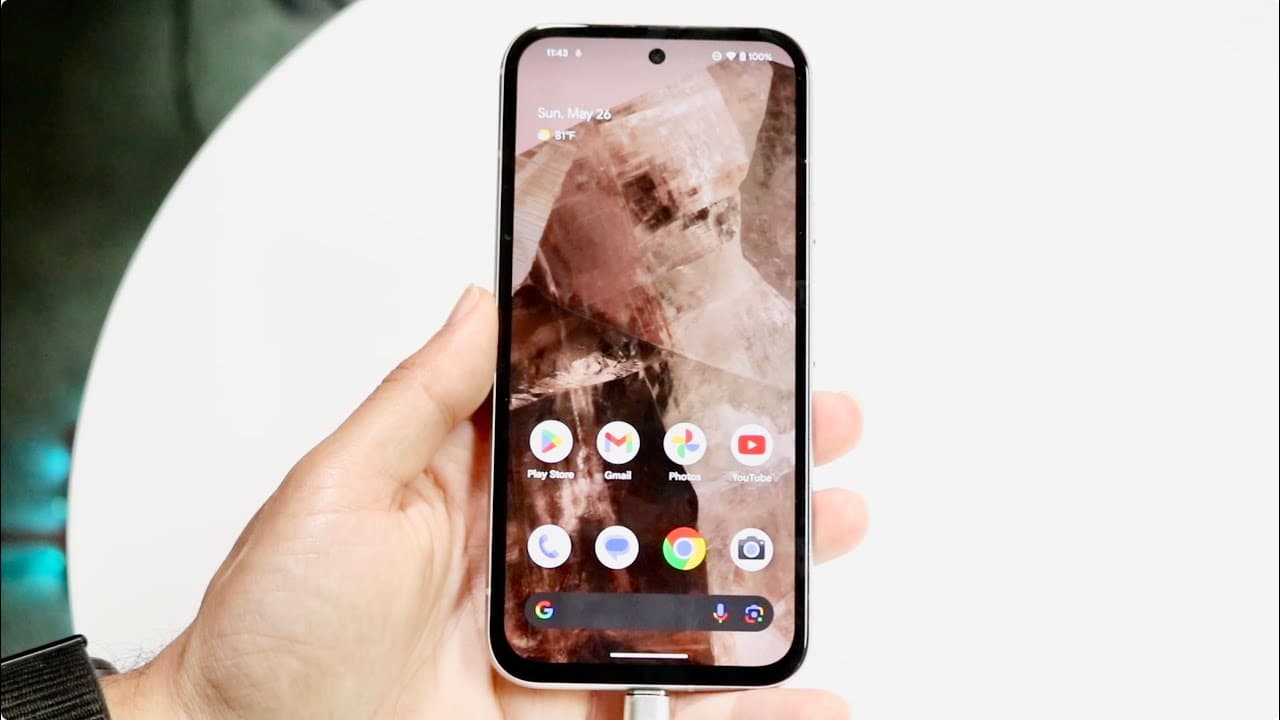
The Proper Way To Charge Your Android!
TL;DR
Limit wireless charging and enable adaptive charging to prolong Android phone battery life.
Transcript
so as we all know Android phones are very beautiful devices and I love them a lot and I will tell you out of all the phones I've ever owned a lot of these phones that have came out recently are beautiful I love them but if you're buying a brand new phone or an older one or whatever you probably want the phone to last as long as possible so I'm goin... Read More
Key Insights
- 😒 Excessive use of wireless charging can lead to overheating and reduced battery lifespan.
- 🔋 Adaptive charging is a crucial feature that gradually charges your battery, significantly helping in its longevity.
- 🧑⚕️ Regular diagnostic checks can provide insights into battery health and performance.
- ✋ Using high-quality USB cables is essential for effective charging and avoiding damage to the battery.
- 📣 Keeping the phone in moderate temperature environments can further prevent battery-related issues.
- 🏍️ Limiting daily charging cycles and avoiding full drainage of the battery can enhance its lifespan.
- 🔋 It’s advantageous to familiarize oneself with battery management features available on modern Android devices.
Install to Summarize YouTube Videos and Get Transcripts
Explore YouTube Video Summarizer or Get YouTube Transcript Extractor
Questions & Answers
Q: Why should I limit wireless charging for my Android phone?
Wireless charging, while convenient, can result in significant overheating, which negatively impacts your battery health. Continuous exposure to high temperatures can cause the battery to degrade rapidly. Therefore, it’s advisable to reserve wireless charging for occasional use rather than making it a daily habit.
Q: What is adaptive charging and how does it help my phone?
Adaptive charging is a feature found in many Android devices that adjusts charging speed based on your habits. It usually charges the battery to about 80% quickly, then slows down the charging process until it reaches the full 100%. This gradual process helps prevent rapid battery degradation and prolongs the battery lifespan significantly.
Q: How can I access the adaptive charging feature on my Android phone?
To enable adaptive charging, navigate to your phone’s settings and find the battery section—often labeled as "Battery" or "Power." Within this menu, look for "Adaptive Charging" and enable that option. This feature will optimize your phone's charging habits to enhance battery longevity.
Q: What types of cables should I use for charging?
Always opt for high-quality USB Type-C cables from reputable manufacturers. Poor-quality cables can impede charging efficiency and even lead to overheating. Ensure that the cable is both durable and compatible with your phone's fast-charging capabilities to maintain optimal battery health.
Summary & Key Takeaways
-
Wireless charging can cause overheating, which hastens battery degradation; it's best used sparingly to maintain battery health.
-
Most Android devices have an adaptive charging feature that learns your charging habits and charges slowly to extend battery lifespan.
-
Using a quality USB Type-C cable and avoiding extreme temperatures can further enhance the longevity of your Android phone battery.
Read in Other Languages (beta)
Share This Summary 📚
Summarize YouTube Videos and Get Video Transcripts with 1-Click
Try YouTube Summary with ChatGPT & Claude or YouTube Transcript Generator
Explore More Summaries from Simple Alpaca 📚






Summarize YouTube Videos and Get Video Transcripts with 1-Click
Try YouTube Summary with ChatGPT & Claude or YouTube Transcript Generator