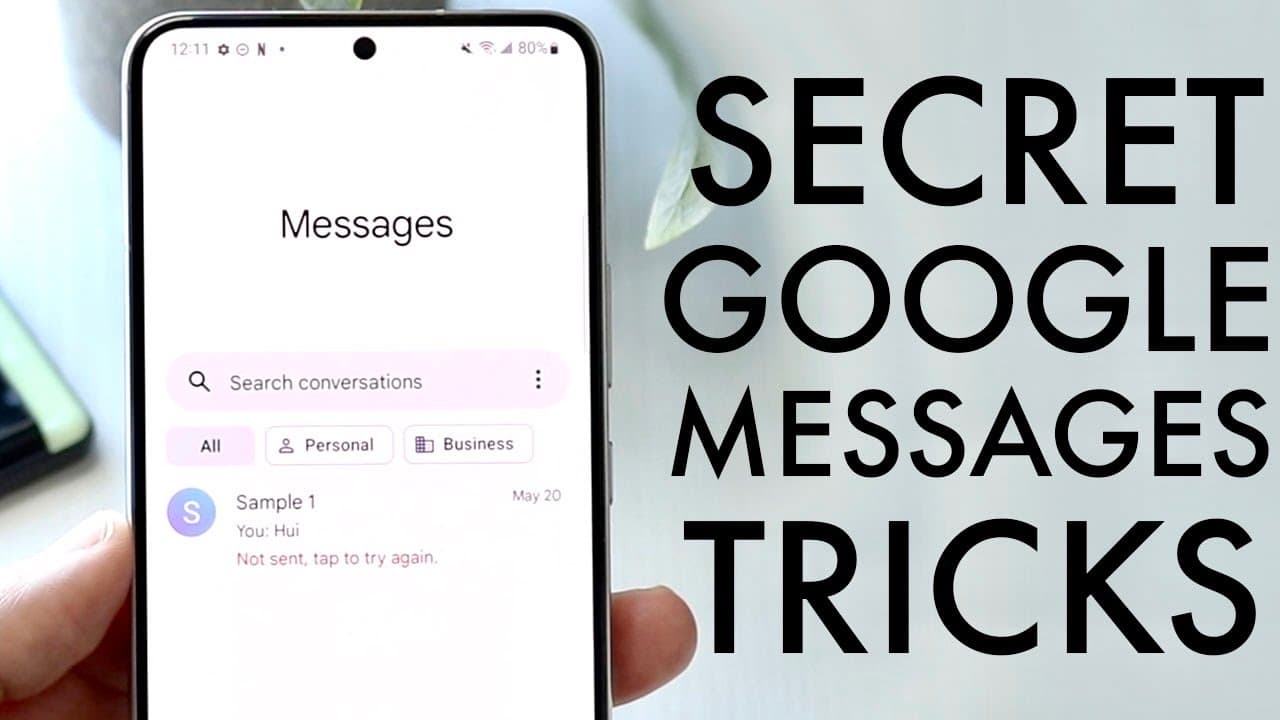
Secret Google Messages Tricks & Tips! (2022)
TL;DR
Discover essential and secret Google message tricks for Android phones to enhance messaging experience.
Transcript
welcome back everyone let's go ahead and talk about some secret google message tricks and tips that you can go ahead and start implementing on your android phone today now these are secret i mean you can call them secret if you want to they're just tricks and tips at the end of the day now the first thing which is actually really cool that i didn't... Read More
Key Insights
- 👤 Scheduling messages can help users communicate timely without being distracted.
- 😴 Pinning important contacts ensures quick access to ongoing conversations, promoting better organization.
- 👪 Sharing location features can enhance communication and coordination with friends or family.
- 🥶 Auto-deleting one-time passcodes keeps the messaging interface clutter-free and user-friendly.
- ❓ Enabling spam protection assists in filtering unwanted marketing messages from known senders.
- 😵 Google Messages can display reactions from iPhone users as emojis, enhancing cross-platform communication.
- 💝 Keeping Google Messages updated ensures users have access to the latest features and improvements.
Install to Summarize YouTube Videos and Get Transcripts
Explore YouTube Video Summarizer or Get YouTube Transcript Extractor
Questions & Answers
Q: How do you schedule a text message on an Android device using Google Messages?
To schedule a text message, open the Google Messages app and compose your message. Instead of tapping the send button, press and hold it until a menu appears. Select "Schedule send," where you can then pick from preset times or choose a specific date and time for the message to be automatically sent later.
Q: What is the process for pinning important messages in Google Messages?
Pinned messages can be easily managed within Google Messages. Simply press and hold the message you want to pin until a menu appears. Tap the pin icon, and the message will be moved to the top of your chat list for easy access. To unpin it, repeat the process and select the pin option again.
Q: How can users share their location through Google Messages?
To share your location, open a chat with the desired contact in Google Messages. Click the plus (+) button next to the text box to access additional options, then select the location toggle. You can choose to share a precise or approximate location, adjusting permissions for how long the sharing lasts.
Q: What settings can be enabled to manage spam texts in Google Messages?
Users can enable spam protection in Google Messages by going to the settings menu and locating the spam protection option. Turning this feature on helps Google identify and filter spam messages, reducing unwanted notifications and ensuring that genuine conversations are prioritized.
Summary & Key Takeaways
-
Users can schedule text messages on their Android devices by holding the send button and selecting a future date and time for sending messages automatically.
-
Important conversations can be pinned to the top of the message list for quick access, allowing users to manage significant contacts easily.
-
Google Messages offers settings for sharing precise locations, enabling spam protection, auto-deleting one-time codes, and modifying iPhone reactions to emojis for better user experience.
Read in Other Languages (beta)
Share This Summary 📚
Summarize YouTube Videos and Get Video Transcripts with 1-Click
Try YouTube Summary with ChatGPT & Claude or YouTube Transcript Generator
Explore More Summaries from Simple Alpaca 📚






Summarize YouTube Videos and Get Video Transcripts with 1-Click
Try YouTube Summary with ChatGPT & Claude or YouTube Transcript Generator