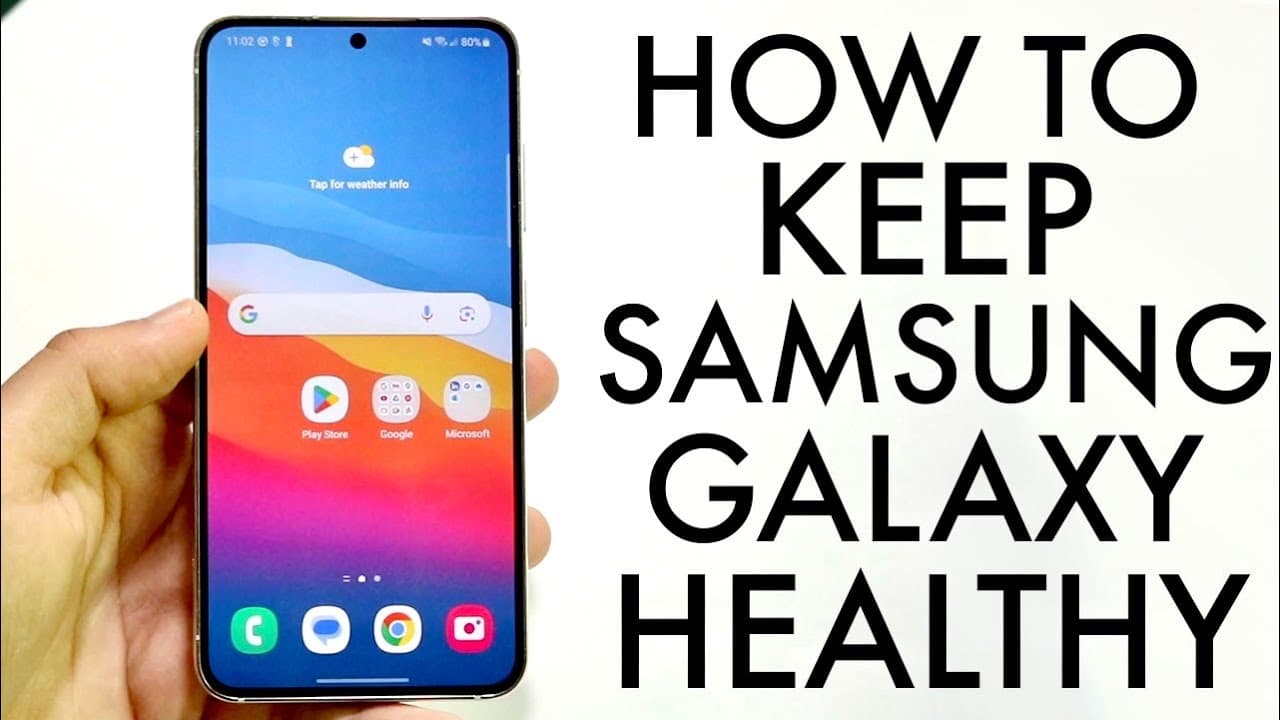
How To Keep Your Samsung Galaxy Healthy! (2023)
TL;DR
Learn essential tips to keep your Samsung Galaxy phone in optimal condition.
Transcript
so Samsung devices are some of my most paid for phones out there they have so much capability and quality and I'm so happy about them so I want to go and give a few things of how you can probably keep your Samsung Galaxy as healthy as possible now the very first thing I recommend doing is to put a screen protector or case on your phone these things... Read More
Key Insights
- 🛟 Investing in protective accessories like screen protectors and cases is vital for prolonging the life of your Samsung device.
- 🧑⚕️ Regularly inspecting battery health through the settings can prevent potential performance issues and ensure long-term usability.
- 🔋 Avoiding extreme temperatures and complete battery drainage can significantly enhance battery longevity and overall phone performance.
- 💝 Software updates play a crucial role in maintaining the device's security and functionality, ensuring it runs on the latest features and fixes.
- 😀 Restarting your phone can refresh the system, clear background apps, and enhance device responsiveness over time.
- 🎏 Closing background applications occasionally helps in optimizing performance and reducing lag during usage.
- 🦻 Maintaining a consistent charging routine aids in battery health, minimizing the chances of degradation over time.
Install to Summarize YouTube Videos and Get Transcripts
Explore YouTube Video Summarizer or Get YouTube Transcript Extractor
Questions & Answers
Q: Why is it important to use a screen protector or case for my Samsung phone?
A screen protector and case are essential for safeguarding your Samsung phone against accidental drops, scratches, and other physical damage. While Samsung devices are built with durability in mind, these accessories add an extra layer of protection, ensuring that the phone stays functional and visually appealing for a longer period.
Q: How can I check the health of my Samsung phone?
You can check your Samsung phone's health by navigating to the Settings app and locating the "Battery and Device Care" option. Here, you will find various details about your phone's overall performance, including battery health, storage capacity, and software updates, allowing you to monitor its condition easily.
Q: What are the best practices for maintaining battery health?
To maintain battery health, avoid exposing your phone to extreme temperatures and refrain from letting the battery drain completely frequently. Keeping your device charged between 20% and 80% is generally recommended, as this prevents excessive wear on the battery and prolongs its lifespan significantly.
Q: How often should I update my phone and apps?
You should update your phone and applications regularly, ideally whenever a new update is available. Keeping your software up to date helps improve security, fix bugs, and enhance overall performance, ensuring that your device operates smoothly and efficiently.
Q: Is it beneficial to restart my phone periodically?
Yes, restarting your phone every couple of weeks can help clear unnecessary background processes and refresh the system. This practice can enhance the device's performance, improve battery efficiency, and address minor glitches, leading to a more optimized user experience.
Q: What should I do if I'm experiencing battery drain issues?
If you're facing battery drain issues, first check for dueling apps running in the background and close them when not in use. Secondly, ensure that your phone's software and applications are up to date. If problems persist, consider evaluating battery health in the settings and, if necessary, consult technical support for potential solutions.
Summary & Key Takeaways
-
To protect your Samsung Galaxy phone, investing in a screen protector and case is crucial, as it adds durability and extends its life.
-
Regularly checking battery health via the Device Care feature, avoiding extreme temperatures, and not letting the battery drain completely can significantly maintain battery longevity.
-
Keeping software updated is vital for performance; users should routinely check for updates and restart their phones to enhance functionality and clear background applications.
Read in Other Languages (beta)
Share This Summary 📚
Summarize YouTube Videos and Get Video Transcripts with 1-Click
Try YouTube Summary with ChatGPT & Claude or YouTube Transcript Generator
Explore More Summaries from Simple Alpaca 📚



Summarize YouTube Videos and Get Video Transcripts with 1-Click
Try YouTube Summary with ChatGPT & Claude or YouTube Transcript Generator