How to use Kibana time shifts, advanced formulas, and dynamic colors
TL;DR
Kibana 7.14 introduces advanced analytical features such as time shifting, custom formulas, color by value, and time slider in maps.
Transcript
Let's take a look at some new analytical capabilities in 7.14. From my dashboard, I'm going to create a visualization of some time data, and for that, I'm going to use a line chart. The first function I want to show you has to do with shifting data in time. So I'm going to duplicate my count of records so I have the same line on here twice. I'm goi... Read More
Key Insights
- ⌛ Kibana 7.14 introduces advanced analytical capabilities, including time shifting, custom formulas, color by value, and a time slider in maps.
- 📈 Time shifting enables users to compare current metrics with past metrics, facilitating trend analysis and anomaly detection.
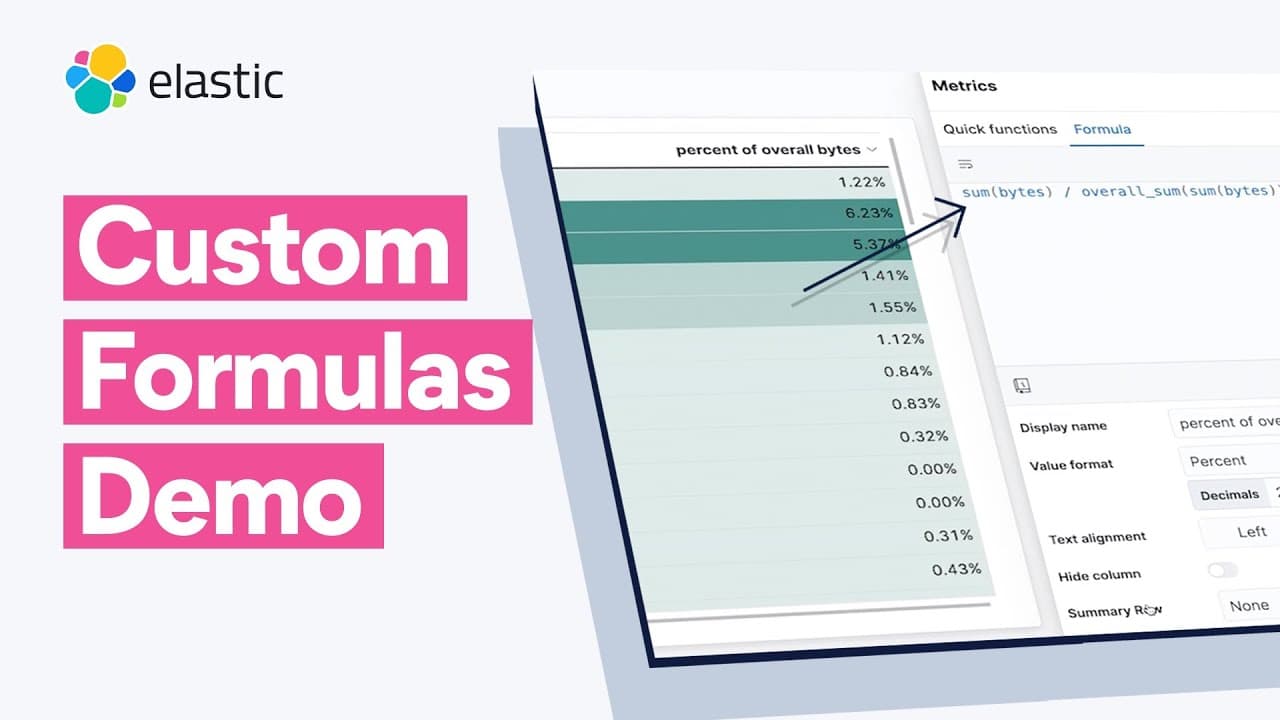
- 👤 Custom formulas empower users to create complex metrics by combining different functions, Elasticsearch aggregations, and basic math operations.
- 😥 Color by value feature enhances data visualization by allowing users to assign colors to data points based on specific criteria, highlighting important information.
- ⌛ The time slider in maps enables users to explore geospatial data over time, offering insights into temporal patterns and trends.
- 😫 Kibana 7.14 provides a comprehensive set of analytical tools, making it easier for users to analyze and visualize their data effectively.
- 👶 The new features introduced in Kibana 7.14 enhance data analysis capabilities, providing users with greater flexibility and advanced visualization options.
Install to Summarize YouTube Videos and Get Transcripts
Explore YouTube Video Summarizer or Get YouTube Transcript Extractor
Questions & Answers
Q: What is time shifting and how does it benefit data analysis?
Time shifting in Kibana 7.14 allows users to compare current metrics with past metrics, enabling trend analysis and identification of abnormal patterns. It helps evaluate the current state relative to a specific time period.
Q: How can custom formulas be used in Kibana 7.14?
Custom formulas in Kibana 7.14 allow users to combine metrics and perform mathematical calculations within visualizations. This empowers users to create complex metrics by utilizing functions, Elasticsearch aggregations, and basic math.
Q: How does the color by value feature enhance data visualization in Kibana 7.14?
The color by value feature in Kibana 7.14 allows users to assign colors to data points based on specific criteria. It helps highlight high or low values, making it easier to identify important information at a glance.
Q: What benefits does the time slider offer in the maps feature of Kibana 7.14?
The time slider in Kibana 7.14's maps feature allows users to explore geospatial data over time. By selecting a specific time range and using the slider, users can visualize how data changes and progresses, enabling the analysis of temporal patterns.
Summary & Key Takeaways
-
Kibana 7.14 introduces time shifting, allowing users to compare current metrics with past metrics. This helps in analyzing trends and identifying deviations from normal.
-
The update includes custom formulas, enabling users to combine metrics and perform various mathematical calculations in visualizations.
-
Color by value is a new feature that allows users to color data based on specific criteria, making it easier to identify high or low values. Additionally, summary rows provide aggregated information, such as averages, for the displayed data.
Read in Other Languages (beta)
Share This Summary 📚
Summarize YouTube Videos and Get Video Transcripts with 1-Click
Try YouTube Summary with ChatGPT & Claude or YouTube Transcript Generator
Explore More Summaries from Elastic 📚

Summarize YouTube Videos and Get Video Transcripts with 1-Click
Try YouTube Summary with ChatGPT & Claude or YouTube Transcript Generator