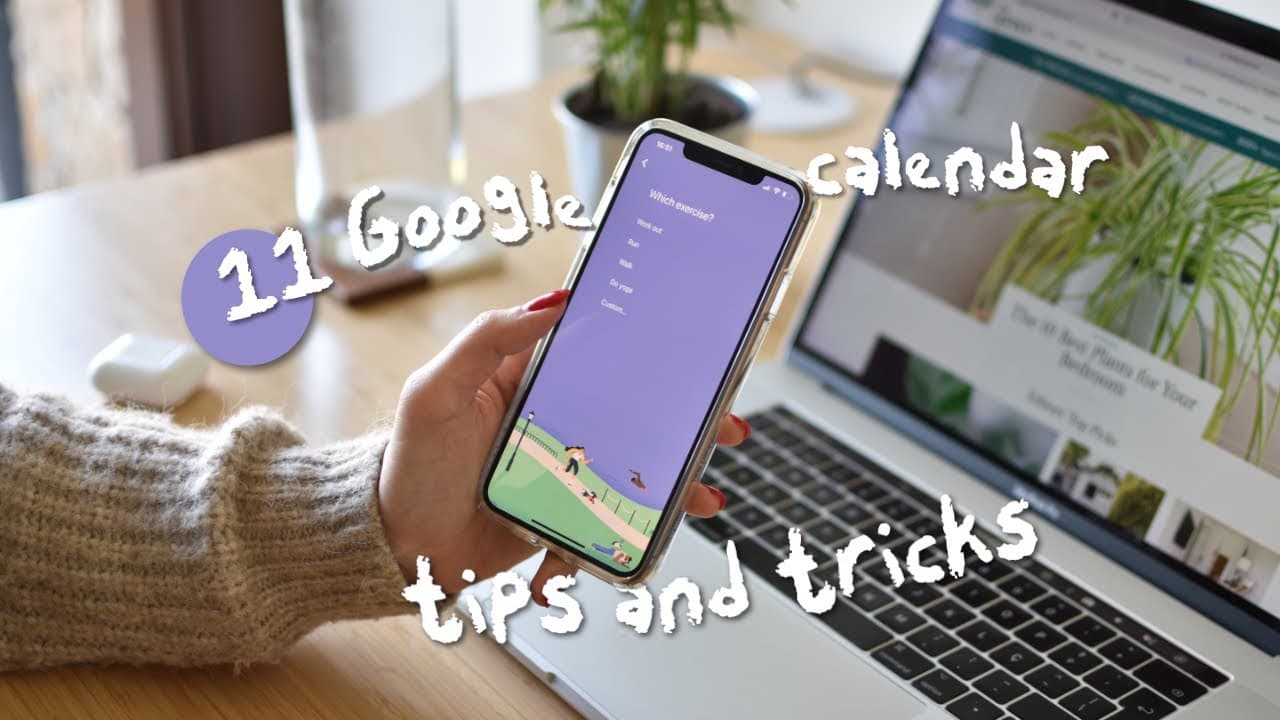
11 Google Calendar tricks & hacks to skyrocket your productivity
TL;DR
Learn new tips and tricks to enhance your productivity with Google Calendar.
Transcript
thanks akorn tv for sponsoring this video google calendar is a really powerful tool that helps you manage your time better schedule events tasks time block your to-do's and share meeting details with your team however google calendar has been around for ages now and although a lot of people still use the basic features just fine there are ... Read More
Key Insights
- ➕ There are Chrome extensions like Gcal Plus and Button that enhance Google Calendar's functionality.
- 👤 Goals feature in Google Calendar helps users prioritize and schedule tasks automatically.
- 👻 Integrating Notion with Google Calendar allows for better note-taking and documentation.
- ❓ Tasks in Google Calendar can be categorized and prioritized for effective task management.
- 💦 Color coding events in Google Calendar can provide a quick visual overview of work-life balance.
- 💌 Sending a daily agenda via email helps with reminders and task planning.
- ⛑️ Using emojis in task names adds visual cues for categorization and identification.
- 🔄 Syncing Google Calendar with Apple devices can be done through IFTTT applet.
- 🎹 Keyboard shortcuts in Google Calendar improve navigation and efficiency.
- 🛀 Acorn TV offers a wide variety of shows and period dramas, providing a great entertainment option.
Install to Summarize YouTube Videos and Get Transcripts
Explore YouTube Video Summarizer or Get YouTube Transcript Extractor
Questions & Answers
Q: What is Gcal Plus and how can it improve Google Calendar usage?
Gcal Plus is a Chrome extension that adds features like hiding blank slots, expanding overlapping events, and customizing colors and views, making Google Calendar more efficient.
Q: How does the Goals feature work in Google Calendar?
With Goals, you can set specific goals, such as exercising three times a week, and Google Calendar will automatically schedule them based on your availability, allowing you to prioritize your tasks effectively.
Q: How can Notion integration enhance your Google Calendar experience?
By creating a Notion page for meeting notes and adding the link to the event's notes section in Google Calendar, you can easily access the template and document important notes related to the meeting.
Q: How can tasks be managed effectively in Google Calendar?
Use the tasks widget in Google Calendar to add tasks, categorize them, and track completion. Cross off completed tasks on your calendar for a satisfying visual representation of progress.
Summary & Key Takeaways
-
Gcal Plus: A Chrome extension that offers additional features like hiding blank slots and customizing colors and views.
-
Goals: Set clearly defined goals and let Google Calendar schedule them automatically based on your availability.
-
Notion Integration: Use Notion to create meeting notes and paste the link in Google Calendar for easy access.
Read in Other Languages (beta)
Share This Summary 📚
Summarize YouTube Videos and Get Video Transcripts with 1-Click
Try YouTube Summary with ChatGPT & Claude or YouTube Transcript Generator
Explore More Summaries from Mariana Vieira 📚



Summarize YouTube Videos and Get Video Transcripts with 1-Click
Try YouTube Summary with ChatGPT & Claude or YouTube Transcript Generator