Timeframe and sample size option - Tkinter tutorial Python 3.4 part 14
TL;DR
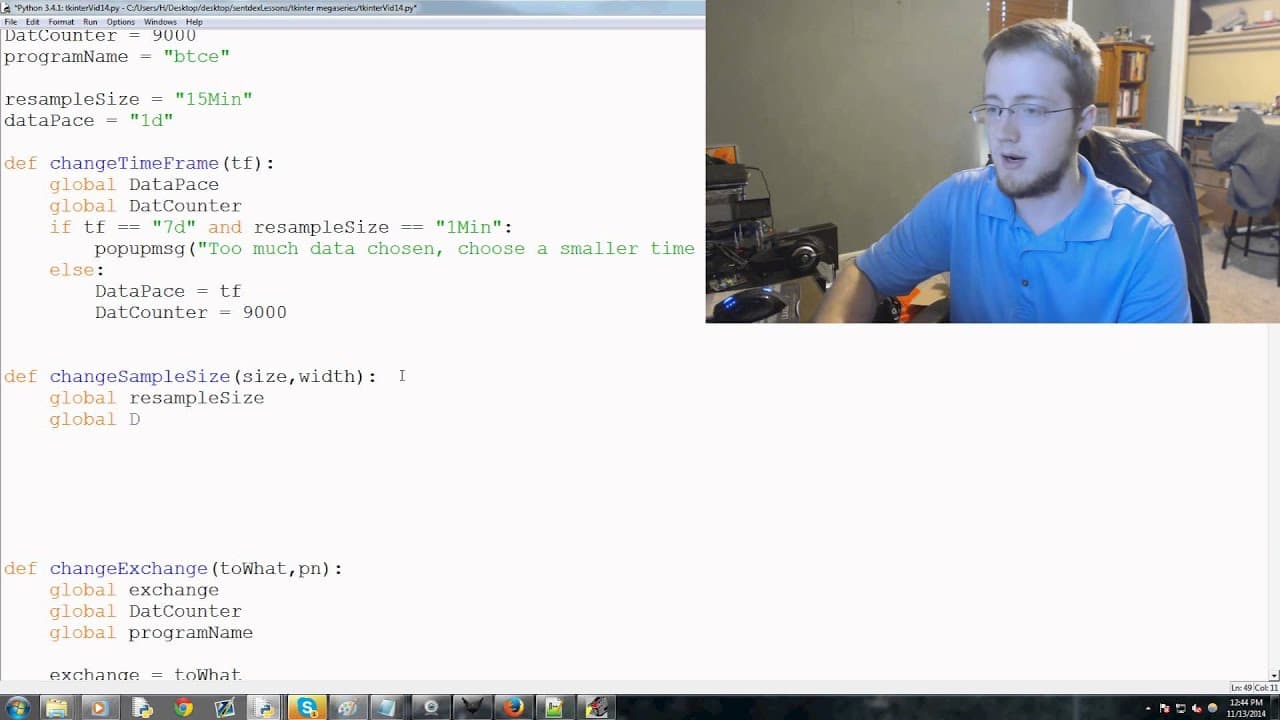
Adding more backend options like timeframes and OHLC bars to a Python Tkinter application.
Transcript
what's going on everybody welcome to the 14th Python tkinter and building a actual tkinter application tutorial series in this video we're going to be adding more options more of the backend that we need to add so let's go ahead and it started we're going to come down to cVTC app and continue editing basically where we've been between the minibar o... Read More
Key Insights
- 🤢 Adding backend options like timeframes and OHLC bars enhances user customization.
- 👨💻 Detailed explanations and code snippets help in understanding the process of adding options to the application.
- 👤 Error handling is crucial for preventing conflicts in data options selected by users.
- 💱 Custom functions like change time frame and change sample size are essential for updating data visualization.
- ❤️🩹 The tutorial focuses on the backend logic of the application before implementing front-end functionality.
- 🤩 Menus and commands play a key role in providing a user-friendly interface for selecting data options.
- ❓ Understanding data pacing and candlestick width is important for customizing data visualization.
Install to Summarize YouTube Videos and Get Transcripts
Explore YouTube Video Summarizer or Get YouTube Transcript Extractor
Questions & Answers
Q: What backend options are being added to the Python Tkinter application in this tutorial?
In this tutorial, backend options like timeframes and OHLC bars are being added to the Python Tkinter application. These options allow users to customize the data displayed in the application.
Q: How are menus and commands created for different data options in the application?
Menus and commands are created using Tkinter's menu and command functions in Python. Each option is associated with a specific command that triggers a function when selected by the user.
Q: What is the significance of changing timeframes and sample sizes in the application?
Changing timeframes and sample sizes allows users to customize the data visualization in the application. Users can choose different timeframes for data analysis and adjust the width of the candlestick bars for better visualization.
Q: How is error handling implemented in the application for conflicting data options?
Error handling is implemented to prevent users from selecting conflicting data options. Pop-up messages alert users when they choose data options that are not compatible, ensuring a smooth user experience.
Summary & Key Takeaways
-
Tutorial on adding options like timeframes and OHLC bars to a Python Tkinter application.
-
Detailed walkthrough on creating menus and commands for different data options.
-
Code snippets and explanations provided for changing timeframes and sample sizes in the application.
Read in Other Languages (beta)
Share This Summary 📚
Summarize YouTube Videos and Get Video Transcripts with 1-Click
Try YouTube Summary with ChatGPT & Claude or YouTube Transcript Generator
Explore More Summaries from sentdex 📚






Summarize YouTube Videos and Get Video Transcripts with 1-Click
Try YouTube Summary with ChatGPT & Claude or YouTube Transcript Generator