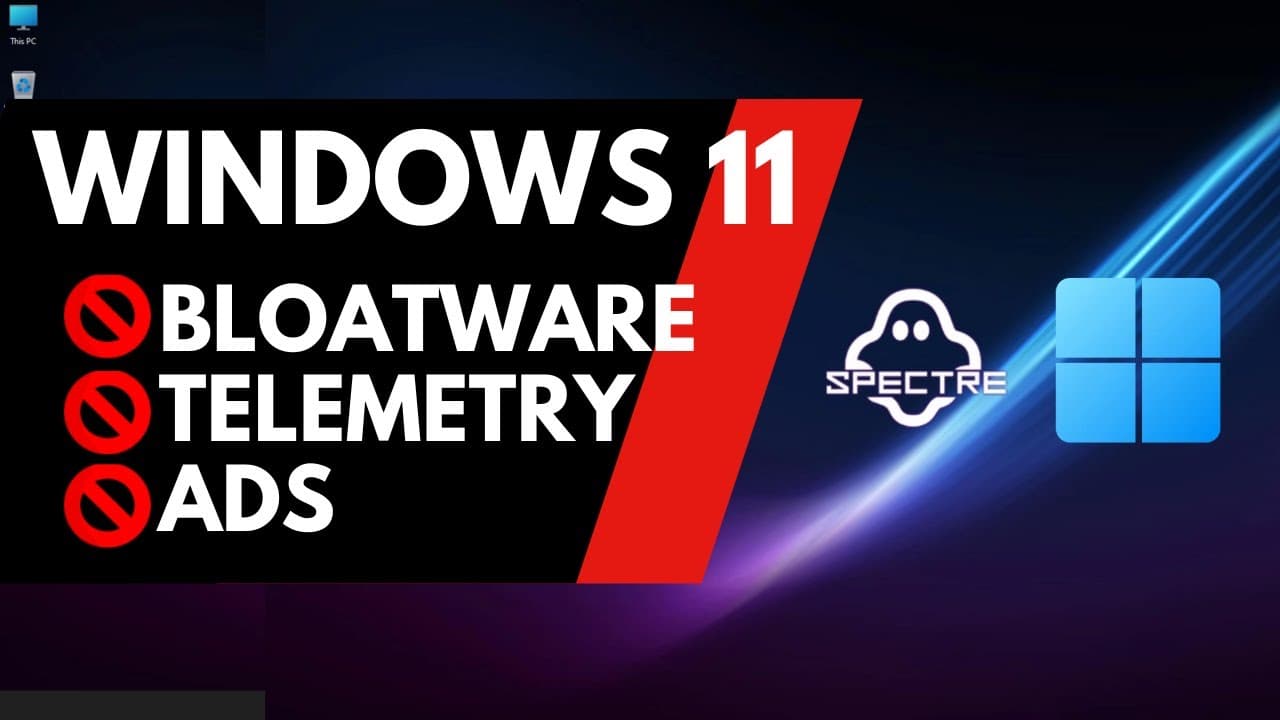
Windows 11 Superlite: No Bloatware and Telemetry
TL;DR
Windows users dissatisfied with the bloated features of Windows 11 can opt for the Super Light Edition, a custom build focused on gaming and minimal resource usage.
Transcript
can you believe that 1.1 gigabytes of RAM usage in 2022 you don't see that anymore with Windows but it is possible with the super light Edition judging by the comments on my upgrading to Windows XP video it seems a lot of you are not impressed with the direction Windows has taken in the last few years with all the services and bloatware that's now ... Read More
Key Insights
- ❓ The Super Light Edition of Windows 11 offers a more streamlined and customizable experience for gamers, reducing resource usage and eliminating unwanted features.
- 🥳 Caution should be exercised when downloading third-party ISOs, as they may contain modified or malicious content.
- 👤 The simplified setup process of the Super Light Edition is a welcome change for users frustrated with the extensive customization required during the official Windows 11 installation.
- 👻 The Super Light Edition provides a more raw and lightweight version of Windows 11, allowing users to tailor their operating system to their needs and preferences.
- 💄 The resource usage in the Super Light Edition is significantly reduced compared to the official Windows 11 release, making it a suitable option for gaming and performance-intensive tasks.
- 👤 Users may need to rely on command prompt usage and external tools to install missing features or software in the Super Light Edition.
- 🖤 The Super Light Edition is not recommended for all users, as it lacks certain functionalities present in the official release.
Install to Summarize YouTube Videos and Get Transcripts
Explore YouTube Video Summarizer or Get YouTube Transcript Extractor
Questions & Answers
Q: What is the Super Light Edition of Windows 11?
The Super Light Edition is a customized version of Windows 11 designed specifically for gamers. It aims to provide a minimalistic and more resource-efficient experience compared to the official Windows 11 release.
Q: Is the Super Light Edition safe to download from the internet?
While the content creator mentions the possibility of modified ISOs containing malware, the Super Light Edition itself is considered safe. However, caution should always be exercised when downloading any software from the internet.
Q: What are the advantages of using the Super Light Edition?
The Super Light Edition offers a simplified setup process, decreased resource usage (such as RAM usage), and allows users to avoid unwanted services and bloatware that are typically present in Windows 11.
Q: What are the potential drawbacks of using the Super Light Edition?
The Super Light Edition lacks certain features found in the official Windows 11 release, such as Windows Defender and Microsoft services like Edge and OneDrive. Additionally, installing a browser or other software may require the use of the command prompt.
Summary & Key Takeaways
-
The content discusses the availability of the Super Light Edition of Windows 11, which is a customized version tailored towards gamers.
-
The video explores the installation process of the Super Light Edition and highlights its features, such as a simplified setup process and significantly reduced resource usage.
-
The content emphasizes the potential risks of downloading third-party ISOs and encourages caution when using custom builds.
Read in Other Languages (beta)
Share This Summary 📚
Summarize YouTube Videos and Get Video Transcripts with 1-Click
Try YouTube Summary with ChatGPT & Claude or YouTube Transcript Generator
Explore More Summaries from The PC Security Channel 📚






Summarize YouTube Videos and Get Video Transcripts with 1-Click
Try YouTube Summary with ChatGPT & Claude or YouTube Transcript Generator