How To Increase The Speed Of Your iPhone! (2023)
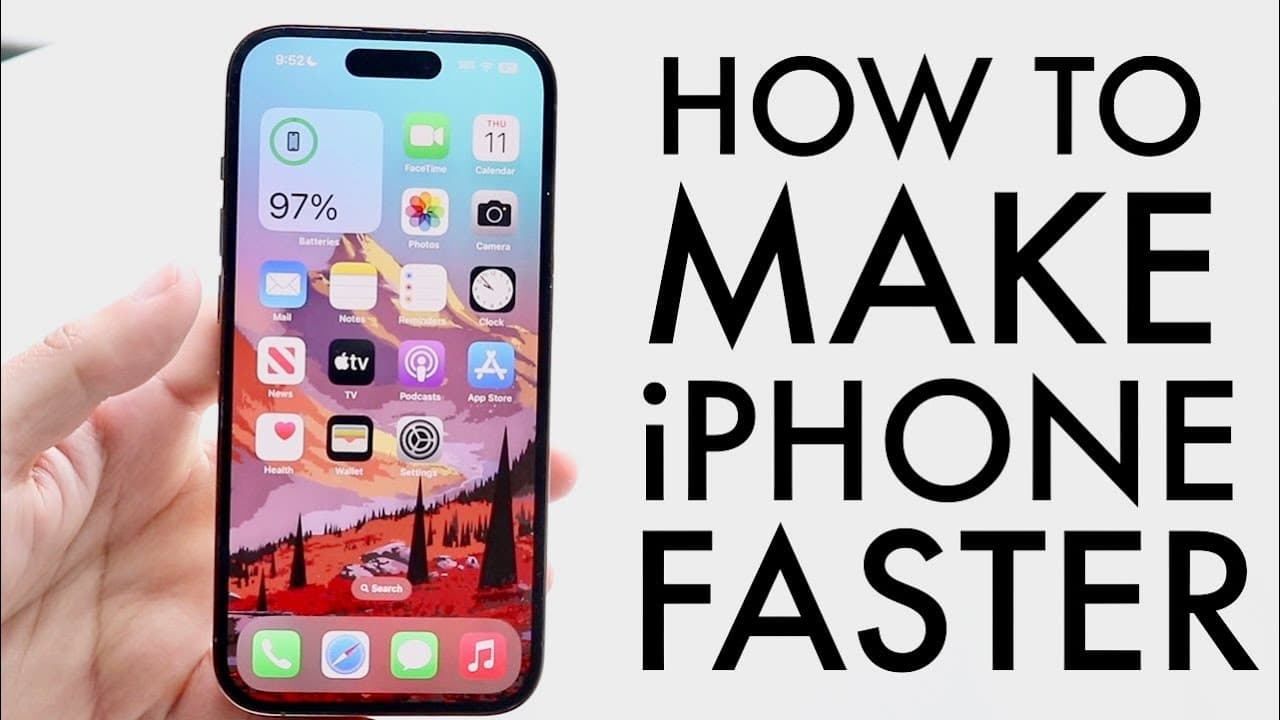
TL;DR
Factory resetting your iPhone significantly enhances its speed and performance.
Transcript
so iPhones have always been one of my favorite devices and there's been a few things I've actually been able to do for the most part to actually increase the speed of my iPhone now the biggest and best thing that I've ever done before that actually has improved my iPhone like crazy in terms of speed was usually by backing all of my data up and fact... Read More
Key Insights
- 🧑🏭 Factory resetting an iPhone after making backups can dramatically improve its functionality by removing clutter and enhancing speed.
- 🔋 Low power mode is useful for battery conservation but can hinder your iPhone's performance if left enabled.
- ❓ Regularly monitoring and maintaining sufficient storage is vital for smooth iPhone operation and performance.
- 🏃 Software updates are essential for addressing performance issues and should be installed to ensure the device runs efficiently.
- 🧑🏭 Different types of backups, including iCloud and PC options, are important to safeguard data before a factory reset.
- 😀 Cleaning up unnecessary apps and files contributes to better performance and a more responsive device.
- 👤 User habits and maintenance practices significantly influence iPhone longevity and performance.
Install to Summarize YouTube Videos and Get Transcripts
Explore YouTube Video Summarizer or Get YouTube Transcript Extractor
Questions & Answers
Q: What is the best method to improve iPhone speed?
The best method to enhance iPhone speed is by backing up all data and performing a factory reset. This process wipes the device clean, eliminating unnecessary files and programs that can slow performance. After resetting, restoring your data will bring back your essential content while offering the benefit of a fresher, faster operating system.
Q: How does low power mode affect iPhone performance?
Low power mode reduces background activity to save battery life, which can slow down your iPhone's performance. If low power mode is enabled, your device may not operate at its full potential. Checking and ensuring that this mode is turned off can lead to improved performance and faster response times.
Q: Why does storage space impact iPhone speed?
If an iPhone is almost out of storage, it can perform poorly as the device has limited space to operate effectively and manage tasks. Insufficient storage may lead to slower app functioning and lagging system performance. Regularly checking storage and deleting unnecessary apps or files can help maintain speed.
Q: How can software updates improve iPhone performance?
Updating your iPhone to the latest software version often includes bug fixes, performance improvements, and new features. An older version of software may slow down the device due to lack of optimizations made in newer releases. Installing updates can provide better stability and potentially enhance overall speed.
Summary & Key Takeaways
-
One of the most effective methods to improve iPhone speed is by backing up data and performing a factory reset, leading to noticeably better performance.
-
Keeping low power mode off and ensuring sufficient storage can greatly help maintain optimal iPhone functionality.
-
Regular software updates can also enhance speed and stability, preventing performance issues over time.
Read in Other Languages (beta)
Share This Summary 📚
Summarize YouTube Videos and Get Video Transcripts with 1-Click
Try YouTube Summary with ChatGPT & Claude or YouTube Transcript Generator
Explore More Summaries from Simple Alpaca 📚






Summarize YouTube Videos and Get Video Transcripts with 1-Click
Try YouTube Summary with ChatGPT & Claude or YouTube Transcript Generator