Easy Languages Tutorials - Choosing your equipment
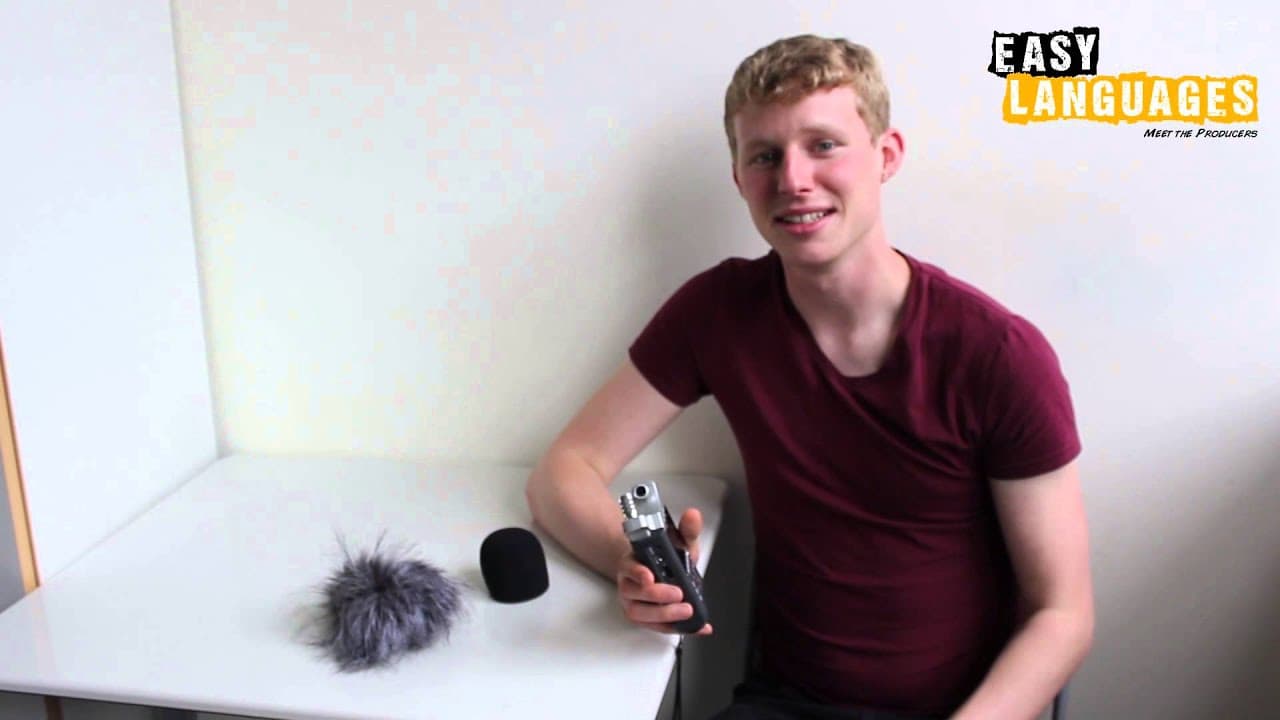
TL;DR
Creators share equipment like Sony cameras & Zoom microphones for high-quality Easy Languages videos.
Transcript
welcome to easy languages tutorial hello my name is ben and i make the easy english videos it's great that you want to get involved as well but obviously you need some equipment so here's a quick tutorial on what type of equipment you can buy hi everyone i'm mata from croatia producer of easy creation videos for recording the voice i use this thing... Read More
Key Insights
- 🎥 Budget-friendly options like Zoom H1 and basic Sony cameras are sufficient for recording high-quality Easy Languages videos.
- 🥳 Canon cameras like SX 260 HS and 600D are recommended for their full HD recording capabilities.
- 🎙️ Expensive options like Sennheiser wireless microphones are convenient but not necessary for beginners.
- 🎮 Audio quality is emphasized as crucial in producing professional Easy Languages videos.
- 🎥 Practice focusing when using DSLR cameras like the Canon 600D for better video quality.
- ⚾ Creators suggest investing in equipment based on budget and needs, with cheaper options available.
- ⚾ Equipment recommendations vary based on individual preferences and budget constraints.
Install to Summarize YouTube Videos and Get Transcripts
Explore YouTube Video Summarizer or Get YouTube Transcript Extractor
Questions & Answers
Q: What equipment is recommended for recording Easy Languages videos?
Creators suggest using Zoom H1 for audio and Sony or Canon cameras for video recording to achieve high-quality results at an affordable price.
Q: Are there any expensive options for equipment mentioned?
Yes, Sennheiser wireless microphones are recommended but cheaper alternatives are suggested for those on a budget.
Q: How important is audio quality in Easy Languages videos?
Audio quality is crucial, as highlighted by the use of Zoom recorders and microphones to ensure clear and professional-sounding content.
Q: What are some tips for beginners looking to start recording Easy Languages videos?
Start with budget-friendly equipment like Zoom H1 and basic Sony cameras, then gradually invest in more advanced gear as needed for improved quality.
Summary & Key Takeaways
-
Creators recommend budget-friendly equipment like Zoom H1 and Sony cameras for recording high-quality audio and video.
-
Canon cameras like the SX 260 HS and 600D are suggested for filming Easy Languages videos.
-
Expensive options like Sennheiser wireless microphones are mentioned but cheaper alternatives are also viable.
Read in Other Languages (beta)
Share This Summary 📚
Summarize YouTube Videos and Get Video Transcripts with 1-Click
Try YouTube Summary with ChatGPT & Claude or YouTube Transcript Generator