How to Start a Podcast - Video 1: Equipment and Software
TL;DR
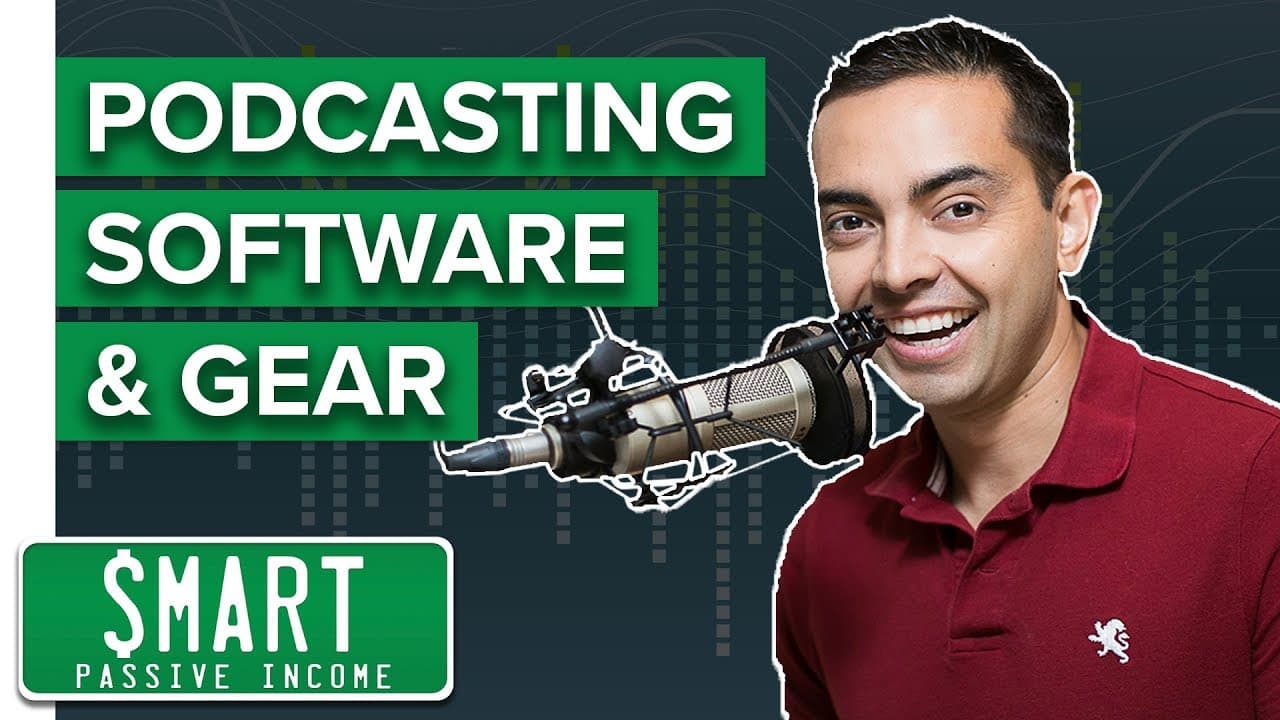
This video discusses different microphone options and software for recording and editing podcasts.
Transcript
hey what's up everybody it's pat flynn from smart passive income and this is the first of a series of videos that I'm shooting to help you get your podcasts up and running because a podcast has been one of the most beneficial things I've ever done for my brand and also for me personally so I'm hoping this video series is going to help you get yours... Read More
Key Insights
- 👂 Sound quality is crucial in podcasting and starts with the choice of microphone.
- 👂 Different microphone options are available based on budget and desired sound quality.
- 🎙️ USB microphones are more user-friendly, while XLR microphones offer greater control.
- 🫢 Microphone accessories, such as pop filters and shock mounts, can improve sound quality.
- 🎙️ Software options like GarageBand and Audacity offer recording and editing capabilities for podcast production.
- 🥳 Recording Skype conversations can be done using third-party software like Call Recorder for Mac or Pamela for Skype for PC.
- 🪈 Using a digital audio recorder can be a backup option to prevent the loss of recorded content.
Install to Summarize YouTube Videos and Get Transcripts
Explore YouTube Video Summarizer or Get YouTube Transcript Extractor
Questions & Answers
Q: Why is sound quality important for a podcast?
Sound quality is crucial for a podcast as it can make or break the listening experience. Poor sound quality can discourage listeners from tuning in, while good sound quality can enhance the overall production value and professionalism of a podcast.
Q: What is the difference between USB and XLR microphones?
USB microphones connect directly to a computer and are more user-friendly, while XLR microphones require a mixer board and offer greater control over sound adjustments. USB microphones are suitable for beginners, while XLR microphones are preferred by more experienced podcasters.
Q: What are some microphone accessories that podcasters should consider?
Podcasters should invest in a pop filter or screen to reduce plosive sounds, a microphone stand for positioning the microphone, and a shock mount to minimize vibrations and improve sound quality.
Q: What software options are available for recording and editing podcasts?
For Mac users, GarageBand is a popular choice as it is user-friendly and offers features for recording, editing, and exporting podcasts. PC users can try Audacity, a free software that provides similar functionalities and allows for importing jingles, intros, outros, and interviews.
Summary & Key Takeaways
-
The video provides a comparison of different microphones for podcasting, ranging from budget-friendly options to more professional ones.
-
It highlights the importance of sound quality for a podcast and recommends upgrading to a more professional microphone for serious podcasters.
-
The video also introduces different software options for recording and editing podcasts, such as GarageBand for Mac users and Audacity for PC users.
Read in Other Languages (beta)
Share This Summary 📚
Summarize YouTube Videos and Get Video Transcripts with 1-Click
Try YouTube Summary with ChatGPT & Claude or YouTube Transcript Generator
Explore More Summaries from Pat Flynn 📚



Summarize YouTube Videos and Get Video Transcripts with 1-Click
Try YouTube Summary with ChatGPT & Claude or YouTube Transcript Generator