Why You Shouldn't Install iOS Beta on Your iPhone
TL;DR
Installing iOS beta versions on your iPhone can lead to significant bugs and performance issues, making it one of the worst decisions for your main device. Large update sizes typically suggest many bug fixes, indicating instability. It's best to wait for the official release to avoid a frustrating experience.
Transcript
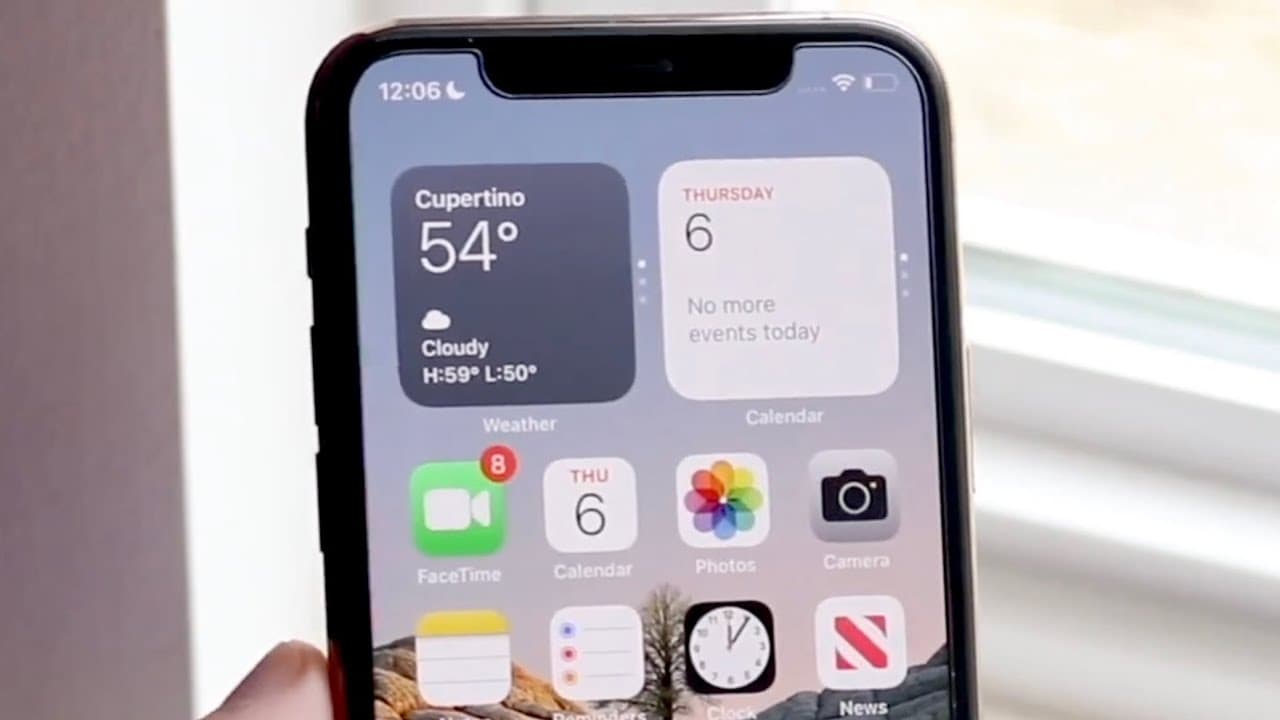
so in my lifetime of ever owning an iphone there was only one everything that i completely regret doing on pretty much all my iphones and that is installing a beta and right now we are in ios 16 beta 2 and what's very interesting about this is that i still see a lot of people asking in a lot of different forms and a lot of different comments sectio... Read More
Key Insights
- 🥺 Installing beta software on primary devices often leads to regret due to frequent bugs and performance issues.
- 🌥️ Large update sizes for beta versions typically indicate that they require numerous corrections, suggesting instability.
- 👤 Features in beta versions can often wait for a more stable official release, sparing users from potential problems.
- 😀 Other Apple devices like watches and accessories can also face connectivity issues if they do not have the corresponding beta installed.
- 🧑💻 The negative experiences echoed by the speaker are common in the tech community, highlighting the risks of beta installations.
- 👤 Embracing caution can protect users from having a frustrating and problematic experience with their devices.
- ❓ It's advisable to engage with beta software only if the device in question is not essential for daily use.
Install to Summarize YouTube Videos and Get Transcripts
Explore YouTube Video Summarizer or Get YouTube Transcript Extractor
Questions & Answers
Q: What are the main issues associated with installing an iOS beta?
The main issues with installing an iOS beta include encountering significant bugs and glitches, which may affect the phone's functionality. Users might also face instability and unreliable performance since the beta software is not fully finalized. Additionally, large update sizes typically indicate the need for frequent bug fixes, making the experience frustrating.
Q: How does the size of the beta update relate to its stability?
A larger beta update size often signals that it contains numerous bug fixes, suggesting that the version is unstable. This typically means that Apple is addressing many issues with the software. For instance, this specific beta was over 5 gigabytes, hinting at considerable instability and issues that users may experience during its use.
Q: What advice does the speaker give to users considering the beta installation?
The speaker advises users to avoid installing iOS beta on their main devices, as it can lead to a poor user experience due to potential bugs and issues. They emphasize that it’s better to wait for the official release to ensure a stable and reliable version of the software, especially if the device is essential for daily use.
Q: What personal experience influenced the speaker's stance on beta installations?
The speaker had a negative experience with the iOS 11 beta, which led to significant problems with their device. This experience shaped their opinion, making them cautious about installing beta versions on personal phones, ultimately deciding never to do so again after that incident.
Summary & Key Takeaways
-
The speaker shares a personal regret regarding their experience with installing iOS beta versions, emphasizing that it's often filled with bugs and glitches.
-
They detail the large update sizes associated with beta versions, indicating numerous bug fixes that suggest unstable performance.
-
The speaker advises users to wait for the official release of iOS 16 rather than risking potential problems with their devices by installing the beta.
Read in Other Languages (beta)
Share This Summary 📚
Summarize YouTube Videos and Get Video Transcripts with 1-Click
Try YouTube Summary with ChatGPT & Claude or YouTube Transcript Generator
Explore More Summaries from Simple Alpaca 📚






Summarize YouTube Videos and Get Video Transcripts with 1-Click
Try YouTube Summary with ChatGPT & Claude or YouTube Transcript Generator