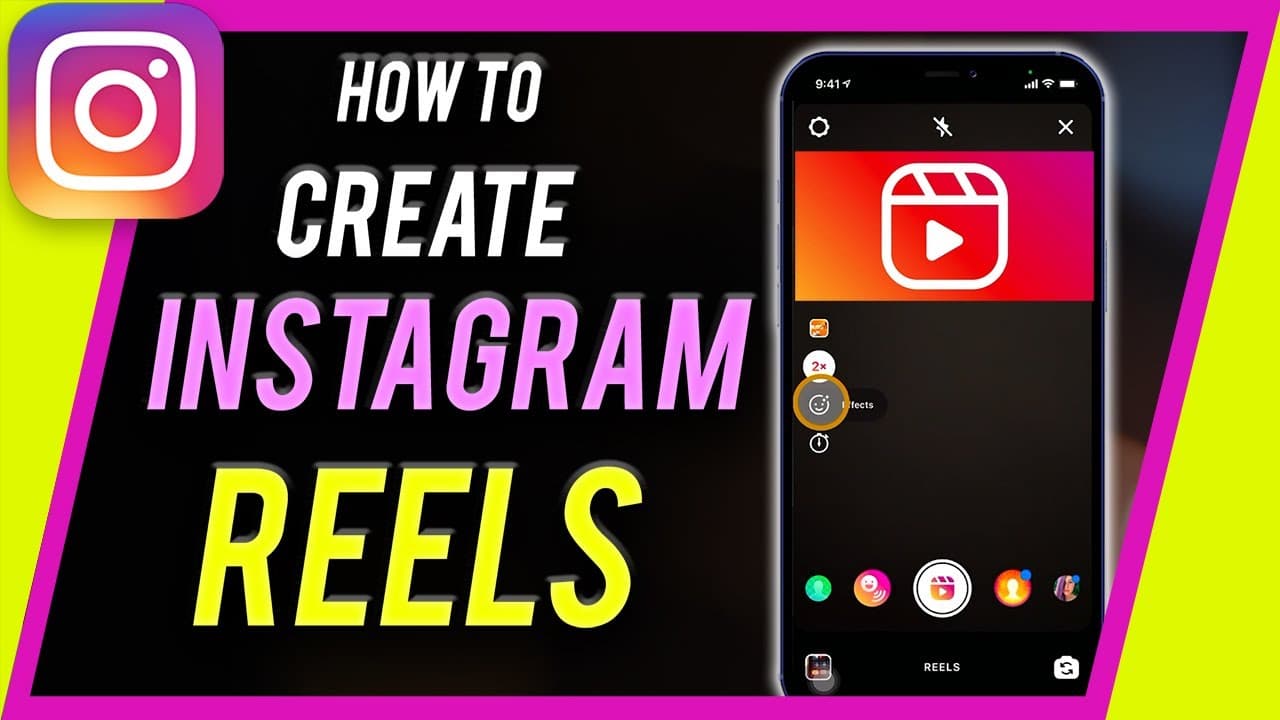
How to Make Reels on Instagram - Instagram Reels for Beginners
TL;DR
Learn how to make Instagram Reels, short vertical videos up to 30 sec to compete with TikTok.
Transcript
hey everyone in this instagram video i want to show you how to create instagram reels and instagram reels if you've never heard of it before it's a new update back in 2020 that instagram rolled out and it's a way to share vertical short form videos up to 30 seconds long at the time that i'm recording this video and what's nice about reels it's that... Read More
Key Insights
- 👶 Instagram Reels is a new feature introduced in 2020 for sharing short vertical videos to compete with TikTok.
- 🎮 The process of creating an Instagram Reel involves selecting video length, choosing music, recording clips, applying effects, and sharing the final video.
- 😑 Users can upload pre-recorded videos to Instagram Reels by scaling them to fit the screen and following the editing process.
- 📼 Editing options include changing video speed, applying effects/stickers, setting timers, and aligning shots for creative effects.
- 👻 Instagram Reels allow users to engage with creative content, add music, text, stickers, and share their videos with the audience.
- 👤 The feature enables users to explore different editing tools, music options, and sharing settings to enhance their Instagram Reels.
- 💁 Instagram Reels provide a platform for users to showcase their creativity, engage with followers, and keep up with the trend of short-form vertical videos.
Install to Summarize YouTube Videos and Get Transcripts
Explore YouTube Video Summarizer or Get YouTube Transcript Extractor
Questions & Answers
Q: What is Instagram Reels and its purpose?
Instagram Reels is a feature for making short vertical videos up to 30 sec long to compete with TikTok, offering users a platform for creative content sharing.
Q: How do you create an Instagram Reel from scratch?
To create an Instagram Reel, open the Instagram app, navigate to the Reels section, select video length, add music, record clips, apply effects/stickers/text, and share the final video.
Q: Can you upload pre-recorded videos to Instagram Reels?
Yes, you can upload pre-recorded videos to Instagram Reels by selecting the video from your device, scaling it to fit the screen, adding it as a clip, and following the same editing and sharing process.
Q: What options are available for editing Instagram Reels?
Editing options for Instagram Reels include choosing video length (15 or 30 sec), selecting music, applying effects, adding stickers/text, setting timers, and even aligning new shots for creative effects.
Summary & Key Takeaways
-
Instagram Reels is a feature for creating short vertical videos up to 30 sec in length, introduced in 2020 to rival TikTok.
-
To create an Instagram Reel, open the Instagram app, select Reels, pick video length, choose music, record clips, add effects/stickers/text, and share.
-
The process involves recording short clips, adding music, effects, text, stickers, and sharing the final product to Instagram for others to view.
Read in Other Languages (beta)
Share This Summary 📚
Summarize YouTube Videos and Get Video Transcripts with 1-Click
Try YouTube Summary with ChatGPT & Claude or YouTube Transcript Generator
Explore More Summaries from Howfinity 📚






Summarize YouTube Videos and Get Video Transcripts with 1-Click
Try YouTube Summary with ChatGPT & Claude or YouTube Transcript Generator