This Week on Xbox: December 29, 2017
TL;DR
Learn setup tips for new Xbox One consoles and explore recent improvements like personalized home screens and expanded game DVR functionality.
Transcript
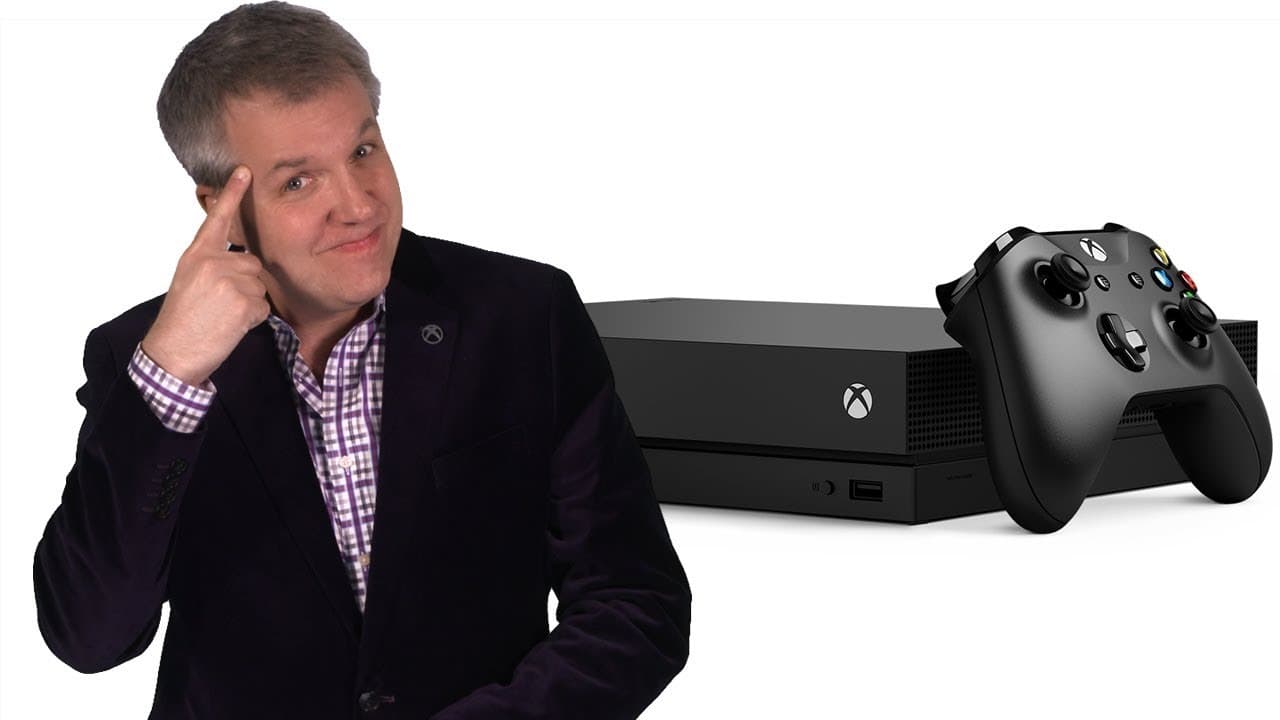
Welcome to this week on Xbox. I'm Larry Hryb on Xbox Live's Major Nelson. The holidays are almost over. And I know there are a lot of you who came away with an Xbox One console. To celebrate, we're going to switch off our regular format for the show and, instead, go through some tips and tricks for getting started with your new Xbox One console.... Read More
Key Insights
- 😫 Setting up a new Xbox One console should begin with checking for the latest system update.
- 🎮 Transferring games and apps to a new console can be done using an external hard drive or network transfer.
- 👾 The fall update brings customizable home screens, improved Xbox OneGuide layout, enhanced game DVR capabilities, and Mixer enhancements.
- ✋ Personalizing the Xbox One theme is now possible with options for a Dark, Light, or High Contrast theme.
- 🏏 The Xbox One X offers a filter for Enhanced games and can capture 4K HDR screenshots and game clips.
- 🎮 Major Nelson recommends backing up console settings to an external hard drive for seamless transition to a new console.
- 👻 Mixer on Xbox One now allows for broadcast previews and simultaneous gameplay streams using supported USB webcams.
Install to Summarize YouTube Videos and Get Transcripts
Explore YouTube Video Summarizer or Get YouTube Transcript Extractor
Questions & Answers
Q: What is the first step recommended for setting up a new Xbox One console?
The first step is to ensure that you have the latest system update by checking in the "Settings" under the "System" tab.
Q: How can you transfer games and apps to a new console using an external hard drive?
Connect the external hard drive to your existing console, format it for games, then copy selected games and apps through the "Storage" settings.
Q: What feature on Xbox One X shows only Enhanced games you own?
The filter for Xbox One X Enhanced games can be found under "My games and apps," allowing you to see which games have been updated for better performance.
Q: How has the fall update improved the Xbox OneGuide?
The new Xbox OneGuide features a faster layout with customizable content blocks that allow for easier navigation to favorite games, friends, and more.
Summary & Key Takeaways
-
Major Nelson offers tips for setting up a new Xbox One console, including checking for system updates and transferring games to an external hard drive.
-
For Xbox One X users, backing up console settings to an external hard drive is also covered.
-
The fall update introduces personalized home screens, improved Xbox OneGuide navigation, enhanced game DVR functionality, and Mixer enhancements.
Read in Other Languages (beta)
Share This Summary 📚
Summarize YouTube Videos and Get Video Transcripts with 1-Click
Try YouTube Summary with ChatGPT & Claude or YouTube Transcript Generator