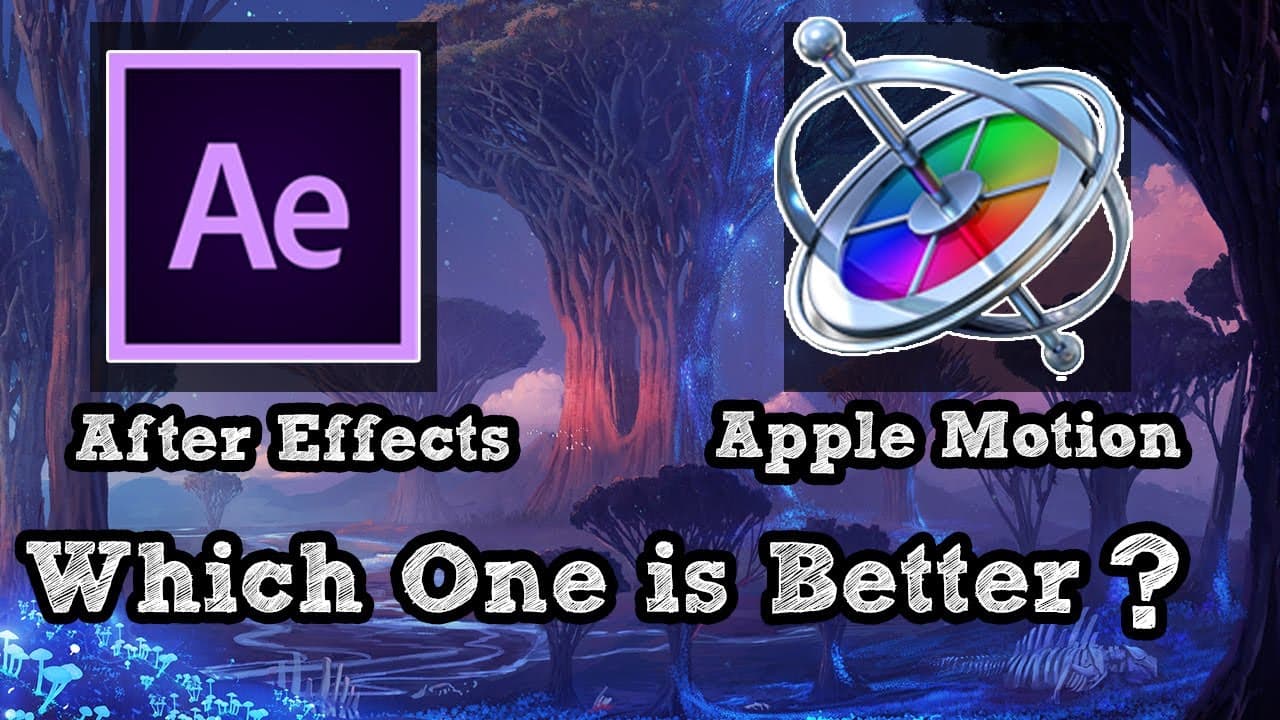
After effects vs Apple motion which is Better.
TL;DR
After Effects vs. Apple Motion comparison in features, compatibility, and interface.
Transcript
today we're going to talk about two of the best motion graphics and compositing software and these are after effects and apple motion they are both great but they have differences in their tools features and what they can offer and this is what we're going to talk about motion graphics after effects has been known over the years and it is still bei... Read More
Key Insights
- ❓ After Effects is the industry standard for motion graphics with extensive resources.
- 👤 Apple Motion offers a user-friendly interface and compatibility with Final Cut Pro.
- 😃 After Effects excels in compositing capabilities for both simple tasks and big budget productions.
- 🤱 Apple Motion is more cost-effective with a one-time fee compared to After Effects' subscription plan.
- 🦔 After Effects' compatibility with Cinema 4D provides an edge in creating 3D elements.
- 😒 Learning curves differ between the two software, with After Effects being more suited for professional use.
- 🧡 After Effects offers a wider range of plugins, templates, and tutorials for users.
Install to Summarize YouTube Videos and Get Transcripts
Explore YouTube Video Summarizer or Get YouTube Transcript Extractor
Questions & Answers
Q: What are the key differences between After Effects and Apple Motion?
After Effects is known for its extensive resources and industry-standard status, while Apple Motion offers a user-friendly interface and compatibility with Final Cut Pro.
Q: Which software is more suitable for beginners in motion graphics?
Apple Motion, with its one-time fee and user-friendly interface, is more attractive for beginners compared to After Effects with a subscription plan.
Q: How do After Effects and Apple Motion compare in terms of compositing capabilities?
After Effects excels in compositing with tools designed specifically for this purpose, making it a popular choice for hobbyists and professionals in big budget productions.
Q: What advantages does After Effects offer in terms of compatibility with other software?
After Effects is compatible with Cinema 4D, allowing users to create 3D elements within the software, a feature that Apple Motion does not offer.
Summary & Key Takeaways
-
After Effects and Apple Motion are both excellent motion graphics software but differ in tools and features.
-
After Effects is known for its comprehensive resources and industry-standard status, while Apple Motion offers user-friendly interface and compatibility.
-
Pricing varies with After Effects having a subscription plan and Apple Motion being a one-time fee, catering to different user needs.
Read in Other Languages (beta)
Share This Summary 📚
Summarize YouTube Videos and Get Video Transcripts with 1-Click
Try YouTube Summary with ChatGPT & Claude or YouTube Transcript Generator
Explore More Summaries from InspirationTuts 📚
Summarize YouTube Videos and Get Video Transcripts with 1-Click
Try YouTube Summary with ChatGPT & Claude or YouTube Transcript Generator