How to Start a Movie Recap Channel on YouTube
TL;DR
To create a successful YouTube movie recap channel, begin by rebranding an existing channel and using AI tools for script and voice-over production. Expect to encounter copyright claims, but learn to navigate disputes for resolution, as many channels do. It's advisable to consider original content creation for long-term security against changing policies.
Transcript
I tried to create a YouTube channel for movie Recaps using AI here's what happened I used some AI tools to produce a movie recap video and observe the outcome of using copyrighted materials and content creation that have always been curious about how movie recap channels manage to thrive on YouTube despite a clear violation of YouTube's copyright p... Read More
Key Insights
- 🛄 YouTube prioritizes enforcing community guidelines and monetization policies over copyright claims.
- 🎥 Movie recap channels may receive automatic copyright claims and use the dispute method to release their videos.
- 🎥 Clever editing techniques are used by movie recap channels to avoid copyright claims.
- 🉑 Becoming accepted into the YouTube Partner Program and monetizing the content is a challenging step for these channels.
- 👶 Starting a movie recap channel may be risky due to potential policy changes or new restrictions.
- 🪡 Creating original content eliminates the need to worry about copyright claims and disputes.
- 🎮 AI tools can be used to transform existing YouTube videos into unique content.
Install to Summarize YouTube Videos and Get Transcripts
Explore YouTube Video Summarizer or Get YouTube Transcript Extractor
Questions & Answers
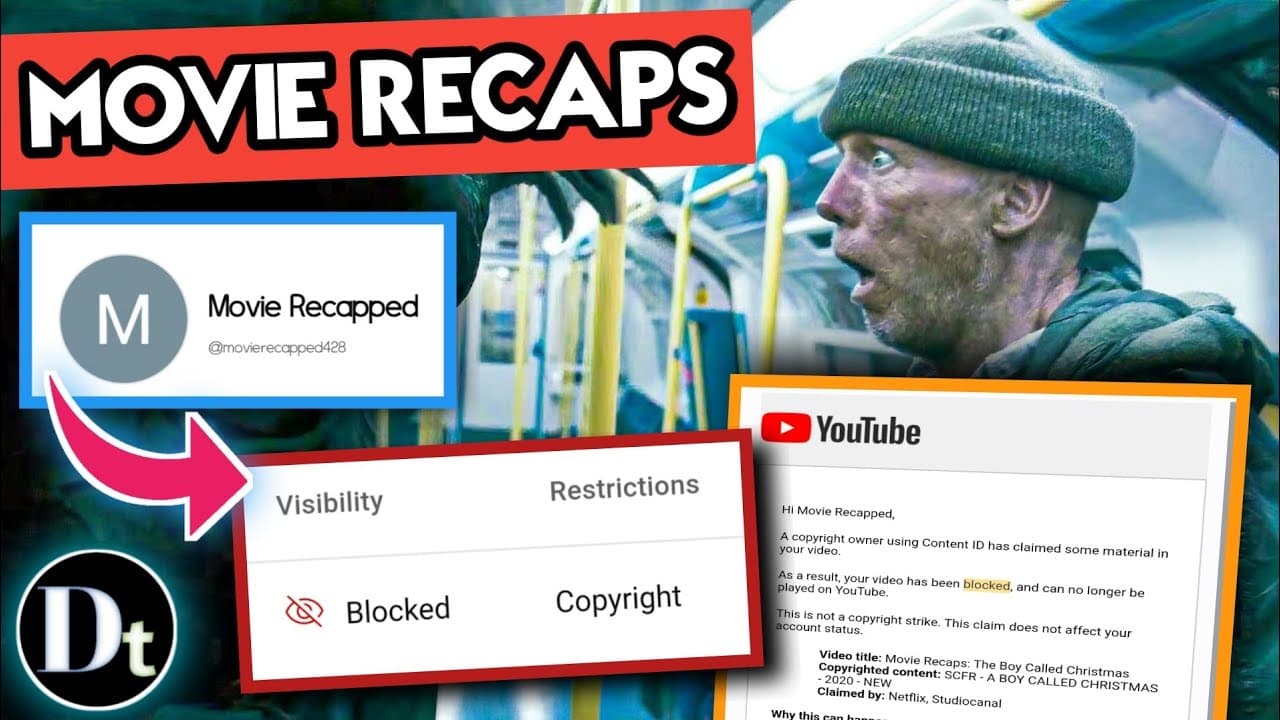
Q: How did the creator deal with the copyright claim on their video?
The creator had two options - deleting the claimed segment or disputing the claim. They chose to dispute it by arguing fair use.
Q: How long did it take for the copyright claim to be released?
It took around five weeks after submitting a statement for the copyright claim to be released.
Q: Do movie recap channels receive automatic copyright claims?
It is likely that movie recap channels receive automatic copyright claims. They may use the dispute method to release their videos.
Q: How do movie recap channels prevent copyright claims?
Movie recap channels use clever editing techniques to prevent copyright claims. They carefully edit their content to avoid using significant portions of copyrighted material.
Summary & Key Takeaways
-
The creator sets up a dormant YouTube channel and rebrands it as "Movie Recapped."
-
They choose a movie to recap, create a script, and use AI text-to-speech and editing tools.
-
A copyright claim is received, and the creator disputes it, eventually getting the claim released after five weeks.
Read in Other Languages (beta)
Share This Summary 📚
Summarize YouTube Videos and Get Video Transcripts with 1-Click
Try YouTube Summary with ChatGPT & Claude or YouTube Transcript Generator