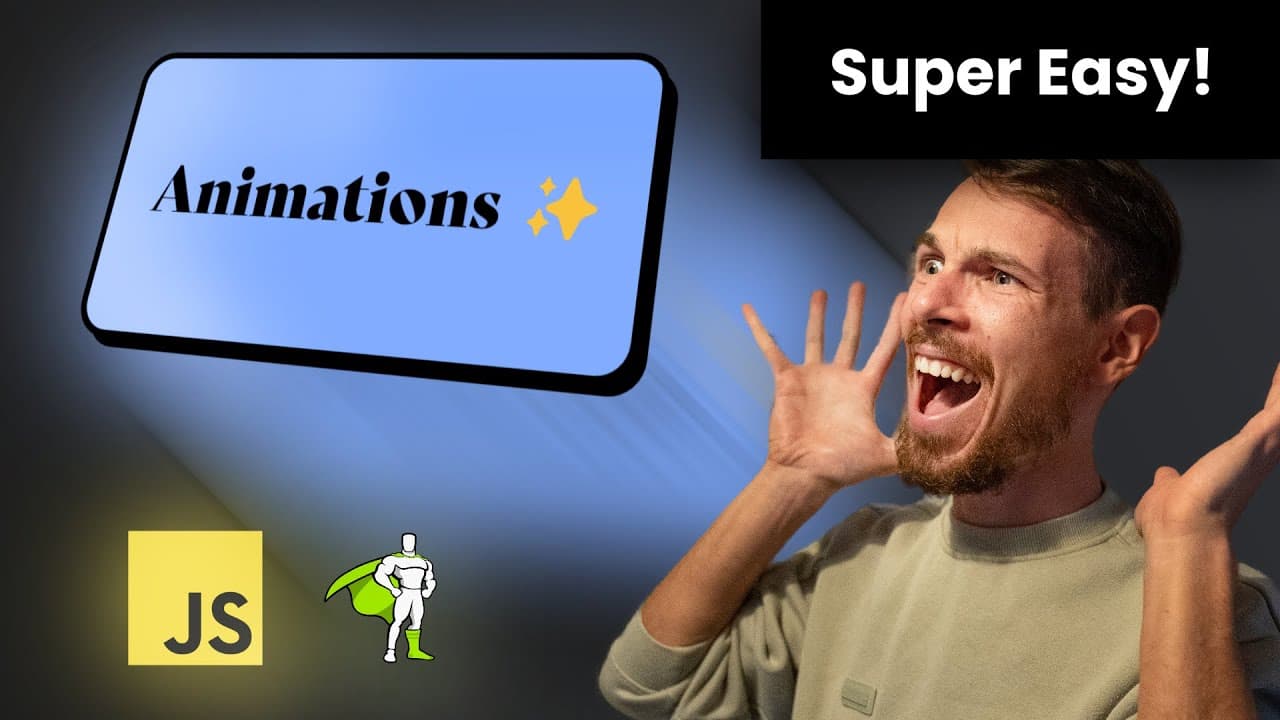
Javascript Layout Animations REALLY SIMPLE TUTORIAL!
TL;DR
Learn how to create impressive and easy-to-implement animations using GSAP, a powerful JavaScript animation library, with examples of layout animations and card animations.
Transcript
hey there my gorgeous friends on the Internet is this position cool here the light looks terrible I love kidney issues in today's episode we're gonna take a look at some amazing animations that you can do that you probably wonder how they are done and they look complicated but they're really simple I'll show you a way that you can make them very ve... Read More
Key Insights
- 📚 GSAP is a powerful JavaScript animation library that simplifies the process of creating animations on websites.
- 🐬 Layout animations, such as bouncing effects and resizing elements, can be implemented using GSAP's flip plugin.
- 🏛️ Card animations can be achieved by applying CSS classes and using GSAP to animate the transitions between the active and inactive states.
- 👻 GSAP provides flexibility and customization options, allowing for the creation of complex and dynamic animations.
- ❓ The simplicity and effectiveness of GSAP make it an ideal choice for developers wanting to enhance their websites with impressive animations.
- ❓ Implementing GSAP animations requires basic knowledge of HTML, CSS, and JavaScript.
- 👨💻 The provided examples demonstrate the potential of GSAP in creating visually appealing animations with minimal code.
Install to Summarize YouTube Videos and Get Transcripts
Explore YouTube Video Summarizer or Get YouTube Transcript Extractor
Questions & Answers
Q: What is GSAP and why is it useful for creating animations?
GSAP (GreenSock Animation Platform) is a JavaScript animation library that provides a simple and powerful way to create animations. It offers various features and plugins, including layout animations and card animations, making it easy to implement impressive animations on websites.
Q: How can layout animations be achieved using GSAP?
Layout animations, such as bouncing effects and resizing elements, can be achieved by using GSAP's flip plugin. The flip plugin allows for smooth and seamless transitions between different layouts, resulting in visually appealing animations.
Q: How do card animations work with GSAP?
Card animations involve expanding a selected card to fill the screen while the other cards condense into a grid layout. This effect is achieved by applying CSS classes to the cards and using GSAP to animate the transitions between the active and inactive states.
Q: Can additional customized animations be added to the examples shown?
Yes, GSAP allows for further customization and additional animations to be added. The onComplete, onStart, and onStep functions can be utilized to create more complex and dynamic animations based on specific requirements.
Summary & Key Takeaways
-
The content introduces GSAP, a popular animation library, and explores how to create impressive animations using simple JavaScript code.
-
Layout animations, such as a bouncing effect on a navigation bar and resizing elements based on their content, are demonstrated.
-
Card animations are also showcased, where clicking on a card expands it to full size while the other cards condense into a grid layout.
Read in Other Languages (beta)
Share This Summary 📚
Summarize YouTube Videos and Get Video Transcripts with 1-Click
Try YouTube Summary with ChatGPT & Claude or YouTube Transcript Generator
Explore More Summaries from developedbyed 📚

Summarize YouTube Videos and Get Video Transcripts with 1-Click
Try YouTube Summary with ChatGPT & Claude or YouTube Transcript Generator