Is Blender Good for Creating game Assets
TL;DR
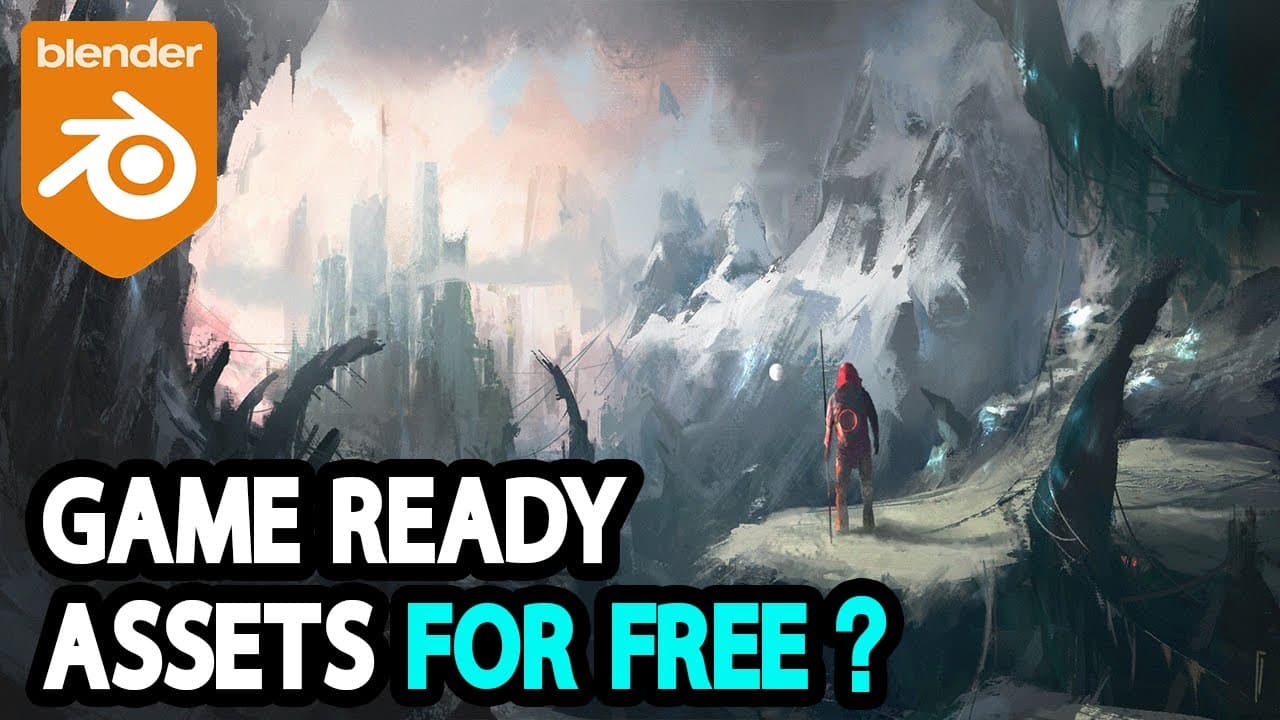
Learn how to create game assets using Blender, including high poly modeling, low poly modeling, UV mapping, texturing, and baking.
Transcript
this video is sponsored by glucose the developer behind the popular add-on UV pack Master more on that later the video game industry is full of opportunities for 3D artists many professionals believe that by 2024 around 220 billions will be spent by Gamers and consumers in this field a big part of the job of game developers is creating different ga... Read More
Key Insights
- 🇵🇫 Blender is a popular software choice for creating game assets, offering a range of tools for high poly modeling, low poly modeling, and UV mapping.
- 👾 Converting high poly models to low poly models is essential for optimizing game asset performance in game engines.
- 🇧🇻 Add-ons like UV Pack Master enhance UV mapping efficiency and provide advanced tools for texture packing in Blender.
- 👻 Baking allows for the transfer of high poly model details to texture maps, improving the visual quality of low poly models in game development.
- 👨🎨 Blender's texture painting feature enables artists to paint textures directly onto models in real-time, streamlining the texturing process for game assets.
- 📼 Creating game-ready assets in Blender requires patience and attention to detail, with simple assets taking minutes to create and complex assets requiring days of work.
- 🇵🇫 Game asset creation in Blender involves a combination of high poly modeling, low poly modeling, UV mapping, texturing, and baking techniques.
Install to Summarize YouTube Videos and Get Transcripts
Explore YouTube Video Summarizer or Get YouTube Transcript Extractor
Questions & Answers
Q: What is the importance of converting high poly models to low poly models in game development?
Converting high poly models to low poly models is crucial in game development as it optimizes performance by reducing polygon count while maintaining visual quality.
Q: How does Blender facilitate the process of UV mapping for game assets?
Blender allows users to manually unwrap UVs for precise control over texture mapping, with add-ons like UV Pack Master providing advanced UV packing tools for efficiency.
Q: What role does baking play in creating game assets?
Baking enables the transfer of high poly model details to texture maps for use on low poly models, ensuring that the latter appears detailed without high polygon counts.
Q: How does Blender's texture painting feature enhance the game asset creation process?
Blender's texture painting feature allows artists to paint directly onto models in real-time, providing immediate feedback and making the texturing process more intuitive.
Summary & Key Takeaways
-
The video discusses the process of creating game assets using Blender, focusing on high poly modeling, low poly modeling, UV mapping, texturing, and baking.
-
High poly models are initially created with detailed meshes, which are then converted to low poly models for optimal performance in game engines.
-
Blender provides a range of tools and techniques for 3D artists to efficiently create game assets, from sculpting organic models to UV mapping and texture painting.
Read in Other Languages (beta)
Share This Summary 📚
Summarize YouTube Videos and Get Video Transcripts with 1-Click
Try YouTube Summary with ChatGPT & Claude or YouTube Transcript Generator
Explore More Summaries from InspirationTuts 📚
Summarize YouTube Videos and Get Video Transcripts with 1-Click
Try YouTube Summary with ChatGPT & Claude or YouTube Transcript Generator