Microsoft’s NEW Windows 11 & 12 AI + GPT 5 Upgrade SHOCKS Everyone (OpenAI's Future)
TL;DR
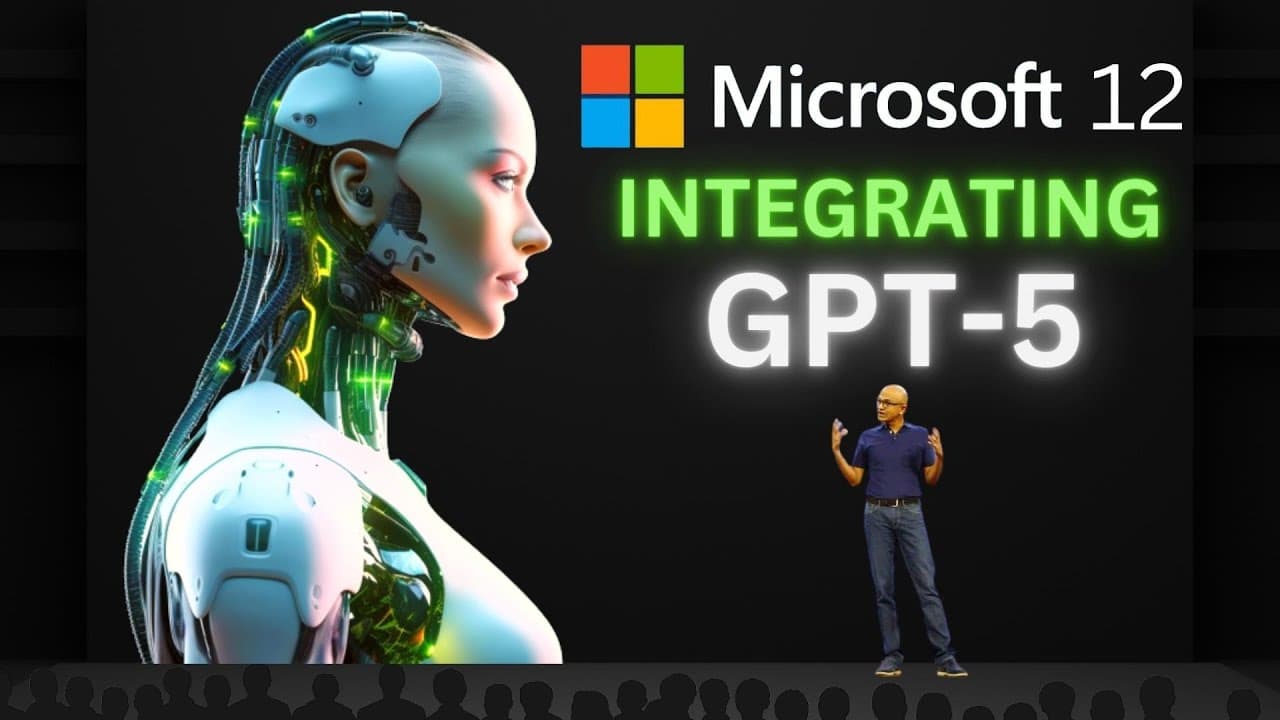
Microsoft's Windows 11 introduces AI features like Windows Copilot, Bing Chat Integration, AI plugin support, and AI tools for developers. Windows 12, powered by GPT 5, could revolutionize PC interactions with enhanced performance optimization, AI assistants, cybersecurity, photo editing, personalized emails, and more.
Transcript
Microsoft's Windows 11 just received several breakthrough AI updates, including a suite of intelligent features and tools that are set to redefine the way humans interact with PCs. Here are the top 5 AI features making Windows 11 the smartest operating system ever, followed by the next seven ways that OpenAI's GPT 5 will make Windows 12 even smarte... Read More
Key Insights
- 👤 Windows 11 introduces AI features like Windows Copilot, Bing Chat Integration, AI plugin support, and AI tools for developers, enhancing PC interactions and user experience.
- 🥺 The integration of GPT 5 in Windows 12 could lead to AI-enhanced PC performance, AI assistants for future planning, AI in cybersecurity, AI-enhanced photo editing, AI-composed emails, relevance-based File Explorer searches, and enhanced personalization.
- 🛟 Windows 12, with the integration of GPT 5, could transform into an intelligent companion, automating tasks, managing digital life, and even serving as a personal tutor.
Install to Summarize YouTube Videos and Get Transcripts
Explore YouTube Video Summarizer or Get YouTube Transcript Extractor
Questions & Answers
Q: What is Windows Copilot in Windows 11?
Windows Copilot is an integrated AI assistant in Windows 11 that remains consistent across apps, programs, and windows. It helps users with tasks, customization, and connectivity, making PC interactions easier and more efficient.
Q: How does Bing Chat Integration enhance Windows Copilot?
Bing Chat Integration enables Windows Copilot to answer questions and perform tasks using natural language. Users can interact with Copilot through typing or speaking, receiving relevant information or actions based on the current screen.
Q: How does AI plugin support in Windows Copilot benefit users?
With AI plugin support, users can access features from third-party apps without leaving their current window. Tasks like booking flights, ordering food, sending emails, or playing music can be seamlessly executed within Copilot, enhancing convenience and efficiency.
Q: How does Windows 11 empower developers with AI tools?
Windows 11 provides developers with AI tools through its Azure Cloud platform and Onyx, an Open Neural Network Exchange. Onyx allows machine learning models to run across different devices and platforms, fostering innovation and empowering developers.
Summary & Key Takeaways
-
Microsoft's Windows 11 introduces AI features like Windows Copilot, Bing Chat Integration, and AI plugin support, making PCs more intuitive and efficient.
-
Windows 11 also empowers developers with AI tools through its Azure Cloud platform and Onyx, an Open Neural Network Exchange, encouraging innovative applications.
-
Windows 12, leveraging GPT 5, could introduce AI-optimized PC performance, AI assistants for future planning, AI in cybersecurity, AI-enhanced photo editing, AI-composed emails, relevance-based File Explorer searches, and enhanced personalization.
Read in Other Languages (beta)
Share This Summary 📚
Summarize YouTube Videos and Get Video Transcripts with 1-Click
Try YouTube Summary with ChatGPT & Claude or YouTube Transcript Generator
Explore More Summaries from AI News 📚


Summarize YouTube Videos and Get Video Transcripts with 1-Click
Try YouTube Summary with ChatGPT & Claude or YouTube Transcript Generator