How to Install Wordpress Locally on your PC (and practice making your website)
TL;DR
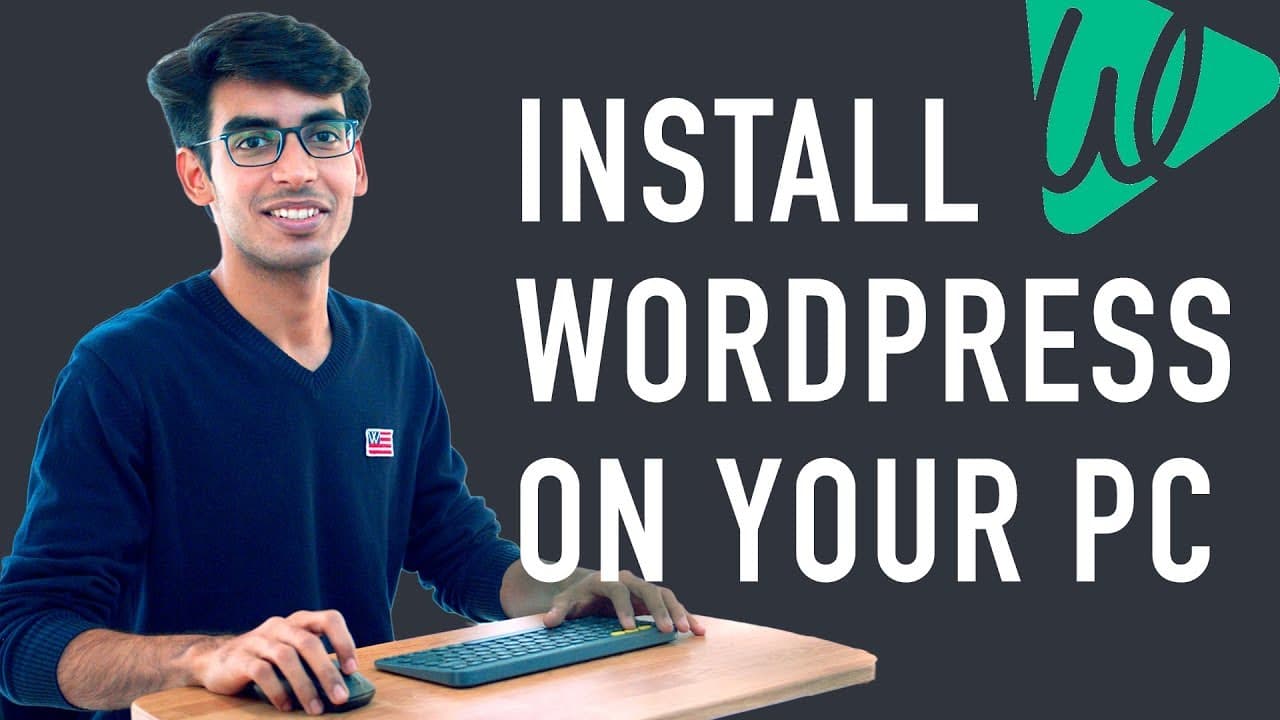
Learn how to install WordPress locally on your computer for free, allowing you to practice and test before launching a live website.
Transcript
Hi Guys, I'm Subhang from Websitelearners.com Today, I'll be showing you how you can install WordPress, Locally on your computer Now, Why would you want to Install WordPress locally? Normally, if want to build a wordpress site, you would need to buy domain and hosting, and then launch your live website But if you don't want to launch a website yet,... Read More
Key Insights
- 🥶 Installing WordPress locally allows for free website development practice and testing.
- 🏃 "bitnami wordpress" software enables running WordPress on a computer without the need for a live website.
- ♿ Accessing the locally installed WordPress site can be done by entering "localhost/wordpress" in the browser.
- ♿ Login details provided during installation are used to access the WordPress site.
- 🫒 After building a website locally, it is possible to move it to a live website by following a separate tutorial.
- 🎮 The video suggests subscribing to the content creator's channel to receive more videos.
- ❓ The provided installation process consists of two simple steps: downloading the software and entering login details.
Install to Summarize YouTube Videos and Get Transcripts
Explore YouTube Video Summarizer or Get YouTube Transcript Extractor
Questions & Answers
Q: Why would someone want to install WordPress locally on their computer?
Installing WordPress locally allows users to practice and test building websites without the need for a domain name and hosting. It's a cost-free way to learn website development.
Q: How can I download the necessary software to run WordPress locally?
Simply search for "bitnami wordpress" in your browser, click the first link, and download the software from the provided link. This software allows you to run WordPress on your computer.
Q: Are there any login details that need to be provided during the installation process?
Yes, you will be asked for your name, email address, username, and password for your local WordPress site. Make sure to remember these details as they will be used to log in to your site.
Q: Can I move my locally built WordPress site to a live website?
Yes, you can. Once you have completed building your website locally, you can follow a separate video guide provided by the content creator to learn how to move your site from localhost to a web host.
Summary & Key Takeaways
-
Installing WordPress locally allows you to store all your website files on your computer for personal access and learning purposes.
-
By following two simple steps, you can download and install the "bitnami wordpress" software that enables running WordPress on your PC.
-
After installation, you can access your WordPress site by entering "localhost/wordpress" in your browser and login with the provided details.
Read in Other Languages (beta)
Share This Summary 📚
Summarize YouTube Videos and Get Video Transcripts with 1-Click
Try YouTube Summary with ChatGPT & Claude or YouTube Transcript Generator
Explore More Summaries from Website Learners 📚




Summarize YouTube Videos and Get Video Transcripts with 1-Click
Try YouTube Summary with ChatGPT & Claude or YouTube Transcript Generator