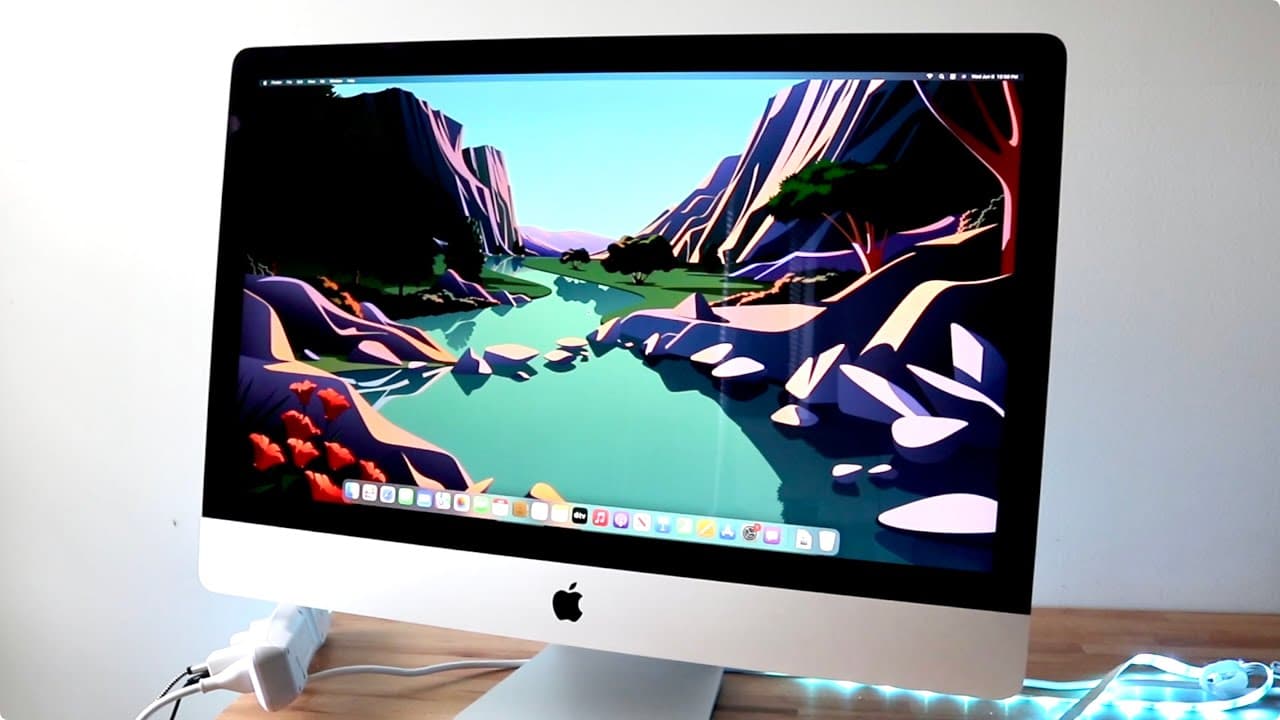
MacOS Ventura On The Oldest iMac
TL;DR
MacOS Ventura runs smoothly on a 2017 iMac but major features are missing for Intel Macs.
Transcript
well everyone i went ahead and installed a mac os venture on the oldest supported imac that is available out there now i will tell you the oldest supported imac right now it's not even that old the 2017 imac is now officially the lowest supported imac that is supported with the latest beta of mac os now i'm not 100 too hot sure how i feel about tha... Read More
Key Insights
- 👶 The 2017 iMac's support for Ventura indicates a narrowing of Apple's compatibility policy, focusing on their newer hardware.
- 👋 A factory reset provides the best performance outcome when installing new operating systems, reducing issues from accumulated files or previous setups.
- 🥶 As Apple introduces new features, older hardware is increasingly becoming obsolete, leading to unsatisfactory experiences for users of Intel Macs.
- 🖤 Many of the enhancements in MacOS Ventura feel incremental compared to prior versions, lacking substantial new functionalities for Intel machines.
- 👤 The beta testing phase for MacOS tends to be fraught with instability, making it risky for everyday users who rely on their systems for critical tasks.
- 👤 User feedback suggests Apple might not prioritize feature parity for older Intel Macs, steering users toward purchasing newer M1 models for full functionality.
- 😚 Features like messaging improvements, such as editing and unsending messages, are still appealing aspects of the latest OS for users who stay within the ecosphere.
Install to Summarize YouTube Videos and Get Transcripts
Explore YouTube Video Summarizer or Get YouTube Transcript Extractor
Questions & Answers
Q: What is the significance of the 2017 iMac being the oldest supported model for MacOS Ventura?
The 2017 iMac being the oldest supported model signifies a shift in Apple's support policy, as it leaves behind Intel models from 2015 and earlier. This choice may frustrate long-time users of older devices who find them still capable but are now excluded from receiving the latest macOS features, leading to a feeling of planned obsolescence.
Q: How does the performance of the MacOS Ventura on the 2017 iMac compare to earlier versions?
The performance of MacOS Ventura on the 2017 iMac appears satisfactory, particularly when installed on a factory reset system. Users noted no significant slowdowns or dramatic changes compared to MacOS Monterey, though a clean installation may lead to a better experience than upgrading from a previous version due to potential legacy issues.
Q: What are some key features missing from the Intel iMacs when running MacOS Ventura?
Key features absent from Intel iMacs on MacOS Ventura include live captions, reference mode with Sidecar, enhanced emoji support, and updated dictation mode. This exclusion indicates Apple's clear movement towards optimizing the OS for its newer M1 architecture, potentially alienating users still on Intel machines.
Q: What advice does the author give regarding installing beta versions of MacOS?
The author strongly advises against installing beta versions of MacOS, citing their unstable nature and tendency to introduce glitches and performance issues. Users are encouraged to stick with official releases until the beta software has been adequately tested and deemed stable, ensuring a smoother and more reliable user experience.
Summary & Key Takeaways
-
The 2017 iMac is currently the oldest model supported by MacOS Ventura, though many believe earlier models could still handle it effectively.
-
Performance on the 2017 iMac with a factory reset was stable, but users may experience issues with dirty installations from previous versions.
-
Several features, especially those geared toward newer M1 Macs, are unavailable on Intel models, raising concerns about Apple's support approach.
Read in Other Languages (beta)
Share This Summary 📚
Summarize YouTube Videos and Get Video Transcripts with 1-Click
Try YouTube Summary with ChatGPT & Claude or YouTube Transcript Generator
Explore More Summaries from Simple Alpaca 📚






Summarize YouTube Videos and Get Video Transcripts with 1-Click
Try YouTube Summary with ChatGPT & Claude or YouTube Transcript Generator