How to Save and Load ML5 Trained Models Easily?
TL;DR
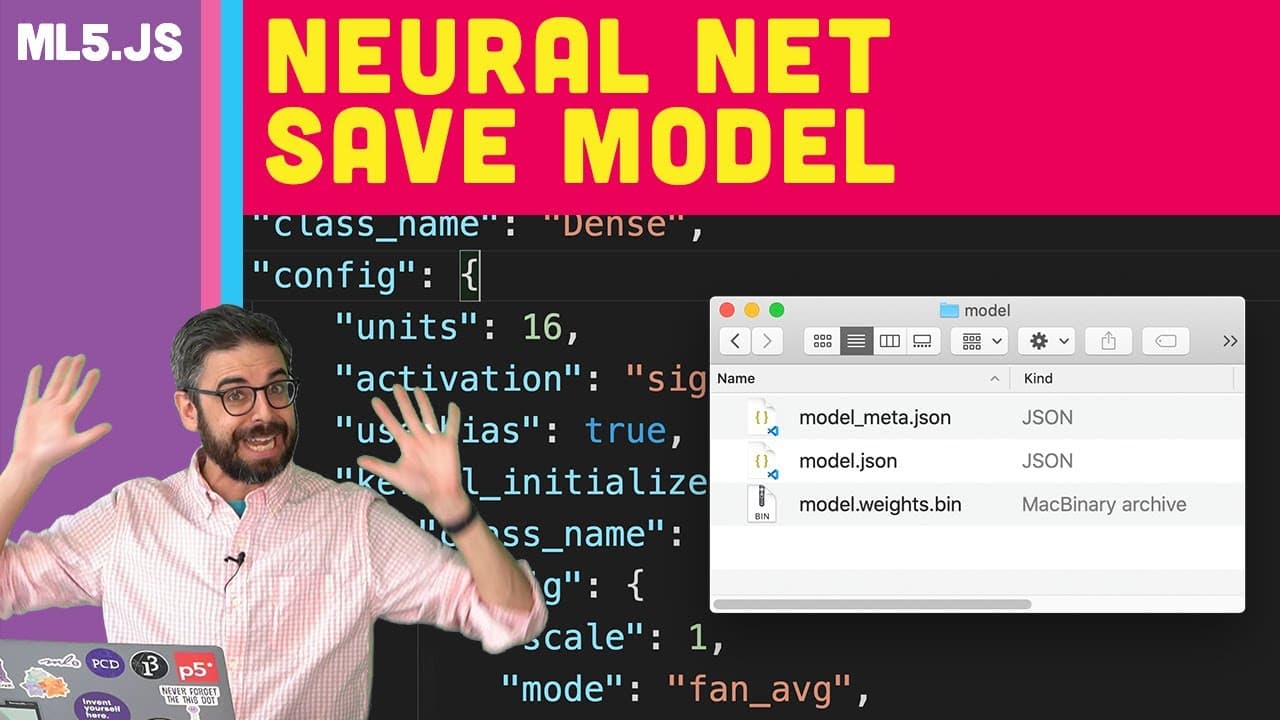
To save an ML5 trained model, use the save function which generates three files: model.json, model_meta.json, and model_weights.bin. These files store the model's architecture, metadata, and trained weights. For loading, use the model.load function with the appropriate file structure to seamlessly deploy the model for inference.
Transcript
[BELL RINGS] And we're back. I am ready, in this video, to show you how to save the train bottle with ml5. So if you recall, what I previously just did, in the previous video, is I added a feature to my example which will load a data set and immediately start training the model. So you can see here a whole bunch of labeled x,y points. The model is ... Read More
Key Insights
- 💁 ML5 models are saved using three files: model.json, model_meta.json, and model_weights.bin, each storing vital information for model reusability.
- 📁 The model.json file in ML5 details the neural network architecture, including layers, connections, and units.
- 🧡 Model_meta.json contains additional metadata specific to the ML5 library, like label names and input value ranges, enhancing model functionality.
- 🏋️ Model_weights.bin is a binary file storing the tuned weights of connective nodes in the neural network, crucial for optimal performance.
- 👻 Saving and loading ML5 models allow for easy deployment and inference after training, providing a convenient way to reuse models.
- 👤 By separating the process into different sketches, users can create dedicated data collection, training, and inference sketches for a more organized workflow.
- 😑 Loading pre-trained ML5 models is achievable using the model.load function and the correct file structure for seamless deployment.
Install to Summarize YouTube Videos and Get Transcripts
Explore YouTube Video Summarizer or Get YouTube Transcript Extractor
Questions & Answers
Q: What are the three files generated when saving an ML5 model?
When saving an ML5 model, three files are created: model.json for architecture, model_meta.json for metadata, and model_weights.bin for neural network weights.
Q: Why is it essential to differentiate between saving data and saving the model in ML5?
Saving data involves a single JSON file, while saving the model includes three files to store architecture, metadata, and weights crucial for model reusability.
Q: How does the model_weights.bin file store information in ML5?
The model_weights.bin file is a binary file that stores the weights of connections in the neural network, tuning them to optimize outputs based on inputs during training.
Q: What additional information does model_meta.json contain in ML5?
model_meta.json in ML5 stores metadata specific to the ML5 library, such as label names, normalization details, and input value ranges essential for model functioning.
Summary & Key Takeaways
-
Demonstrates saving trained ML5 models with three files: model.json, model_meta.json, and model_weights.bin for future use.
-
Explains the significance of each file in storing model architecture, metadata, and neural network weights.
-
Shows how to load pre-trained ML5 models using the load function and the necessary file structure.
Read in Other Languages (beta)
Share This Summary 📚
Summarize YouTube Videos and Get Video Transcripts with 1-Click
Try YouTube Summary with ChatGPT & Claude or YouTube Transcript Generator
Explore More Summaries from The Coding Train 📚






Summarize YouTube Videos and Get Video Transcripts with 1-Click
Try YouTube Summary with ChatGPT & Claude or YouTube Transcript Generator