CAD Style Dimensions...IN BLENDER?
TL;DR
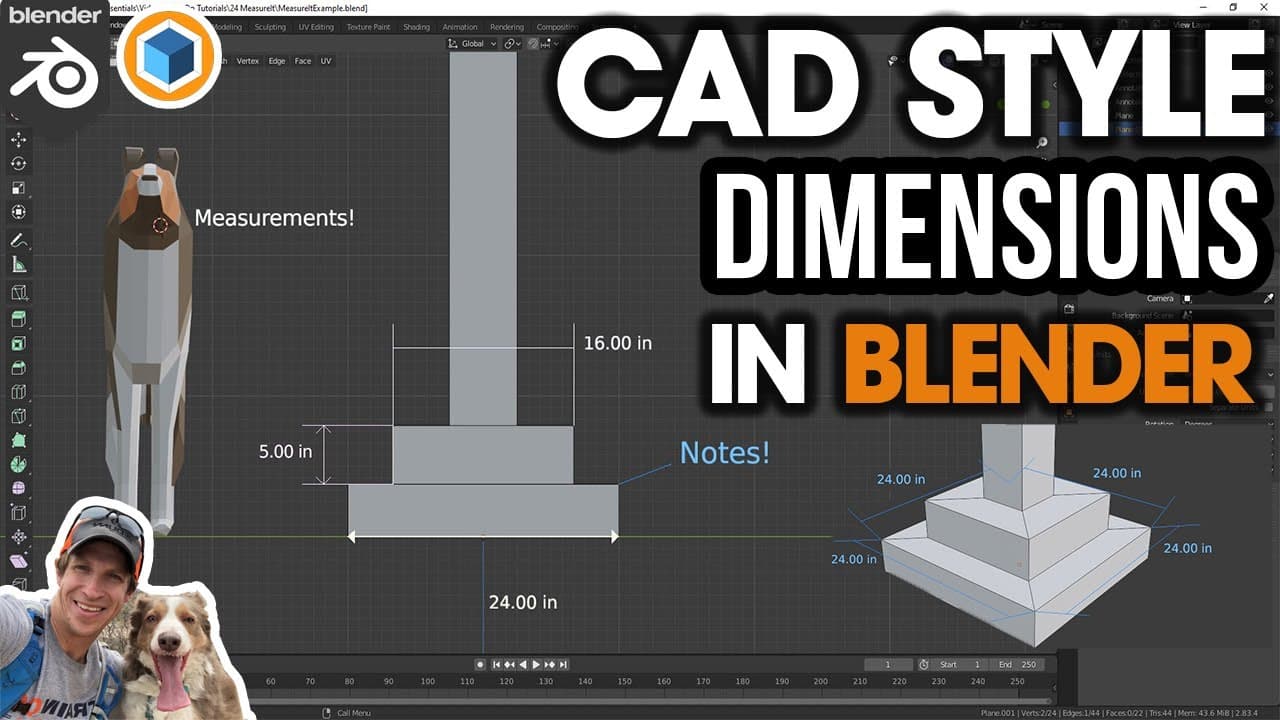
Learn how to use the Measure It add-on in Blender to easily add dimensions and measurements to your 3D models.
Transcript
what's up guys justin here with the cg essentials.com back with another blender add-on tutorial for you so in today's video we're going to talk about an add-on that's already built into blender that allows us to add dimensions to our models so let's go ahead and just jump into it alright so this add-on is already built into blender so all you have ... Read More
Key Insights
- 🪜 Blender's Measure It add-on allows users to easily add dimensions to their 3D models, enhancing precision and accuracy.
- 🦔 The add-on offers various measurement options, including edges, segments, vertices, areas, distances between origins, and more.
- 👤 Users have control over unit preferences, precision, font size, color, and the ability to show or hide measurements.
- 💁 Annotations and labels can be added to objects, providing additional information and notes within the model.
- 🖤 The Measure It add-on lacks the ability to directly print from Blender, but exporting to another program for printing is a recommended workaround.
- 💭 The tutorial encourages discussion on using Blender for architectural applications and invites viewers to share their thoughts and opinions.
Install to Summarize YouTube Videos and Get Transcripts
Explore YouTube Video Summarizer or Get YouTube Transcript Extractor
Questions & Answers
Q: How do I enable the Measure It add-on in Blender?
To enable the Measure It add-on, go to Edit preferences, search for "Measure It," and check the box to enable it.
Q: Can I customize the units and precision of the measurements?
Yes, you can set your preferred units, such as inches or centimeters, and adjust the precision using the options provided in the Measure It tools.
Q: Can I add multiple measurements at once?
Yes, you can add multiple measurements by activating the segment option and clicking on the desired points in your model.
Q: Is it possible to delete or hide measurements?
Yes, you can delete individual measurements from the list or click the "Delete All" button to remove all measurements. You can also hide measurements using the "Hide" button.
Summary & Key Takeaways
-
The Measure It add-on is built into Blender and allows users to add dimensions to models by enabling it in the preferences.
-
Users can add measurements to edges, segments, and vertices, and can customize unit preferences, precision, font size, color, and more.
-
The add-on also enables users to show areas, add labels and notes to objects, and measure distances between origins of different objects.
Read in Other Languages (beta)
Share This Summary 📚
Summarize YouTube Videos and Get Video Transcripts with 1-Click
Try YouTube Summary with ChatGPT & Claude or YouTube Transcript Generator