Top 4 Ways to Fix Windows 10 Tablet Mode Not Working
TL;DR
Learn methods to resolve tablet mode activation issues on devices.
Transcript
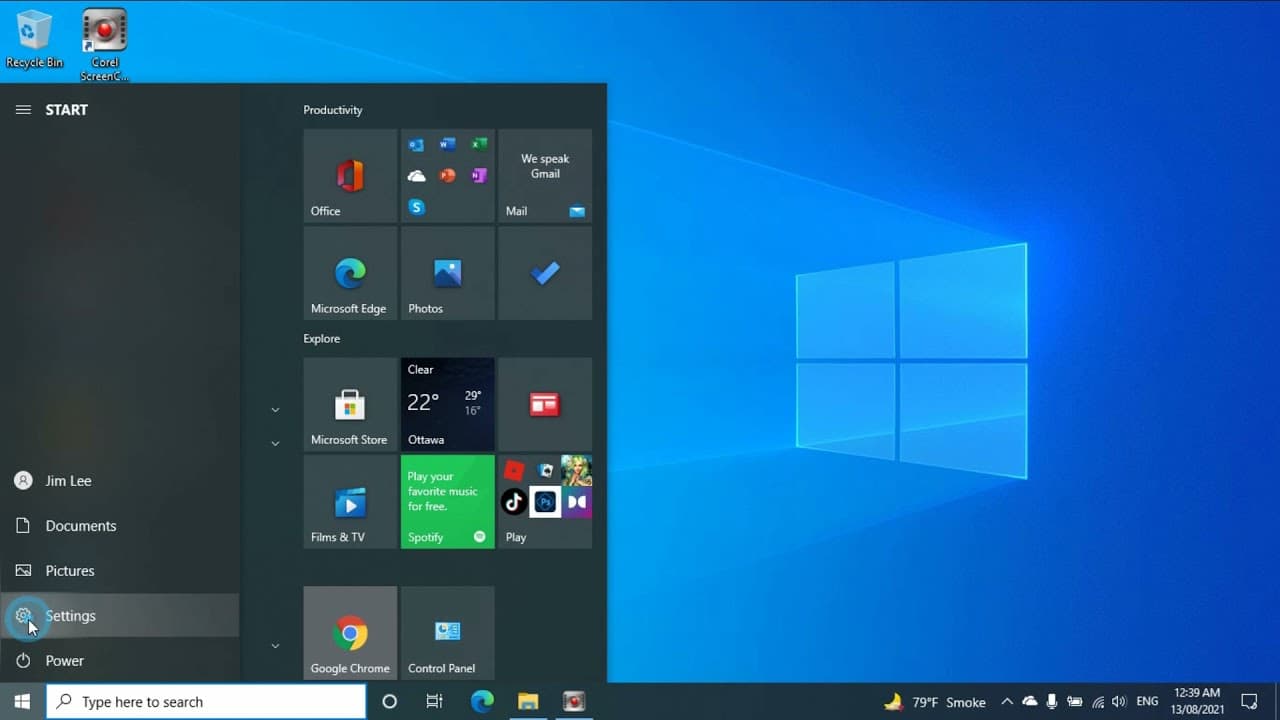
hello in this video i will show you how to fix the tablet mode not working problem so please tell me which method works for you so when you click the notification button you select expand and you will have the tablet mode if you click that not working then the first thing you need to check is the display side you can right click on the desktop then... Read More
Key Insights
- 👤 Tablet mode issues can often stem from incorrect display settings, requiring users to reassess their display configurations.
- ❓ The Windows operating system has detailed settings that can improve tablet functionality, specifically in the personalization and tablet settings sections.
- 👤 Using the registry editor can enable advanced users to force tablet mode activation, providing a last resort solution.
- 👤 The process involves both basic and advanced troubleshooting strategies, catering to varying levels of user experience with technology.
- 😷 Effective communication in troubleshooting is essential; asking for user feedback on methods can provide valuable insights into what works.
- 💱 It’s crucial to backtrack changes to ensure that revert options are available if initial fixes do not yield desired results.
- 📳 The importance of updates is implicit; keeping the Windows operating system updated can prevent future issues with tablet mode.
Install to Summarize YouTube Videos and Get Transcripts
Explore YouTube Video Summarizer or Get YouTube Transcript Extractor
Questions & Answers
Q: What are the first steps to troubleshoot tablet mode issues?
The initial steps involve checking the display settings by right-clicking on the desktop and selecting the display options. Users should try changing from extended to duplicate displays and verify if the issue resolves itself. It's essential to ensure that the settings reflect the desired output for tablet mode activation.
Q: What should I do if tablet mode doesn't activate after changing display settings?
If adjusting the display settings doesn't resolve the problem, the next step is to check settings in the Windows operating system. Go to Settings, then Home, personalize the Start options, and ensure that the full-screen option is turned off since having it on can interfere with tablet mode activation.
Q: How can I ensure that the tablet mode is set to always activate upon signing in?
To set tablet mode to always activate, navigate to Settings, select Systems, and go to the Tablet section. From there, choose the option for the system to always use tablet mode whenever you sign in. Log off and log back in to see if the changes take effect.
Q: What if all normal methods fail to activate tablet mode?
If all regular troubleshooting techniques fail, users can delve into the registry editor to force the activation of tablet mode. This involves creating new DWORD values in the registry. It’s a more advanced method, and users must follow the specifics carefully to avoid system issues.
Summary & Key Takeaways
-
The video provides multiple troubleshooting techniques for solving tablet mode activation problems, emphasizing how to use display settings effectively.
-
It suggests checking display configurations, such as selecting the correct screen mode and adjusting settings in the Windows operating system to enable tablet functionality.
-
If initial methods fail, the video guides users through advanced steps involving the registry editor to force activate the tablet mode.
Read in Other Languages (beta)
Share This Summary 📚
Summarize YouTube Videos and Get Video Transcripts with 1-Click
Try YouTube Summary with ChatGPT & Claude or YouTube Transcript Generator
Explore More Summaries from E Micro Tech 📚

Summarize YouTube Videos and Get Video Transcripts with 1-Click
Try YouTube Summary with ChatGPT & Claude or YouTube Transcript Generator