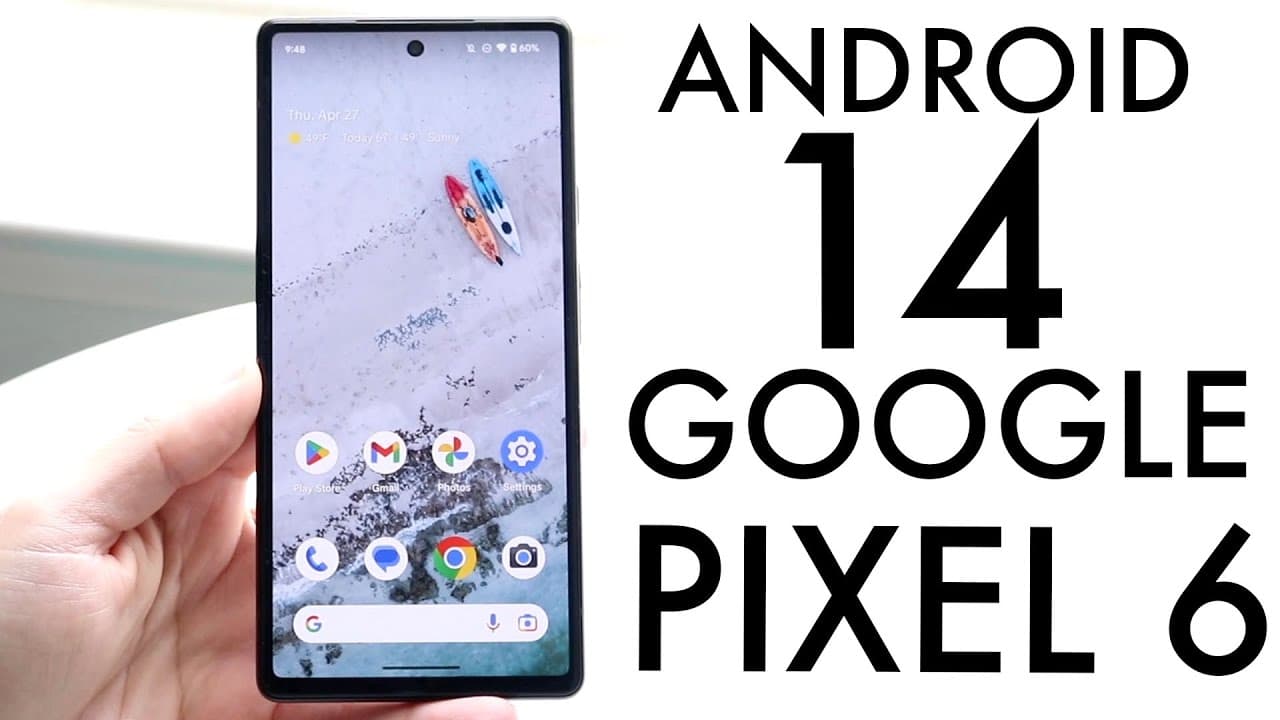
Android 14 On Google Pixel 6/Google Pixel 6 Pro! (Review)
TL;DR
Android 14 introduces new features and enhancements for Google Pixel smartphones, though beta installation is not recommended.
Transcript
well everyone the Google pixel 6 just got Android 14 also the pixel 6 Pro even the pixel 6A so let's go and see how it holds up on these phones now the funny thing is on my pixel 5 as soon as I went ahead and added a widget or wallpaper it kept crashing for the pixel 6 it looks like it's perfectly fine so I wonder why the pixel 5 was happening now ... Read More
Key Insights
- 👤 Android 14 has been successfully installed without significant issues on Google Pixel 6 devices, showcasing the potential for smooth user experiences.
- 🌥️ The beta version introduces notable features, such as larger font sizes, which enhance the usability and accessibility of devices.
- 🔔 Notification settings have expanded, allowing for customizable flash notifications, although some features may not appeal to all users.
- 🪡 Significant improvements in language customization and regional settings indicate an effort to cater to a broader audience with diverse needs.
- 👤 Users are cautioned about potential battery performance issues in beta versions compared to official updates.
- 🏆 It is suggested to wait for stable releases rather than testing beta versions to avoid complications associated with early software updates.
- 🙃 The move to a more familiar naming convention in Android versions, like the “upside-down cake” for Android 14, could lead to user confusion as they adapt to changing formats.
Install to Summarize YouTube Videos and Get Transcripts
Explore YouTube Video Summarizer or Get YouTube Transcript Extractor
Questions & Answers
Q: What are the new features brought by Android 14 on Google Pixel devices?
Android 14 offers several new features, including the ability to increase font size, customizable flash notifications that use the camera flash and screen flashes to indicate notifications, and improvements in language options and regional preferences. These additions aim to enhance user accessibility and personalization.
Q: How does the performance of Android 14 beta compare to previous versions?
The installation of Android 14 beta on the Pixel 6 appears more stable compared to previous devices like the Pixel 5, which had experienced crashes. Users have noted smooth installation processes without boot loops, indicating that this beta version may be the most stable yet.
Q: Why is the installation of the Android 14 beta not recommended?
While the Android 14 beta shows stable performance, the details suggest it could still have underlying issues. Beta software can often lead to complications, notably with battery life, so it is advised to stay with the more reliable official release of Android 13 until a finalized version of Android 14 becomes available.
Q: What customization options are available with the new Android 14?
Android 14 introduces greater customization options, such as larger font sizes and adjustable notification flash settings. Users can choose between a camera flash for notifications or screen flashes. Additionally, improvements in language support and regional features cater to diverse user preferences.
Summary & Key Takeaways
-
The update to Android 14 is available for the Google Pixel 6, 6 Pro, and 6A, showing promise with enhanced features and no installation issues reported.
-
New options include larger fonts, customizable notification flash settings, and improvements in language and regional preferences, providing users with a more personalized experience.
-
Despite the updates, caution is advised against installing the beta version due to potential instability and battery performance concerns, with a recommendation to wait for a more stable official release.
Read in Other Languages (beta)
Share This Summary 📚
Summarize YouTube Videos and Get Video Transcripts with 1-Click
Try YouTube Summary with ChatGPT & Claude or YouTube Transcript Generator
Explore More Summaries from Simple Alpaca 📚






Summarize YouTube Videos and Get Video Transcripts with 1-Click
Try YouTube Summary with ChatGPT & Claude or YouTube Transcript Generator