Doug mirrors his laptop screen to his Roku | 12 Days of Doug #4
TL;DR
Learn how to easily mirror your computer or mobile device screen to your Roku device for seamless streaming.
Transcript
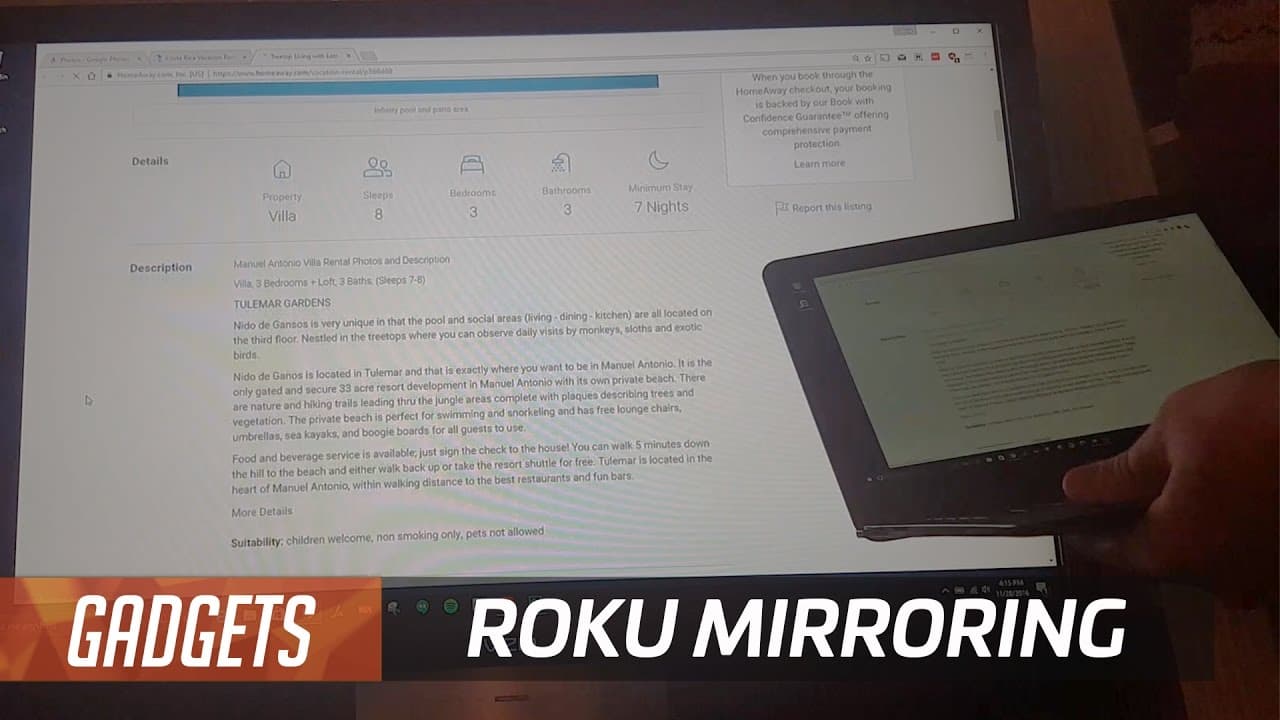
what a world ha guys were war we did it we have so many options for streaming media devices nowadays boxes sticks built into the TV why do I like Roku so much because it can play just about anything just about so today I'm going to show you how to play the stuff you can't really plan it your own stuff we are going to learn how to use Roku screen mi... Read More
Key Insights
- 💻 Roku offers a screen mirroring feature that allows you to mirror your computer or mobile device screen to your TV.
- 👤 Screen mirroring can be enabled in the Roku settings menu and requires a Windows 8 or Windows 10 PC for Windows users.
- 😒 Android mobile devices can also use screen mirroring to connect with Roku.
- 👻 Screen mirroring allows for smooth streaming of videos on Roku, even on low-powered laptops.
- 💻 It is possible to view photos, plan trips, and watch other content from your computer or mobile device on your TV through Roku's screen mirroring feature.
- 😃 Screen mirroring on Roku requires both devices to be connected to the same Wi-Fi network.
- 💻 The process of setting up screen mirroring on Roku and your computer or mobile device is relatively straightforward.
Install to Summarize YouTube Videos and Get Transcripts
Explore YouTube Video Summarizer or Get YouTube Transcript Extractor
Questions & Answers
Q: How can I use screen mirroring with Roku?
To use screen mirroring with Roku, go to the settings menu on your Roku device and enable the screen mirroring option. Then, on your computer or mobile device, access the screen mirroring or wireless display settings and connect to your Roku device.
Q: Can I mirror my Windows PC screen to Roku?
Yes, you can mirror your Windows PC screen to Roku. On your PC, access the settings menu and search for "project" or "connect to a wireless display." Choose the duplicate option, wait for your Roku device to appear, and select it to mirror your screen.
Q: Does screen mirroring work with Android devices?
Yes, screen mirroring is also available for Android devices. Access the screen mirroring setting on your Android device and select your Roku device from the available options to mirror your screen.
Q: Can I stream videos smoothly using screen mirroring with a low-powered laptop?
Yes, even with a relatively underpowered laptop, you can stream videos smoothly using screen mirroring with Roku. The example in the content demonstrates that it is possible to achieve good playback quality on a low-powered laptop.
Summary & Key Takeaways
-
Roku offers a screen mirroring feature that allows you to mirror your computer or mobile device screen onto your TV via your Roku device.
-
To use this feature, ensure that screen mirroring is enabled in the Roku settings menu and use the relevant screen mirroring settings on your computer or mobile device.
-
Once connected, you can smoothly stream videos, view photos, and even plan trips with friends using your Roku device as the display.
Read in Other Languages (beta)
Share This Summary 📚
Summarize YouTube Videos and Get Video Transcripts with 1-Click
Try YouTube Summary with ChatGPT & Claude or YouTube Transcript Generator
Explore More Summaries from TechCrunch 📚





Summarize YouTube Videos and Get Video Transcripts with 1-Click
Try YouTube Summary with ChatGPT & Claude or YouTube Transcript Generator