Best Email Apps For iPhone!
TL;DR
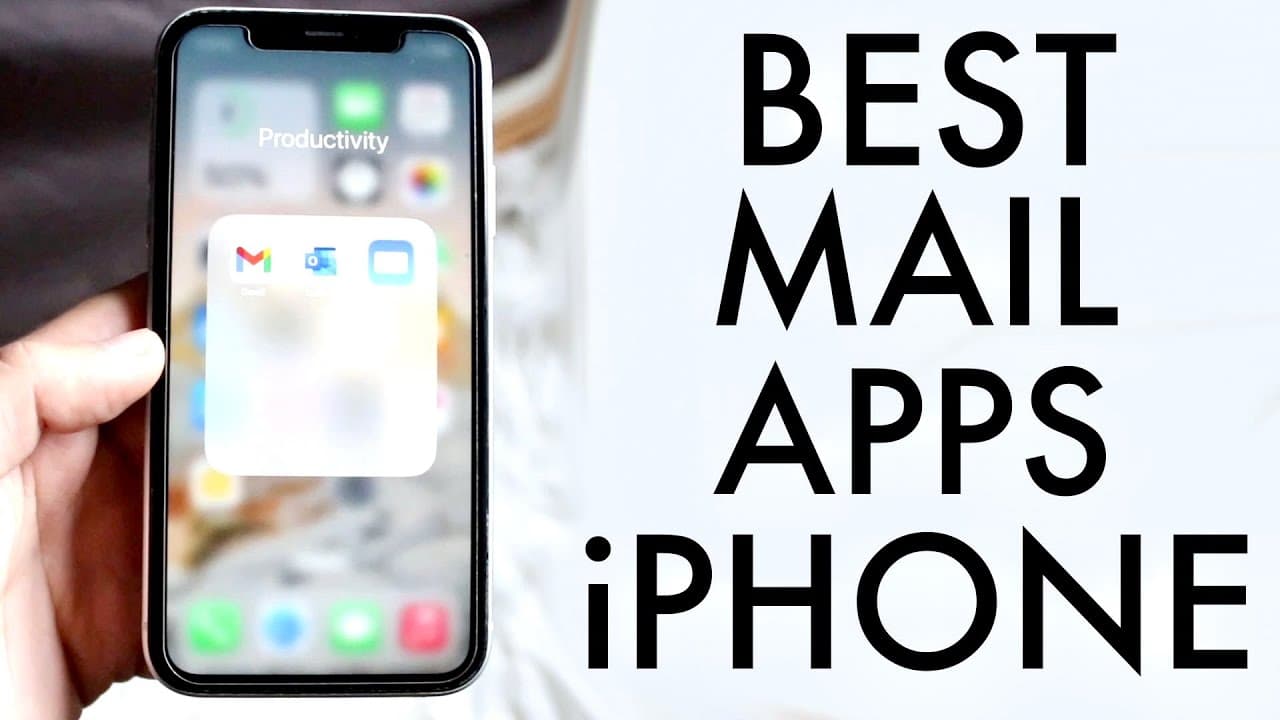
Discover the top three email applications recommended for iPhone users.
Transcript
so iPhones have been notorious of being great male applications I actually don't know that I just kind of just thought about it right now but there are some of the best or here are some of the best mail applications that you can download on your iPhone now there are three of them you can just search these on the Apple App Store I would usually link... Read More
Key Insights
- 💌 Gmail is recommended as the best email application for its integrated experience with Google services and user-friendly interface.
- 💌 Apple Mail stands out for its versatility in connecting various email accounts, making it a reliable option for iPhone users.
- 👤 Outlook, while in third place, is widely used in educational institutions and provides a familiar interface for existing users.
- 👤 Each email application has unique features that cater to different user preferences, emphasizing the importance of the user's familiarity with the interfaces.
- 💌 The ability to set email applications as default on iOS enhances flexibility for managing emails according to user preferences.
- 👤 Security features are comparable across these applications, addressing user concerns regarding privacy and data protection.
- 👤 The user interface of each app plays a role in user experience, with distinctions noted between Outlook and Gmail.
Install to Summarize YouTube Videos and Get Transcripts
Explore YouTube Video Summarizer or Get YouTube Transcript Extractor
Questions & Answers
Q: What makes Gmail the top choice for iPhone users?
Gmail is favored because of its compatibility with multiple accounts, including other Google services. Its integration provides a streamlined experience for users managing diverse email addresses. Moreover, its recent updates allow users to set it as the default mail application on their iPhone, enhancing usability.
Q: How does Apple Mail compare to Gmail?
Apple Mail is a strong contender as it supports numerous email providers, including iCloud, Microsoft, and Google accounts. Users can manage multiple email accounts efficiently in one place, even though the app might not be as popular as Gmail. Its simplicity and default presence on iPhones are significant advantages.
Q: Why do some users choose Outlook for their email services?
Outlook appeals to users, especially in educational contexts, due to its user-friendly interface and compatibility with various email providers like Hotmail and Yahoo. Its visual design mirrors Outlook's desktop app, which helps users maintain familiarity and comfort when transitioning between devices.
Q: Can multiple email accounts be easily managed in these apps?
Yes, all three applications allow users to manage multiple email accounts. Gmail offers a cohesive experience by seamlessly linking other Google accounts, while Apple Mail provides easy access to a variety of services. Outlook also accommodates multiple accounts, aiming for a user-friendly experience similar to its web counterpart.
Summary & Key Takeaways
-
This content discusses the three best email applications for iPhone: Gmail, Apple Mail, and Outlook. It explains why these apps excel in different areas such as user interface and account integration.
-
Gmail is highlighted as the preferred choice due to its seamless integration with other Google products, making it easy to manage multiple accounts efficiently within the app.
-
Apple Mail is praised for its ability to connect various email accounts in one place, while Outlook is recommended mainly for users accustomed to its interface, particularly in educational settings.
Read in Other Languages (beta)
Share This Summary 📚
Summarize YouTube Videos and Get Video Transcripts with 1-Click
Try YouTube Summary with ChatGPT & Claude or YouTube Transcript Generator
Explore More Summaries from Simple Alpaca 📚






Summarize YouTube Videos and Get Video Transcripts with 1-Click
Try YouTube Summary with ChatGPT & Claude or YouTube Transcript Generator