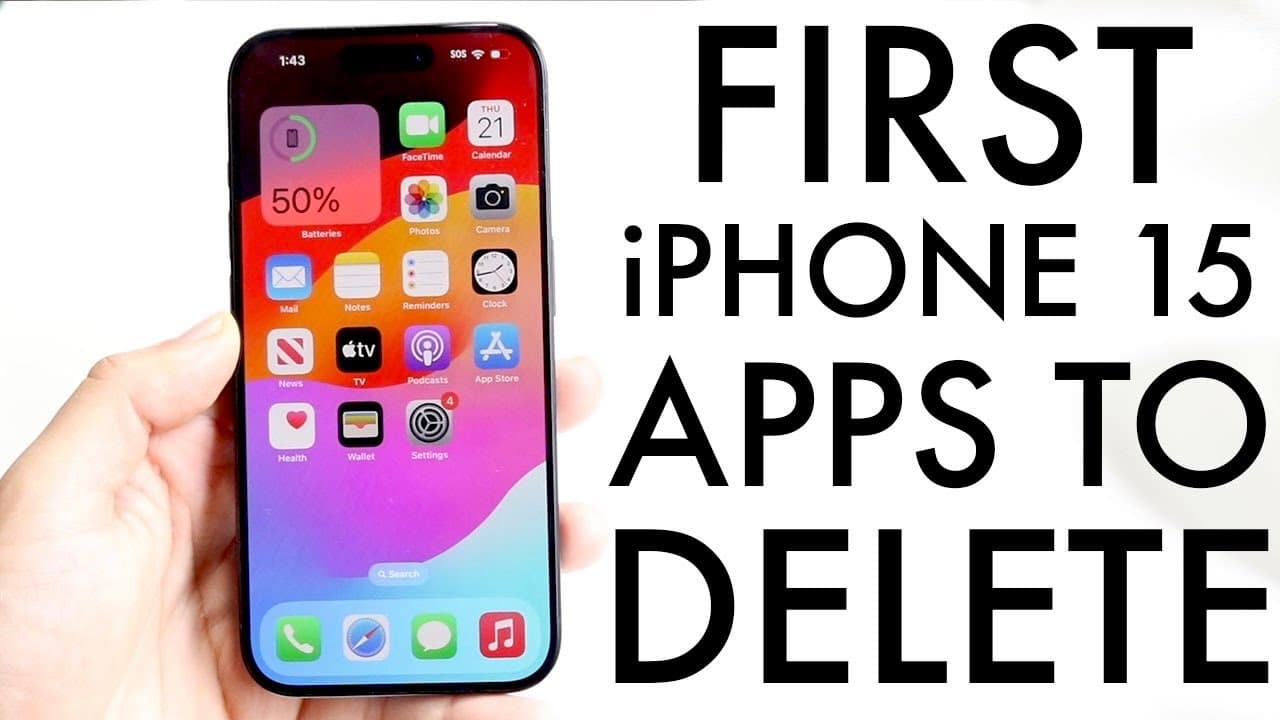
The First Apps To DELETE On Your iPhone 15
TL;DR
Remove unnecessary apps from iPhone 15 to save storage.
Transcript
so you may have just picked up your iPhone 15 and you might be trying to figure out the first applications that you should probably delete off this particular phone now there are a few different apps I recommend kind of removing first beyond all the other ones and we'll kind of get into this basically throughout this video first of all any of the i... Read More
Key Insights
- 🎁 Many pre-installed iPhone apps are rarely used by average users, contributing to unnecessary clutter.
- 😀 Deleting apps not only clears visual space but also helps in freeing up significant storage on the device.
- 😀 Users can always reinstall any app from the App Store, negating the fear of permanent deletion.
- 😀 The storage consumption of some apps can be substantial, making their deletion beneficial for users with limited storage.
- 😀 Alternatives to apps like Numbers and Pages often exist, such as Google Sheets, improving productivity without the need for Apple’s native apps.
- ❣️ Using web versions of social media platforms can help avoid heavy mobile applications like Facebook, which consume considerable data.
- 👤 The recommendation to declutter is aimed not only at storage management but also at enhancing user experience on the device.
Install to Summarize YouTube Videos and Get Transcripts
Explore YouTube Video Summarizer or Get YouTube Transcript Extractor
Questions & Answers
Q: Which apps should be considered for deletion on the iPhone 15?
The video recommends deleting pre-installed apps like iMovie, GarageBand, Clips, and productivity tools such as Pages and Numbers. These are often underutilized, take up significant storage space, and have better alternatives available for users. Deleting them can lead to a cleaner interface and more free storage.
Q: Why is iMovie suggested for removal over other video editing apps?
iMovie is suggested for removal primarily because there are superior alternatives like CapCut that offer more features and better usability for video editing. If a user doesn't frequently edit videos, it's best to delete iMovie to free up storage, as the app consumes a notable amount of space.
Q: What alternatives exist for the GarageBand app?
For those seeking music creation tools, alternatives to GarageBand include professional software like Logic Pro or even online platforms that can accomplish similar tasks. The video suggests that if GarageBand is not often used, it's wise to delete it since it occupies significant storage without providing much practical use.
Q: How much storage can be saved by removing these apps?
By deleting apps like GarageBand, which consumes 1.6 GB, and iMovie, which takes up 674.5 MB, users can potentially save over 2 GB of storage on their iPhone 15. This is a substantial amount, especially for those who may use apps like these infrequently.
Summary & Key Takeaways
-
The video suggests deleting pre-installed applications like iMovie and GarageBand to declutter iPhone 15 while conserving storage space.
-
It emphasizes the availability of better alternatives for video and music editing apps, recommending deletion if not actively used.
-
The content also highlights the storage used by these apps as significant, encouraging users to consider their actual utility.
Read in Other Languages (beta)
Share This Summary 📚
Summarize YouTube Videos and Get Video Transcripts with 1-Click
Try YouTube Summary with ChatGPT & Claude or YouTube Transcript Generator
Explore More Summaries from Simple Alpaca 📚






Summarize YouTube Videos and Get Video Transcripts with 1-Click
Try YouTube Summary with ChatGPT & Claude or YouTube Transcript Generator