How to Change the Text Mode on WordPress to HTML : WordPress: Beyond the Basics
TL;DR
Learn how to switch from text to HTML mode in WordPress for advanced control over blog formatting.
Transcript
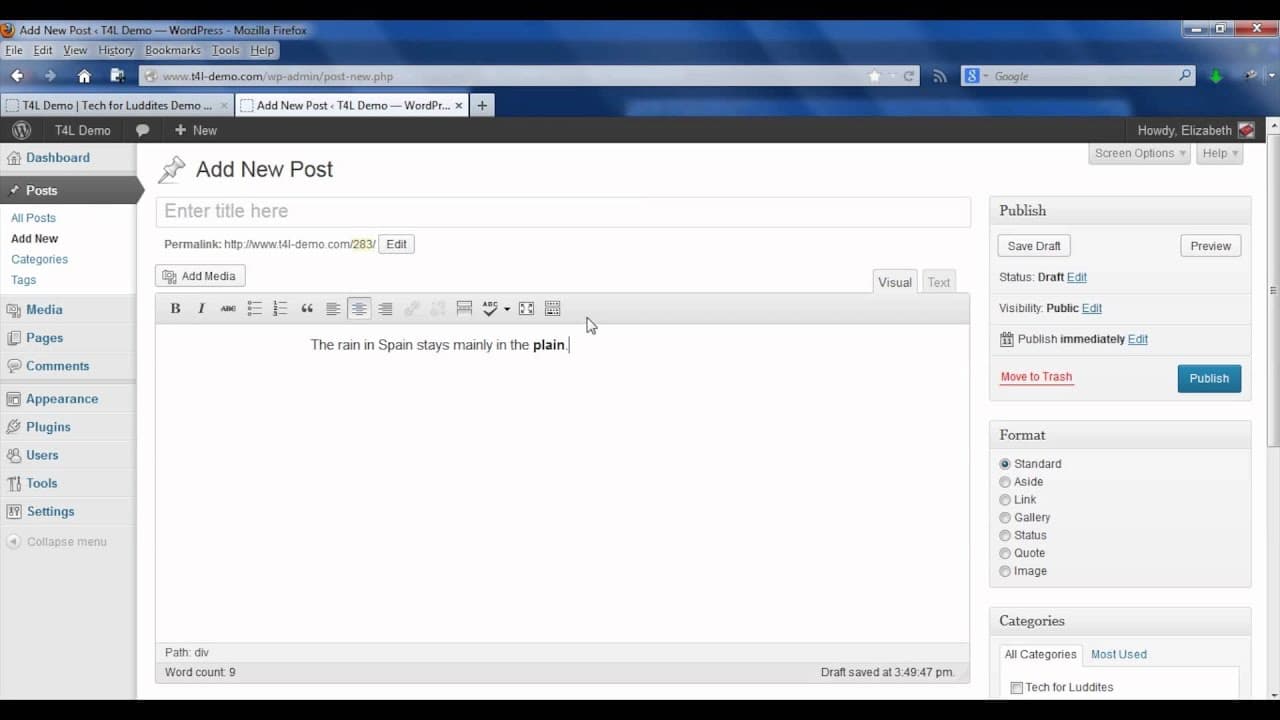
my name is Elizabeth Chris Pelosi I published a blog called tech for Luddites providing tips and tricks for navigating our digital world in this video I'm going to show you how you can switch from text to HTML mode when writing your WordPress blog posts one of the great things about WordPress is that you can actually write your blog posts using HTM... Read More
Key Insights
- 👤 WordPress offers both Visual and Text modes for blog post editing, each catering to different user preferences.
- 💁 Utilizing HTML in WordPress enables advanced formatting options like div tags for custom styling.
- 👤 Users can access additional editing features in the Visual editor by revealing the hidden kitchen sink options.
- 👤 Disabling the Visual editor in user settings can impact the editing experience for WordPress users.
- 👤 Switching to HTML mode in WordPress provides users with more control over their blog post design and layout.
- 📳 Understanding the capabilities of Visual and Text modes in WordPress is essential for efficient content creation.
- 👤 Troubleshooting missing Visual editors in WordPress can often be resolved by checking user profile settings.
Install to Summarize YouTube Videos and Get Transcripts
Explore YouTube Video Summarizer or Get YouTube Transcript Extractor
Questions & Answers
Q: How can users switch between text and HTML modes in WordPress?
Users can switch between text and HTML modes in WordPress by selecting the Text tab, allowing for manual HTML input for specialized formatting.
Q: What additional features are available in the WordPress Visual editor?
The WordPress Visual editor has hidden options like the kitchen sink button, providing access to advanced features including text color, styles, and custom characters insertion.
Q: How can users troubleshoot the disappearance of the Visual editor in WordPress?
If the Visual editor is missing in WordPress, users should check the user settings to ensure the Visual editor has not been disabled for their profile, limiting editing capabilities.
Q: Why is switching to HTML mode beneficial for WordPress users?
Switching to HTML mode in WordPress grants users greater control over formatting and customization, allowing for unique design elements not possible in Visual mode.
Summary & Key Takeaways
-
WordPress allows users to switch between Visual and Text modes when writing blog posts, with Text mode enabling full HTML control.
-
Utilizing the Text tab in WordPress allows for custom HTML formatting, such as centering text using div tags.
-
Users should be aware of the option to disable the Visual editor in user settings, affecting the editing capabilities.
Read in Other Languages (beta)
Share This Summary 📚
Summarize YouTube Videos and Get Video Transcripts with 1-Click
Try YouTube Summary with ChatGPT & Claude or YouTube Transcript Generator
Explore More Summaries from ehow 📚

Summarize YouTube Videos and Get Video Transcripts with 1-Click
Try YouTube Summary with ChatGPT & Claude or YouTube Transcript Generator