Malware Analysis Tools YOU COULD USE
TL;DR
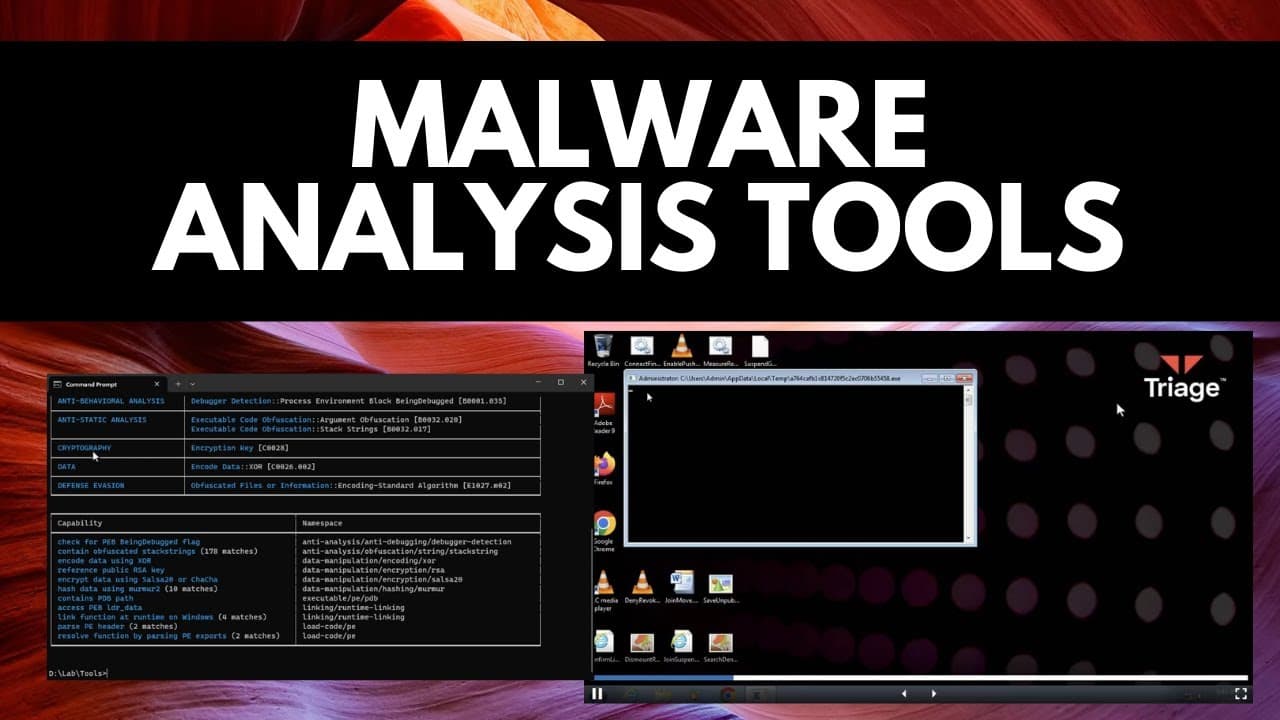
Learn about advanced tools like Last Activity View, Kappa, and Triage that provide expert views of malware and facilitate forensic analysis.
Transcript
now we all know about fars total but in this video I want to talk about some of the more advanced tools that can give you an expert view of malware video sponsor nor VPN the first one we're going to look at is last activity view which is actually a forensic tool but if you open it as you can see this is by near soft and it's going to tell us exactl... Read More
Key Insights
- 👤 Last Activity View serves as a comprehensive logbook of all system activities, including user actions and background processes, making it valuable for identifying potential malware activities.
- 🤗 Kappa, an open-source tool, provides an easy-to-use command line interface for analyzing malware executables, offering insights into their functions, capabilities, and potential malicious behavior indicators.
- 🎮 Triage, utilizing Recorded Future's sandbox, automates malware analysis by providing detailed reports on behaviors, network activities, and video playback, simplifying the identification of potential threats.
- 👤 The simplicity and user-friendly nature of Triage, along with its API, make it a valuable tool for bulk malware analysis and customized analysis systems.
Install to Summarize YouTube Videos and Get Transcripts
Explore YouTube Video Summarizer or Get YouTube Transcript Extractor
Questions & Answers
Q: What is Last Activity View, and how can it be used for malware analysis?
Last Activity View is a forensic tool that captures and logs all user actions and background processes on a system, making it useful for identifying potential malicious activities and behavior related to malware.
Q: How does Kappa contribute to advanced malware analysis?
Kappa is a powerful tool that allows the analysis of malware executables across different operating systems. By providing a detailed view of functions, capabilities, and indicators of malicious behavior, Kappa assists in understanding the inner workings of malware.
Q: What are the advantages of using Triage for malware analysis?
Triage, with its Recorded Future sandbox, offers an online environment for analyzing malware files. It provides detailed reports on behaviors, network activities, and even offers video playback of the analyzed file, enabling the automation and simplification of malware analysis.
Q: Can Triage be used for bulk analysis of malware samples?
Yes, Triage provides an API that allows users to upload and analyze a large number of malware samples, generating comprehensive reports. The specific data fields and tags can be accessed via a Python script, facilitating customized analysis systems.
Summary & Key Takeaways
-
Last Activity View is a forensic tool that provides a detailed log of all actions and activities occurring on a system, including both user actions and background processes.
-
Kappa, an open-source tool by ment, allows the analysis of malware executables by providing an in-depth view of the program, its functions, capabilities, and potential indicators of malicious behavior.
-
Triage, using Recorded Future's sandbox, offers an online environment for analyzing malware files, providing comprehensive reports on behaviors, network activities, and even video playback of the analyzed file.
Read in Other Languages (beta)
Share This Summary 📚
Summarize YouTube Videos and Get Video Transcripts with 1-Click
Try YouTube Summary with ChatGPT & Claude or YouTube Transcript Generator
Explore More Summaries from The PC Security Channel 📚






Summarize YouTube Videos and Get Video Transcripts with 1-Click
Try YouTube Summary with ChatGPT & Claude or YouTube Transcript Generator