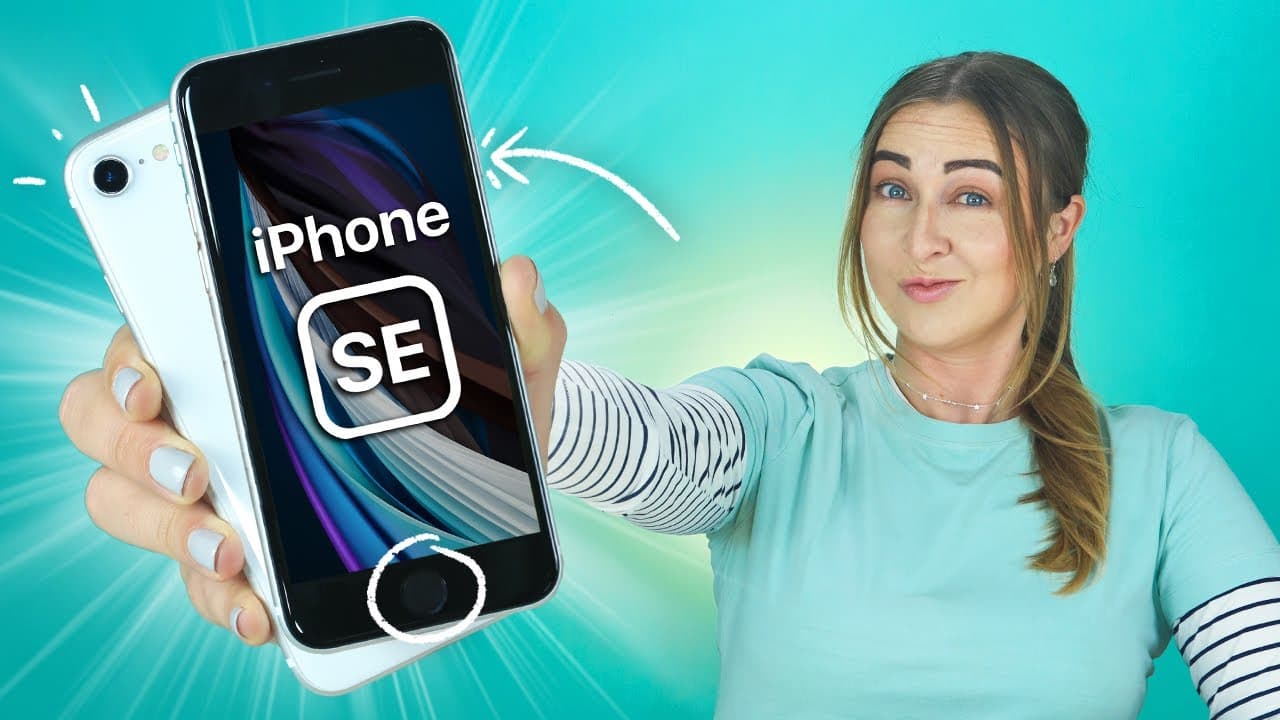
iPhone SE Tips Tricks & Hidden Features | THAT YOU MUST TRY!!! (2020 2nd Gen) 📱
TL;DR
Discover hidden features and tips for the iPhone SE, from voice control to camera tricks, and a chance to win a new iPhone SE case.
Transcript
not gonna lie the new iPhone se is amazing I have a bunch of tips tricks and hidden features for the SE but you can also try out on your effort from camera tricks to voice control a fingerprint lock and a turn other than 50 tips but also stains on the end because they're going to be giving away a bunch of brand new iPhone se cases to some of you gu... Read More
Key Insights
- 🤝 Utilize the shake feature to undo typing easily on the iPhone SE.
- 🎮 Camera tricks like focus locking and video mode shift offer better control.
- 👶 Connecting a mouse to the iPhone SE adds a new level of navigation convenience.
- 👪 Customizing the home button for additional functions can enhance user experience.
- ⌛ Text replacement in keyboard settings saves time in repetitive typing tasks.
- ⛈️ Lightning flash drives provide extra storage for the iPhone SE.
- 🤫 Silencing unknown callers and smart transfer feature add convenience and privacy.
Install to Summarize YouTube Videos and Get Transcripts
Explore YouTube Video Summarizer or Get YouTube Transcript Extractor
Questions & Answers
Q: How can you efficiently undo typing on the iPhone SE?
You can simply shake your phone to bring up a pop-up window that allows you to undo all your text without hassle.
Q: What camera tricks can you utilize on the iPhone SE for better focus?
By clicking and holding down on the camera app screen, you can lock the focus on a specific point, ensuring steady focus even with movements.
Q: How can you connect a mouse to the iPhone SE?
By enabling AssistiveTouch in the Accessibility settings and connecting a Bluetooth mouse, you can navigate your iPhone with a mouse cursor as you would on a computer.
Q: How can you efficiently save time with text input on the iPhone SE?
By utilizing the Text Replacement feature in the keyboard settings, you can create shortcuts for long phrases, saving time while typing repetitive sentences.
Summary & Key Takeaways
-
iPhone SE packs a punch with nifty tips like shaking to undo typing, moving apps easily, and grouping apps together.
-
Voice control, camera tricks like focus locking, video mode shift, and burst shots are game-changers.
-
Features like connecting a mouse, customizing a home button, text replacement, and smart transfer make using the iPhone SE efficient.
Read in Other Languages (beta)
Share This Summary 📚
Summarize YouTube Videos and Get Video Transcripts with 1-Click
Try YouTube Summary with ChatGPT & Claude or YouTube Transcript Generator
Explore More Summaries from Hayls World 📚





Summarize YouTube Videos and Get Video Transcripts with 1-Click
Try YouTube Summary with ChatGPT & Claude or YouTube Transcript Generator