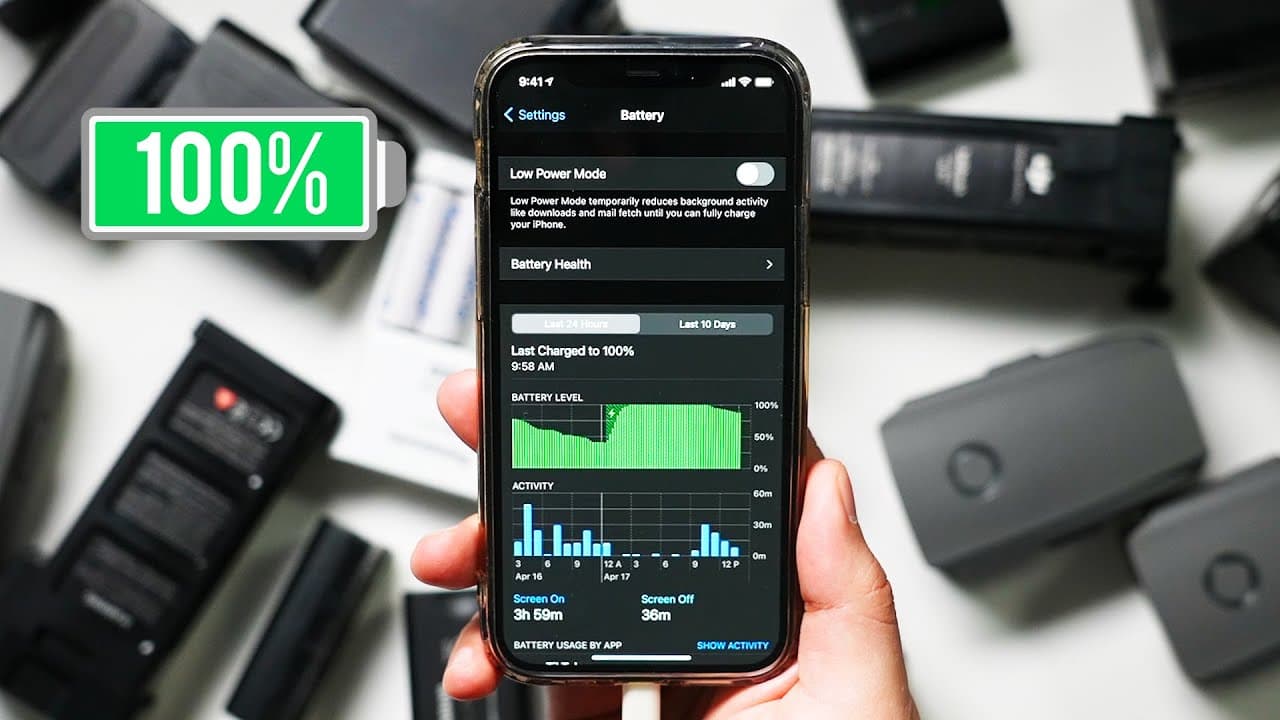
How to Increase iPhone Battery Life - iPhone Battery Health 100%
TL;DR
Maintain iPhone battery health with charging habits and software settings.
Transcript
hey everyone in today's iphone video i want to show you a few things that you could try right now to improve the life of your iphone and some of these will help you long term just to keep your iphone battery healthy and some of them will just help you short term day by day just to get a longer life out of your phone in any given day and with my job... Read More
Key Insights
- 🔋 Maintaining lithium-ion battery health is crucial for prolonging iPhone battery life.
- 🥵 Avoid direct heat and sun exposure to prevent damage to the battery.
- 🔋 Optimizing battery health through settings like optimized battery charging can extend the iPhone's lifespan.
- 🛟 Managing charging habits, such as avoiding draining the battery to zero and using Wi-Fi over cell data, helps preserve battery life.
- 🔋 Turning off unnecessary features like Siri suggestions and widgets can conserve battery power.
- 😀 Monitoring and managing location services and background app refresh settings can contribute to longer iPhone battery life.
- 🔋 Clearing memory and managing notifications can also help in saving battery power.
Install to Summarize YouTube Videos and Get Transcripts
Explore YouTube Video Summarizer or Get YouTube Transcript Extractor
Questions & Answers
Q: How can one maintain iPhone battery health?
Maintaining iPhone battery health involves charging habits like keeping lithium-ion batteries healthy, avoiding direct heat exposure, and not letting the battery drain to zero percent.
Q: What software settings can help conserve iPhone battery life?
Software settings like turning off Siri suggestions, removing unnecessary widgets, managing background app refresh preferences, and disabling precise location services can help extend battery life.
Q: Why is it important to monitor battery health in settings?
Monitoring battery health in settings allows users to check the maximum capacity of their iPhone battery, track its decline over time, and ensure optimized battery charging is enabled for long-term battery health.
Q: How does using Wi-Fi over cell data help with battery life?
Using Wi-Fi instead of cell data reduces battery drain by utilizing a more stable and energy-efficient connection, especially when browsing or using data-intensive apps on the iPhone.
Summary & Key Takeaways
-
Tips to extend iPhone battery life include keeping lithium-ion batteries healthy, avoiding direct sun exposure, and managing charging habits.
-
Optimizing battery health involves turning on optimized battery charging, avoiding draining apps like TikTok, and monitoring battery health in settings.
-
Software settings to preserve battery life include turning off Siri suggestions, managing widgets, background app refresh, and location services.
Read in Other Languages (beta)
Share This Summary 📚
Summarize YouTube Videos and Get Video Transcripts with 1-Click
Try YouTube Summary with ChatGPT & Claude or YouTube Transcript Generator
Explore More Summaries from Howfinity 📚






Summarize YouTube Videos and Get Video Transcripts with 1-Click
Try YouTube Summary with ChatGPT & Claude or YouTube Transcript Generator