Coding Challenge #146: Rendering Raycasting
TL;DR
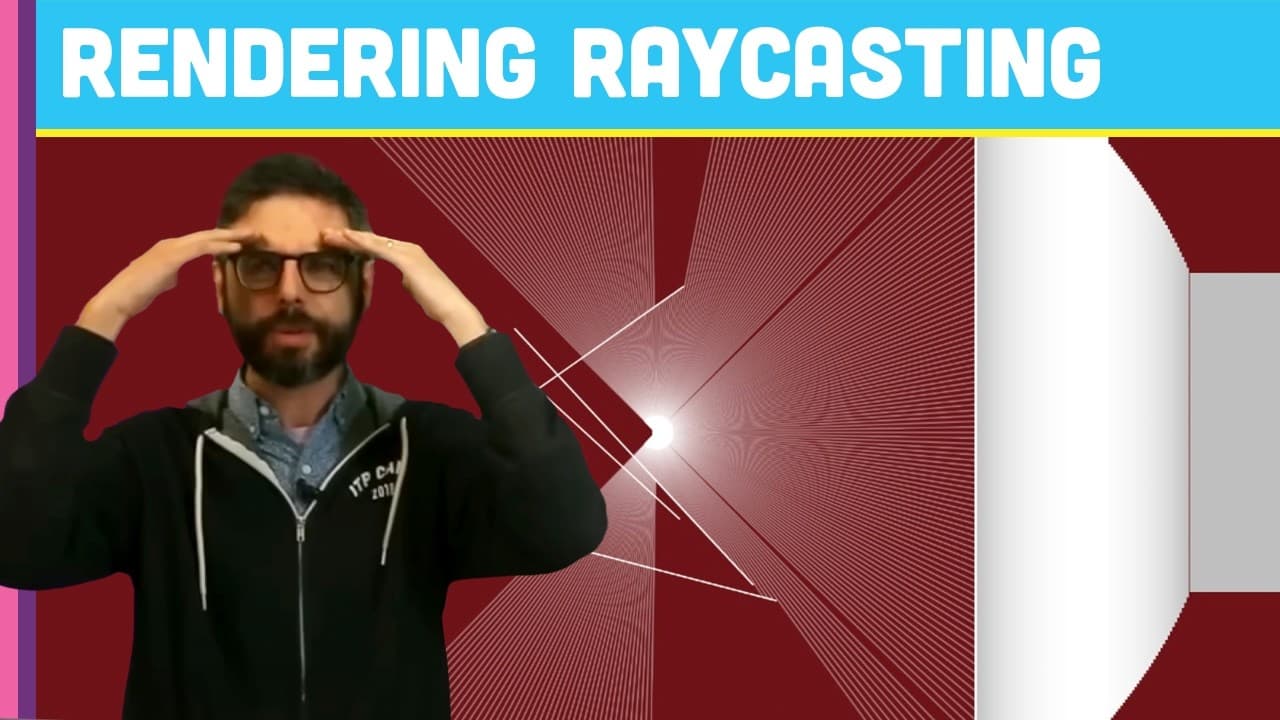
Coding challenge to simulate a maze with raycasting using a 360-degree field of view.
Transcript
(bell ringing) - Welcome to a surprise extra coding challenge. I don't know if it's surprise or it's extra. But it came up after I did my raycasting, 2D ray casting challenge that Coding Train viewer Gustavo Petzi has created a very similar project to this previously where with a kind of particle moving around a maze and casting out rays and then t... Read More
Key Insights
- 😲 Implementation of a 360-degree field of view enhances the visualization of the simulated maze environment.
- 😒 The use of cosine of the angle for perspective correction provides more realistic depth perception in the rendered scene.
- 🪜 Potential improvements include adding colors or textures to walls, automating particle movement, and exploring different boundary types for varied simulations.
Install to Summarize YouTube Videos and Get Transcripts
Explore YouTube Video Summarizer or Get YouTube Transcript Extractor
Questions & Answers
Q: What is the main modification in this coding challenge compared to the previous one?
The main change is restricting the particle's vision to a specific cone of view, allowing it to see within a specific range of angles for a more realistic simulation.
Q: How does the perspective correction technique using cosine of the angle improve the visualization of the maze?
By multiplying the Euclidean distance by cosine of the angle between the ray and the camera's direction, the perspective correction technique helps reduce the fish-eye effect and provides more accurate depth perception in the rendered scene.
Q: What are some potential enhancements or variations that can be implemented based on this raycasting simulation?
Possible enhancements include creating complex mazes with textured walls, automating particle movement, introducing multiple particles, and experimenting with different boundary types to expand the simulation's capabilities.
Q: How can users share their creations based on this coding challenge?
Users can follow the instructions in the video description to share their implementations with the creator and the community, fostering collaboration and feedback on their projects.
Summary & Key Takeaways
-
The video focuses on modifying a previous 2D raycasting challenge to simulate a particle moving around a maze and rendering scenes based on the rays it casts.
-
The challenge involves restricting the particle's vision to a cone of view, rendering scenes based on distance, and implementing field of view adjustments.
-
Key elements include hardcoding canvas dimensions, updating particle movement based on user input, and correcting perspective by projecting distances based on ray angles.
Read in Other Languages (beta)
Share This Summary 📚
Summarize YouTube Videos and Get Video Transcripts with 1-Click
Try YouTube Summary with ChatGPT & Claude or YouTube Transcript Generator
Explore More Summaries from The Coding Train 📚






Summarize YouTube Videos and Get Video Transcripts with 1-Click
Try YouTube Summary with ChatGPT & Claude or YouTube Transcript Generator