How to Change Your Forgotten Instagram Password
TL;DR
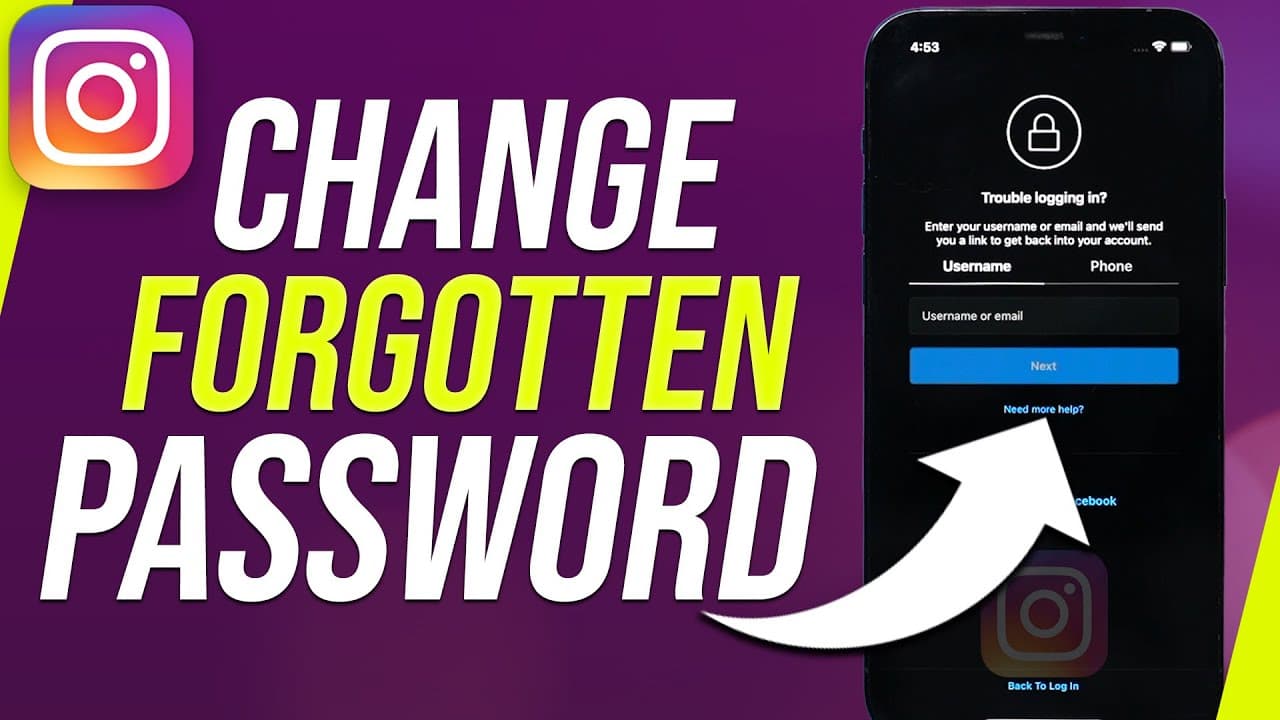
You can change your forgotten Instagram password without knowing the current one by selecting 'Forgot Password' and entering your username, email, or phone number. If these options don’t work, consider trying to log in with Facebook or contact Instagram for assistance through the 'Let us know' feature.
Transcript
if you forgot your instagram password you could actually still change it without knowing your current password and i want to show you all the ways you could do that first let's jump into the instagram app and i'm completely logged out of every account because i can't remember my password if you have multiple accounts and you're logged into one of t... Read More
Key Insights
- 💌 Recovery options include using username, email, phone number, or Facebook for authentication.
- ❓ Incorrectly entering special characters in the username may prevent successful recovery.
- 😚 Losing access to the email or phone linked to the account can pose a significant challenge.
- 💌 Contacting Instagram via the "Let us know" option is a last resort for password recovery.
- 💌 Instagram may respond to email inquiries detailing login issues for potential solutions.
- 🧑💻 Logging in with Facebook could be an alternative method to recover the password.
- 📣 Adding a phone number to the account can help in easier password recovery.
Install to Summarize YouTube Videos and Get Transcripts
Explore YouTube Video Summarizer or Get YouTube Transcript Extractor
Questions & Answers
Q: How can I recover my Instagram password without knowing the current one?
You can recover your Instagram password by selecting "Forgot Password" and entering your username, email, or phone number. If those options fail, try logging in with Facebook or contacting Instagram for help.
Q: What should I do if I lost access to the email or phone number linked to my Instagram account?
If you've lost access to the email or phone number associated with your Instagram account, Instagram may not be able to help you recover it. In such cases, try to regain access to the email first.
Q: Why is it important to enter the correct username without special characters while recovering an Instagram password?
Entering the correct username without special characters, dashes, or underscores is crucial during password recovery as Instagram's system may not recognize these characters, leading to login issues.
Q: How can users contact Instagram for help if other recovery methods fail?
Users can contact Instagram for assistance by selecting the "Let us know" option and providing a detailed explanation of the login issue. Instagram may respond to these inquiries and offer help.
Summary & Key Takeaways
-
Forgot your Instagram password? Follow these steps to recover it without knowing the current one.
-
Begin by selecting "Forgot Password" and entering your username, email, or phone number.
-
If all else fails, try logging in with Facebook or contact Instagram for help via the "Let us know" option.
Read in Other Languages (beta)
Share This Summary 📚
Summarize YouTube Videos and Get Video Transcripts with 1-Click
Try YouTube Summary with ChatGPT & Claude or YouTube Transcript Generator
Explore More Summaries from Howfinity 📚






Summarize YouTube Videos and Get Video Transcripts with 1-Click
Try YouTube Summary with ChatGPT & Claude or YouTube Transcript Generator