How to Live Stream on YouTube from Your Mobile Device
TL;DR
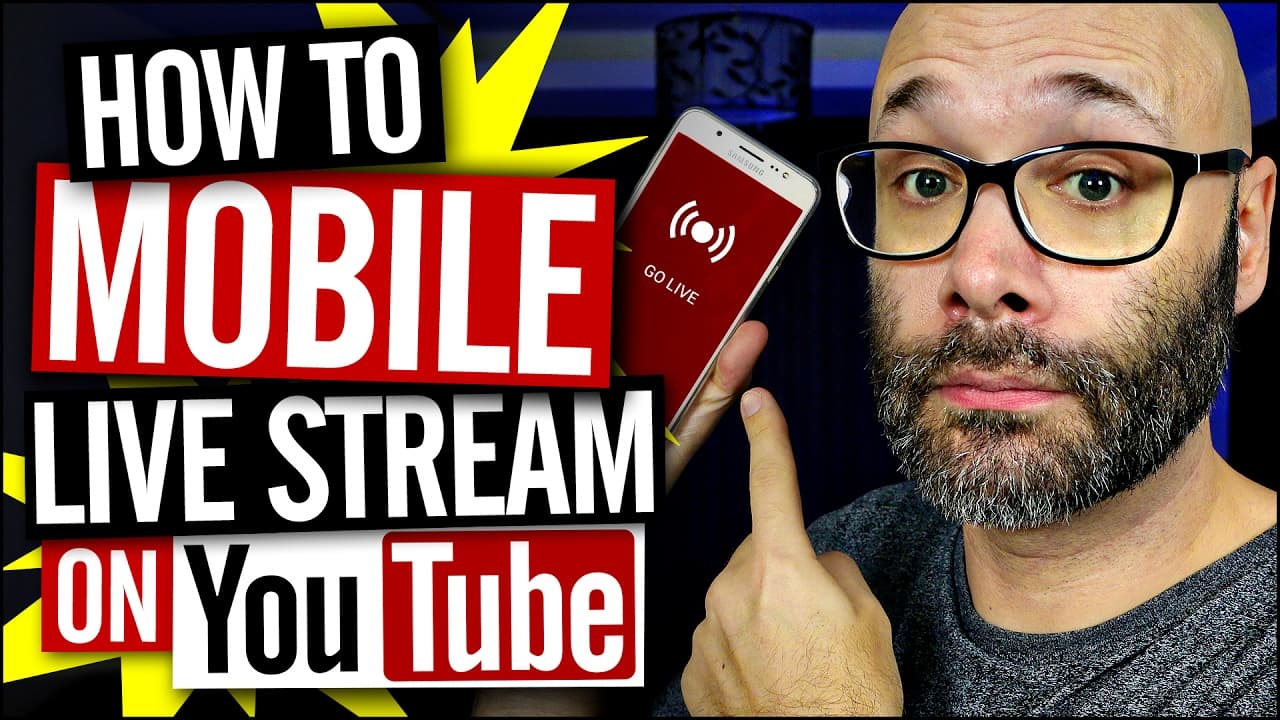
To live stream on YouTube from your mobile device, open the YouTube app, tap the Record button, and select 'Go Live' if you have over 10,000 subscribers. Set a title and description for your stream, choose your visibility settings, and start interacting with viewers in real-time. This feature enhances audience engagement and optimizes videos for search.
Transcript
- I'm gonna show you how to mobile live stream in the YouTube app. And we're startin' right now. (hip hop music) What is goin' on? My name is Nick, welcome to another video. If this is your first time here, and you wanna learn how to grow your channel and make videos and all types of YouTube related stuff, make sure you hit that Subscribe button so... Read More
Key Insights
- 😀 YouTube now allows creators with over 10,000 subscribers to live stream from their mobile devices within the app.
- 🫒 Creators can add titles, descriptions, and thumbnails to their live streams to enhance discoverability.
- 🫒 Mobile live streaming fosters real-time interaction with the audience, increasing engagement and potential growth opportunities.
- 👨🔬 Creators can optimize their live streams for search, making them discoverable to a wider audience.
- 🙊 The feature enables creators to monitor key metrics like viewership, peak concurrents, new subscribers, and average watch time for performance tracking.
- 🫒 Mobile live streaming on YouTube facilitates community interaction, increasing uploads and connection with the audience.
- 🫒 The live streaming feature showcases viewer engagement through comments and likes during the live stream.
Install to Summarize YouTube Videos and Get Transcripts
Explore YouTube Video Summarizer or Get YouTube Transcript Extractor
Questions & Answers
Q: What is the new feature introduced by YouTube for creators with over 10,000 subscribers?
YouTube now allows creators with over 10,000 subscribers to go live from their mobile devices directly within the YouTube app, enhancing real-time interaction with their audience.
Q: How can creators optimize their mobile live streams for search and discoverability?
Creators can add titles, descriptions, and thumbnails to their live streams, making them searchable just like normal videos and boosting their visibility on the platform.
Q: What are some benefits of mobile live streaming for creators and their audience?
Mobile live streaming enables creators to engage with their audience in real-time, increase their uploads, and optimize videos for search, fostering community interaction and potential growth opportunities.
Q: How can creators track the performance of their mobile live streams?
YouTube provides creators with valuable insights such as the number of viewers, peak concurrents, new subscribers gained, watch time, and average watch duration to track the success of their live streams.
Summary & Key Takeaways
-
YouTube introduced mobile live streaming within the app for creators with over 10,000 subscribers.
-
Creators can easily go live from their mobile devices, interact with viewers, and optimize videos for search.
-
The feature allows for real-time connection with the audience, increased engagement, and potential growth opportunities.
Read in Other Languages (beta)
Share This Summary 📚
Summarize YouTube Videos and Get Video Transcripts with 1-Click
Try YouTube Summary with ChatGPT & Claude or YouTube Transcript Generator
Explore More Summaries from Nick Nimmin 📚



Summarize YouTube Videos and Get Video Transcripts with 1-Click
Try YouTube Summary with ChatGPT & Claude or YouTube Transcript Generator